
How to make a menu in QR code?
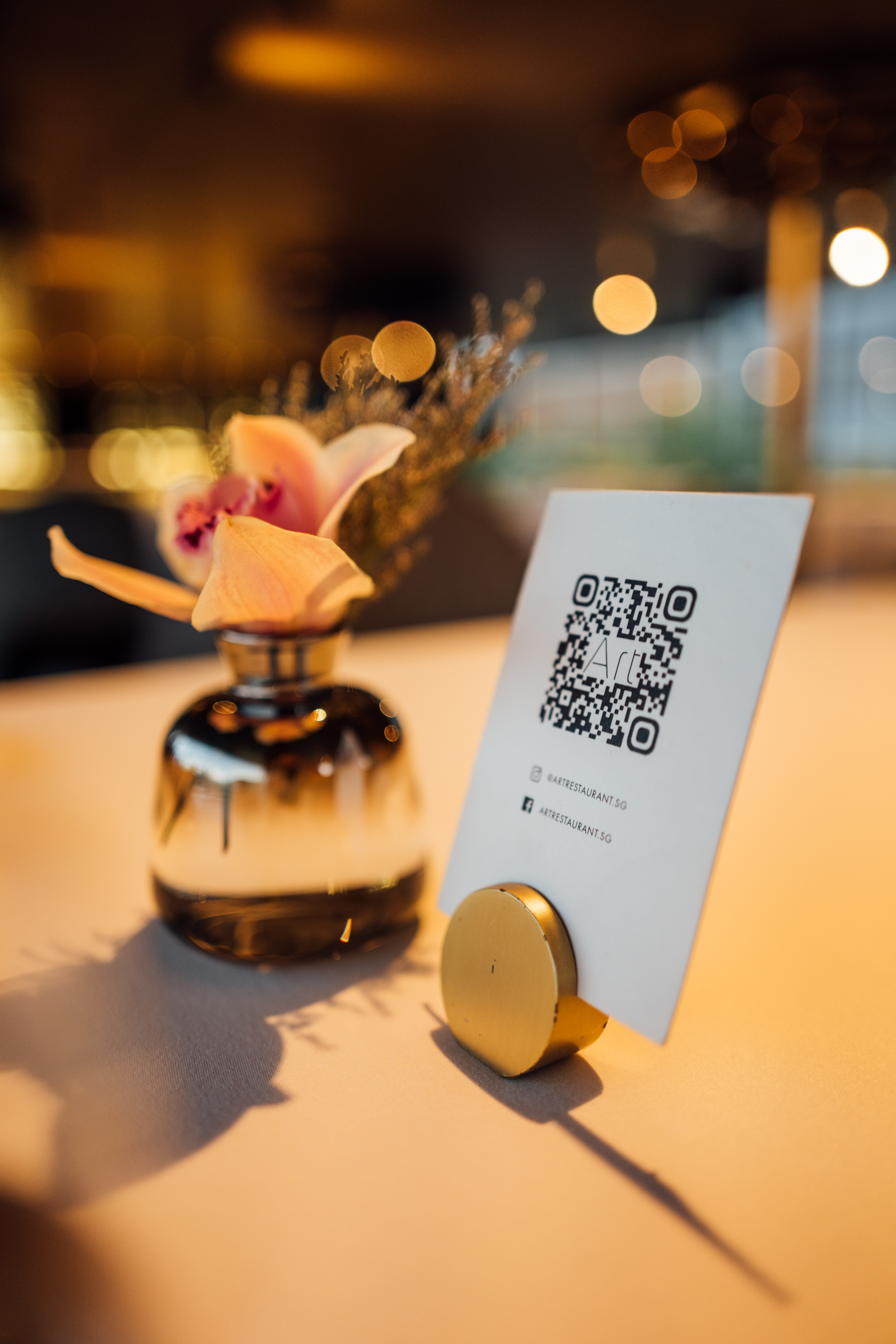
In recent years, QR codes have gained popularity and have proven to be very useful in various sectors, including the restaurant industry. QR code menus allow customers to view the menu directly on their smartphones, thus avoiding contact with physical menus and providing a faster and more hygienic customer experience. In this article, we will show you how to create a QR code menu for your restaurant in a few simple steps.
Step 1: Prepare your digital menu
Before creating a QR code, it is important to prepare your digital menu. Make sure your menu is up to date and includes all the necessary information, such as dish names, ingredients, prices, as well as attractive and high-quality images.
Choose a file format: Commonly used file formats for digital menus are PDF and JPEG. PDF is recommended as it preserves the layout and image quality.
Create an appealing menu: Use graphic design software, such as Adobe Illustrator or Canva, to create a visually appealing menu. You can also hire a graphic designer to create a professional menu.
Host your menu online: Upload your digital menu to a file hosting service, such as Google Drive, Dropbox, or a dedicated web server. Make sure the file is publicly accessible and obtain its URL.
Step 2: Generate your QR code
Now that your digital menu is ready and hosted online, it’s time to create the QR code that will direct customers to it.
Choose a QR code generator: There are many online QR code generators, such as QR Code Generator, QRStuff, or QRCode Monkey. Most of these services offer free options with basic features, as well as paid plans with advanced features.
Customize your QR code: When using a QR code generator, you can customize the appearance of the QR code by adding colors, logos, and patterns. Ensure that the QR code is clearly readable and aligns with your restaurant's visual identity.
Enter the menu URL: Copy and paste the URL of your hosted digital menu into the QR code generator. The generator will automatically create a QR code that directs to this URL.
Download the QR code: Once your QR code is ready, download it in high resolution, preferably in PNG or SVG format, to ensure optimal quality when printing or displaying on a screen.
Step 3: Integrate and promote the QR code
After creating your QR code, it’s time to integrate it into your restaurant and promote it to your customers.
Print and display the QR code: Print the QR code on marketing materials, such as posters, table cards, placemats, or stickers. Place these materials in high-visibility areas, such as the restaurant entrance, the cash register counter, and tables.
Integrate it into your website and social media: Add the QR code to your website and share it on your restaurant's social media. This will allow your customers to easily view the online menu before visiting or ordering takeout.
Inform your staff: Ensure that your team is informed about using the QR code and can explain to your customers how to scan and use the digital menu. Good communication between staff and customers will ensure a smooth user experience.
Track performance: Many QR code generators provide statistics on the number of scans and devices used. Use this data to assess the effectiveness of your QR code menu and make improvements as needed.
Integrate the QR code into your cash register: If your cash register system allows it, integrate the QR code directly onto receipts or payment terminal screens. This will encourage customers to check the QR code menu during their next visit or to order takeout dishes.
QR code menus offer a modern, hygienic, and practical solution for customers and restaurateurs. By following these simple steps, you can create a QR code menu for your restaurant and enhance the customer experience. Remember to keep your digital menu up to date and actively promote your QR code to your customers to maximize its usage and benefits.