
How to use an electronic payment terminal?
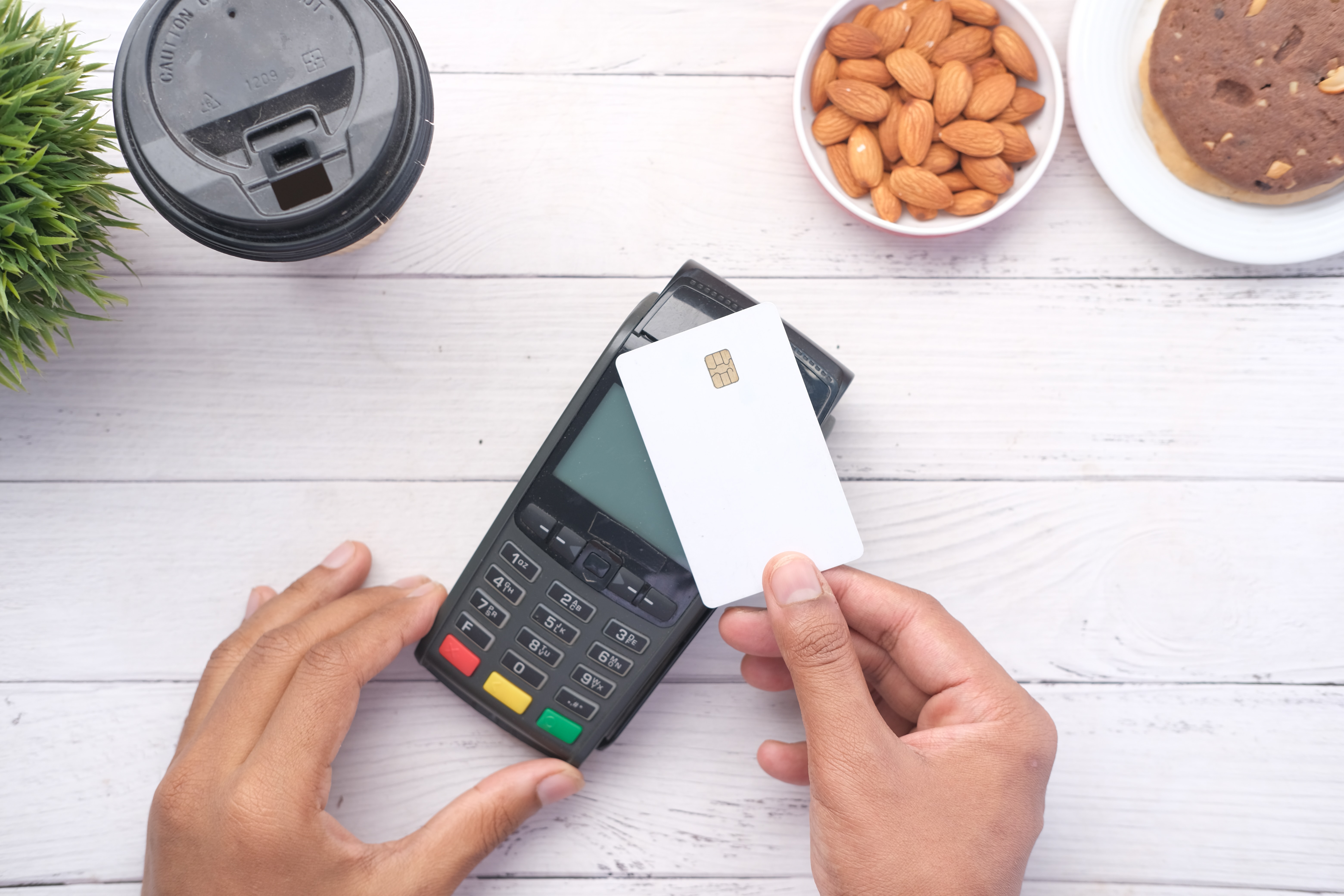
Electronic payment terminals have become an essential tool for businesses, providing an easy and quick way to process payments. However, setting up and using payment terminals can seem a bit complicated at first. In this article, we will review the different steps for installing and using a payment terminal, as well as the various types of available equipment.
Installation of the Payment Terminal
The installation of the payment terminal is generally simple and quick. Most payment terminal providers supply a detailed installation guide to help you connect the terminal to your payment system.
The first step in the installation is to plug the payment terminal into a power source. Most terminals are powered by a standard electrical outlet or a rechargeable battery. Make sure the terminal is plugged in correctly and that the battery is charged before you start using it.
The second step is to connect the payment terminal to your payment system. Payment terminals are typically equipped with Ethernet, USB, or serial ports to connect to a computer or a cash register or point of sale (POS) system. Follow the instructions provided by the payment terminal provider to correctly connect the terminal to your payment system.
Finally, follow the configuration and activation steps for the payment terminal as per the instructions provided by the payment terminal provider. Ensure that the terminal is properly configured and activated before you start using it to process payments.
Using the Payment Terminal
Once the payment terminal is properly installed and activated, you can start using it to process payments. The steps for processing a transaction on a payment terminal are generally as follows:
Insert the payment card - Insert the payment card into the slot provided for that purpose on the terminal. Most payment terminals accept credit, debit, and prepaid cards.
Enter the transaction amount - Enter the transaction amount using the numeric keypad of the terminal.
Check the transaction information - Verify the transaction information on the screen, such as the amount, merchant name, and date of the transaction.
Ask the buyer to enter their PIN - If the payment card requires a PIN, ask the buyer to enter their PIN using the numeric keypad of the terminal.
Wait for transaction approval - The terminal sends the transaction request to the card-issuing bank. Wait for the transaction approval.
Print the receipt - If the transaction is accepted, the terminal prints a receipt for the customer. Make sure that the customer has signed the receipt and retrieved their payment card before finalizing the transaction.
Types of Payment Terminals
There are several types of payment terminals available on the market, each with different features and benefits. Here are some of the most common types of payment terminals:
Wired Payment Terminals - Wired payment terminals connect to a computer or cash register using a cable. They are generally less expensive than wireless terminals, but they offer less flexibility.
Wireless Payment Terminals - Wireless payment terminals connect to a payment system via a Wi-Fi, Bluetooth, or 4G connection. They offer more flexibility than wired terminals but are often more expensive.
Mobile Payment Terminals - Mobile payment terminals are designed to be used on the go. They can be used with a Wi-Fi, Bluetooth, or 4G connection and are typically equipped with a rechargeable battery. They are ideal for businesses that process payments outside of their point of sale.
Integrated Payment Terminals - Integrated payment terminals are built into an existing cash register. They are often used in restaurants or retail businesses where the cash register is already in place.
Electronic payment terminals are an essential tool for businesses that process payments. The installation and usage of a payment terminal are generally simple and quick, and the various equipment options available offer great flexibility to meet the needs of each business. By using a payment terminal, you can provide your customers with a convenient and secure way to process payments, which can help improve customer satisfaction and increase sales.