Is inyad a traditional bank, and does it replace my current bank?
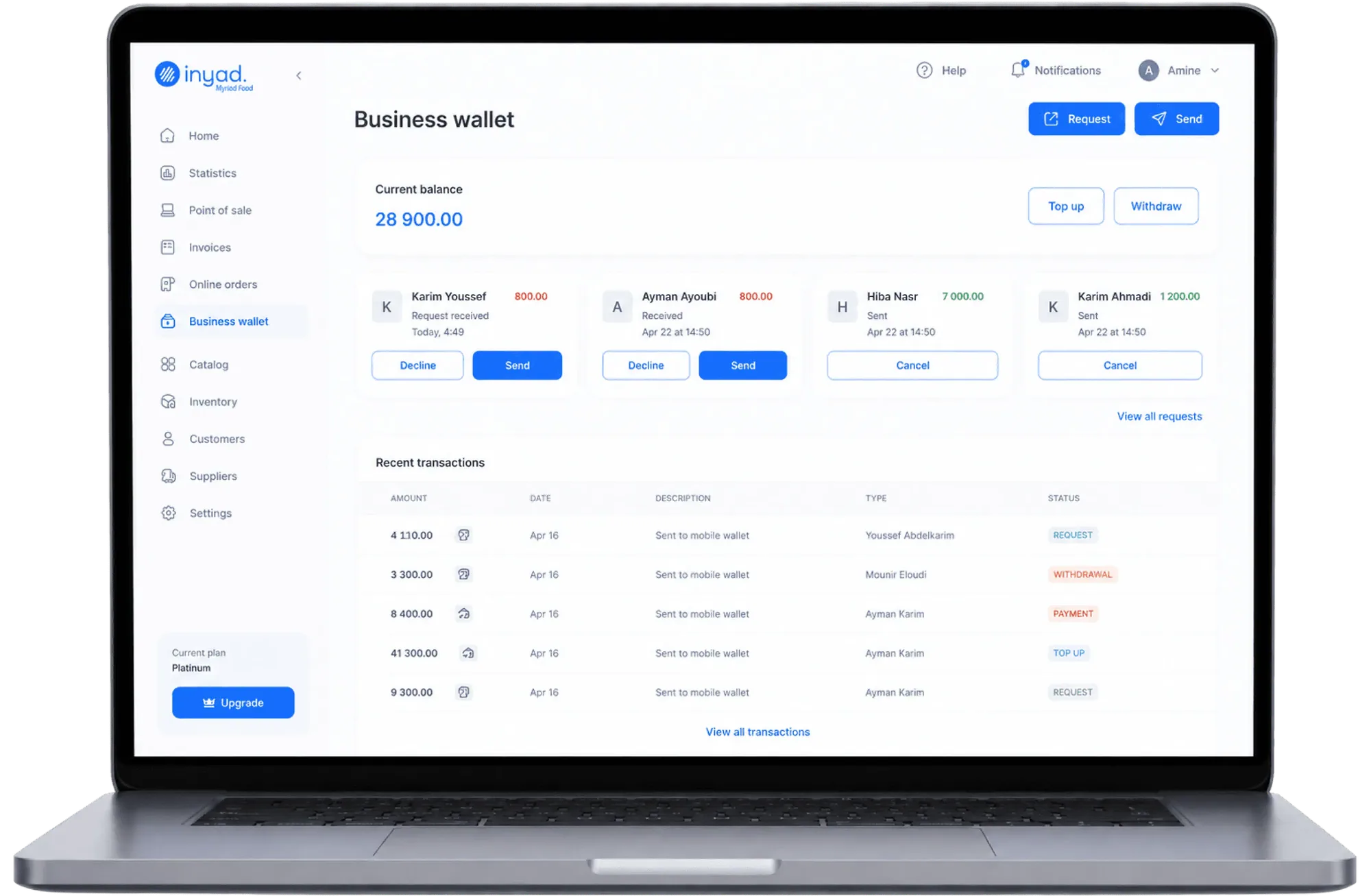
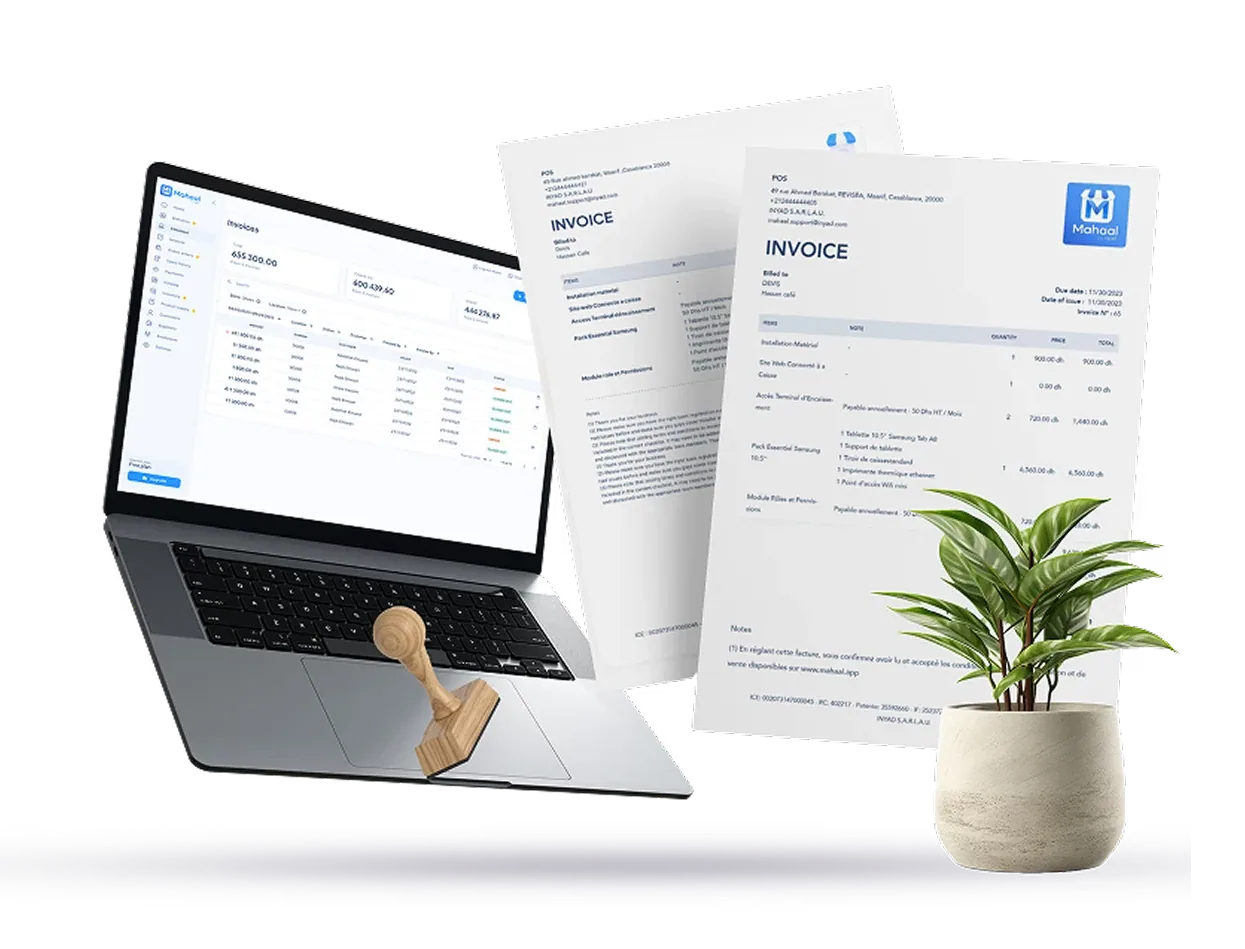
No, inyad is not a traditional bank, and you do not need to close your existing bank account to use it. Think of inyad as a modern financial operating workspace built to eliminate the daily pains of legacy banking. While traditional business accounts are completely disconnected from your operations, inyad is wired directly into your point of sale registers and invoicing tools. This means every customer transaction automatically records and reconciles itself in your dashboard on its own. You gain powerful management capabilities that classic bank accounts simply cannot offer, such as setting granular team access permissions to protect your data, automating bookkeeping logs, and completely eliminating manual data entry, duplicate data entry, and end-of-day reconciliation stress.
Where exactly does the money from my daily store sales land?
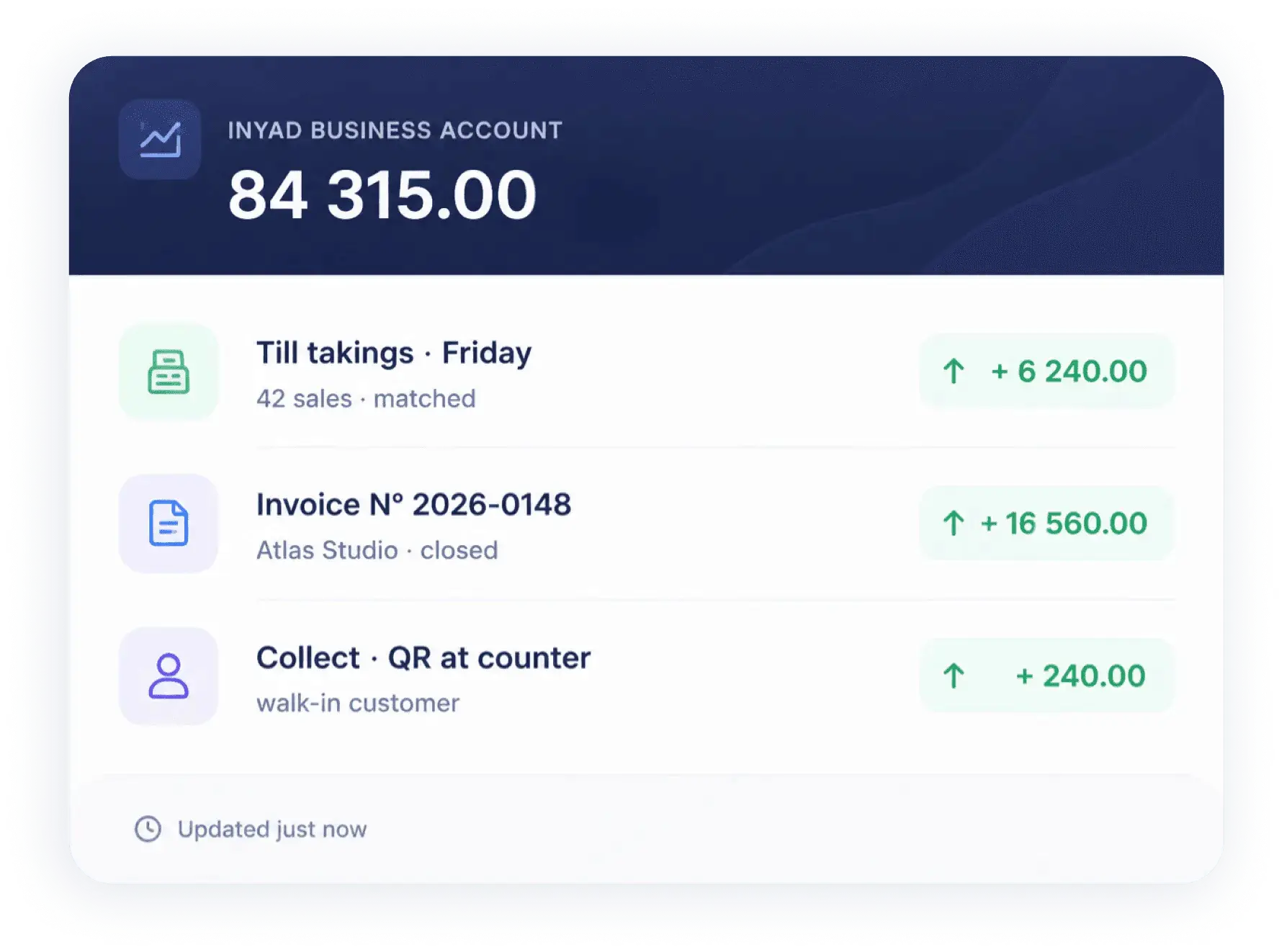
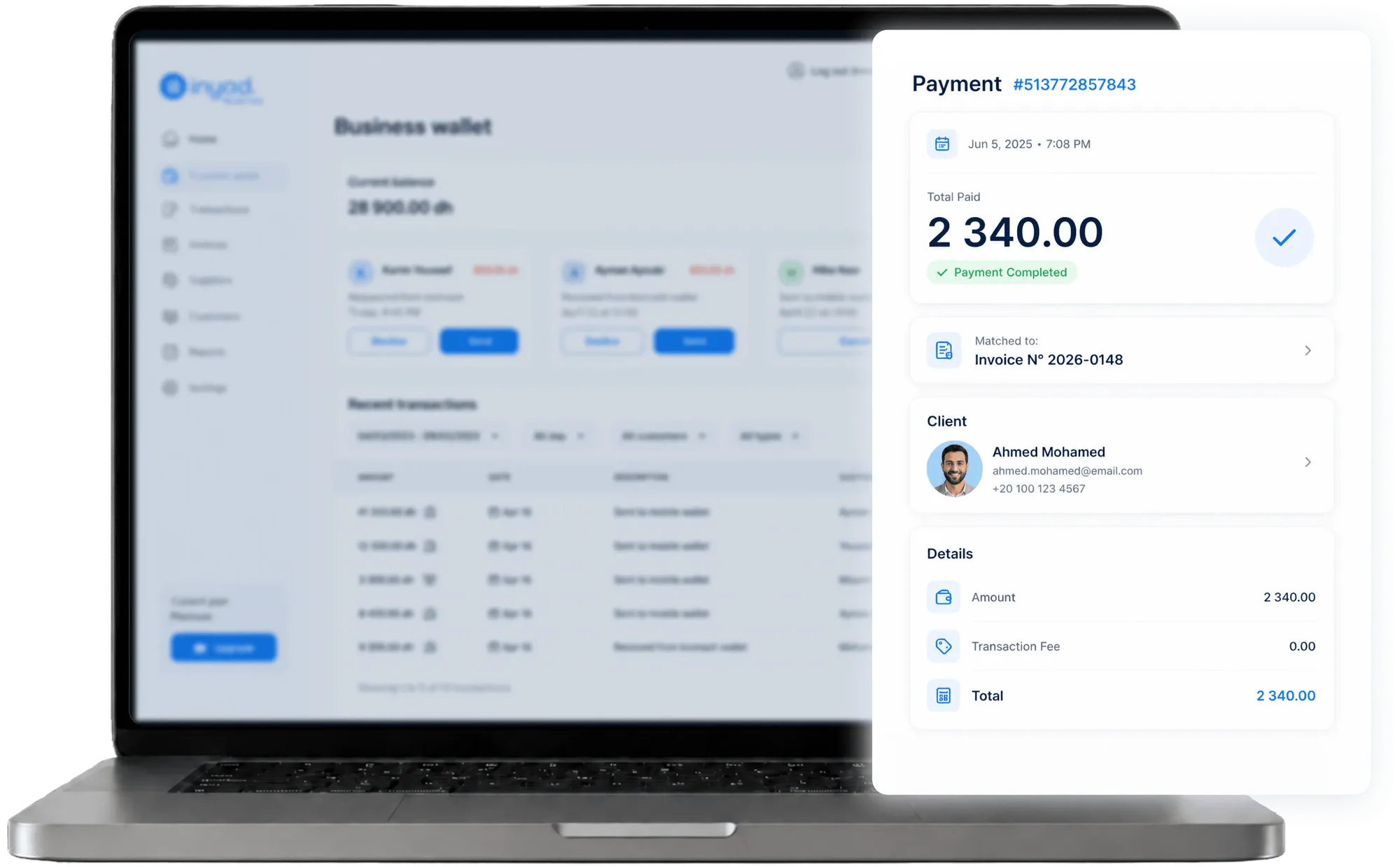
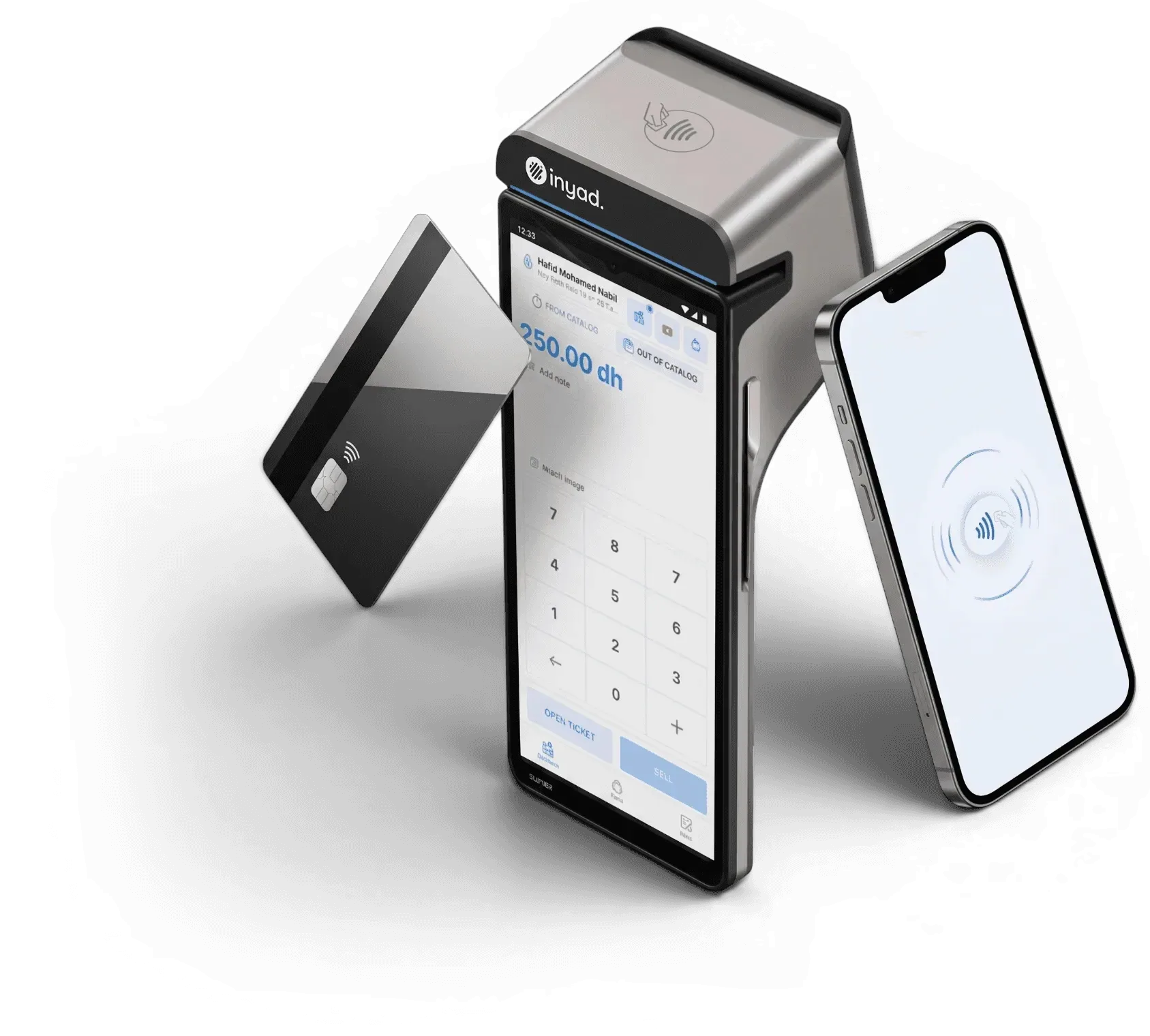
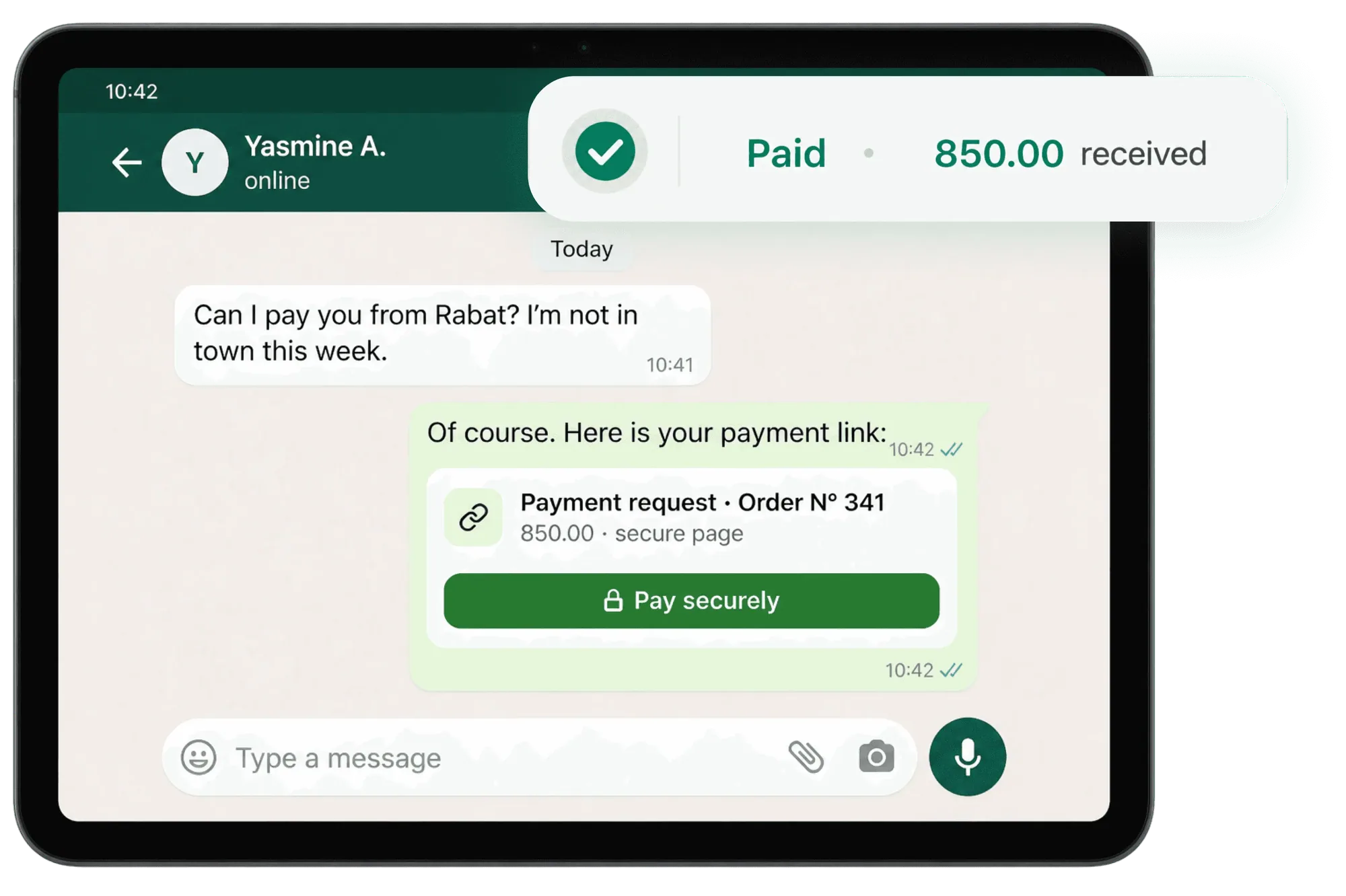
Every digital payment you collect, whether a customer taps their credit card on your handheld terminal, settles an online invoice link via WhatsApp, or pays through your e-commerce storefront, lands securely directly into your integrated inyad Business Account balance. The system automatically reconciles the transaction in real time, meaning the incoming funds are matched to the exact customer sale and specific invoice row in your ledger on their own, updating your active balance with no end-of-day manual checkups.
Is my money safe with inyad, and what regulations protect my funds?
Yes, your money is completely safe and fully protected. Your corporate funds are handled through licensed, highly regulated banking institution partners and secure clearing networks that comply with strict international monetary guidelines. Your active balance is safeguarded under strict regional deposit protection frameworks, meaning your operational capital is completely segregated from our internal corporate assets and always fully accessible to execute your transfers or business payouts at any time.
How do I move my collected money out to my external bank account?
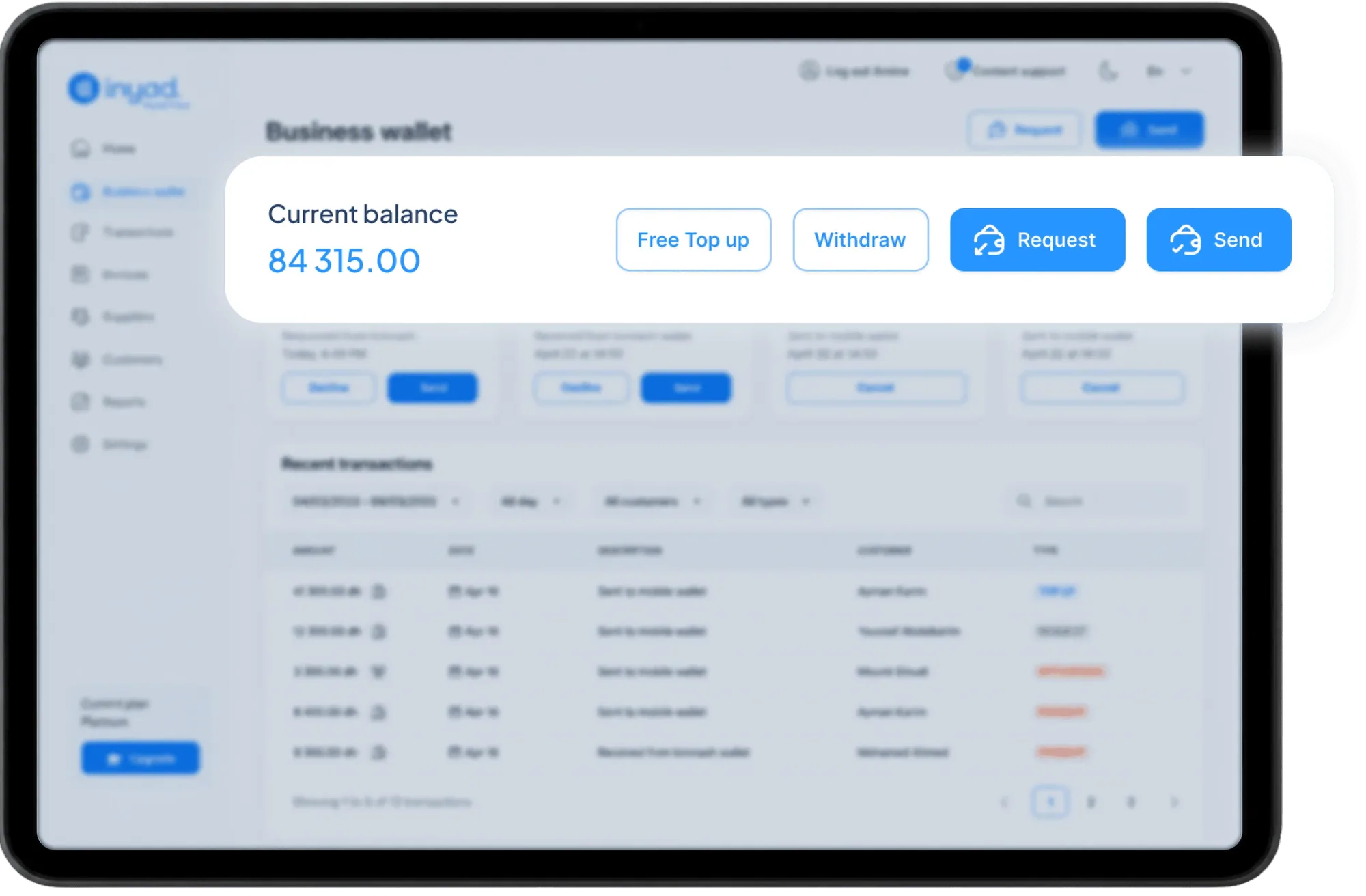
Moving your corporate cash out of the platform is fast, transparent, and completely frictionless. From your dashboard screen, you can trigger a direct digital payout or batch transfer to any traditional commercial bank account whenever you choose. Depending on your local banking network and processing rails, your funds move securely from your active workspace balance and can hit your external corporate banking records instantly or within 24 to 48 hours, completely removing processing delays or surprise holdbacks.
Can I use my account balance to pay corporate expenses, suppliers, and staff salaries?
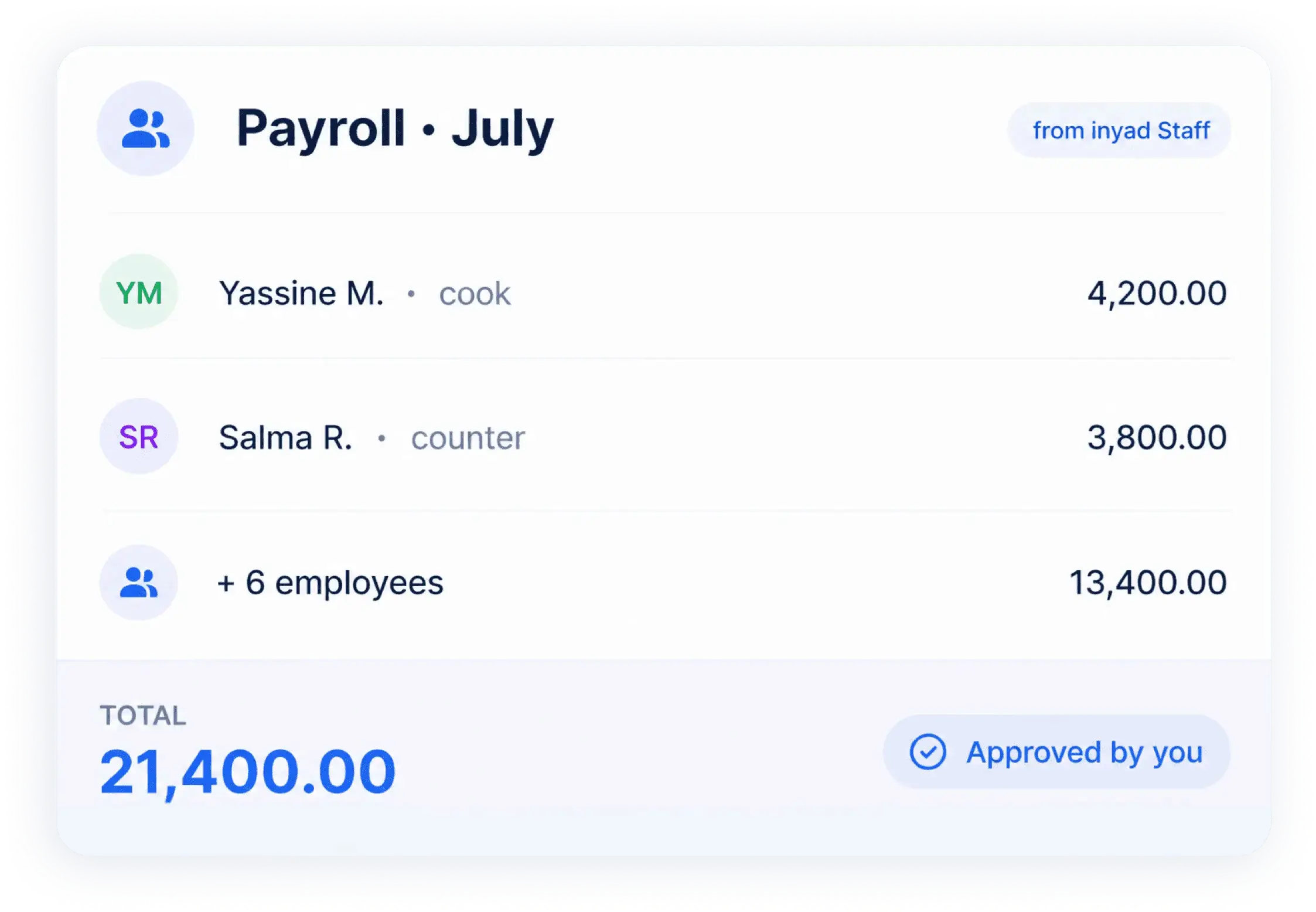
Yes, it functions as a comprehensive outgoing treasury platform to run your entire operational lifecycle. Instead of constantly withdrawing physical cash, writing multiple individual cheques, or executing manual bank wires at the end of the month, you can deploy your active balance straight from your digital dashboard. The software lets you settle supplier purchase invoices and execute team payroll runs seamlessly, keeping your business outflows organized, tracked, and logged in one single workspace.
How do I open an account, and are there monthly maintenance fees?
Opening your account is entirely digital, takes only a few minutes, and carries zero ongoing monthly maintenance fees or surprise balance minimum requirements. You can instantly create your profile directly through your computer web browser or smartphone application by uploading your standard business registration or identity proofs. Once you submit your files, our internal compliance team conducts a quick security review phase to verify your profile and open your secure processing rails. Your account incurs a simple, one-time setup activation fee during onboarding, and you pay only standard competitive rates for external outgoing bank wires.
Can I see the Business Account working before I decide?
Yes. Book a free demo, with no commitment and in your language: we show you the account working with your sales, your team and your payouts. Plans are on the pricing page for your market, in riyals.