Employee scheduling software that builds rotas in minutes
Planning next week by spreadsheet and a forty-message group chat eats your Sunday, and shifts still slip through. Build the shift rotation in minutes, publish the calendar to every phone, and match staffing to your busiest hours, every week.
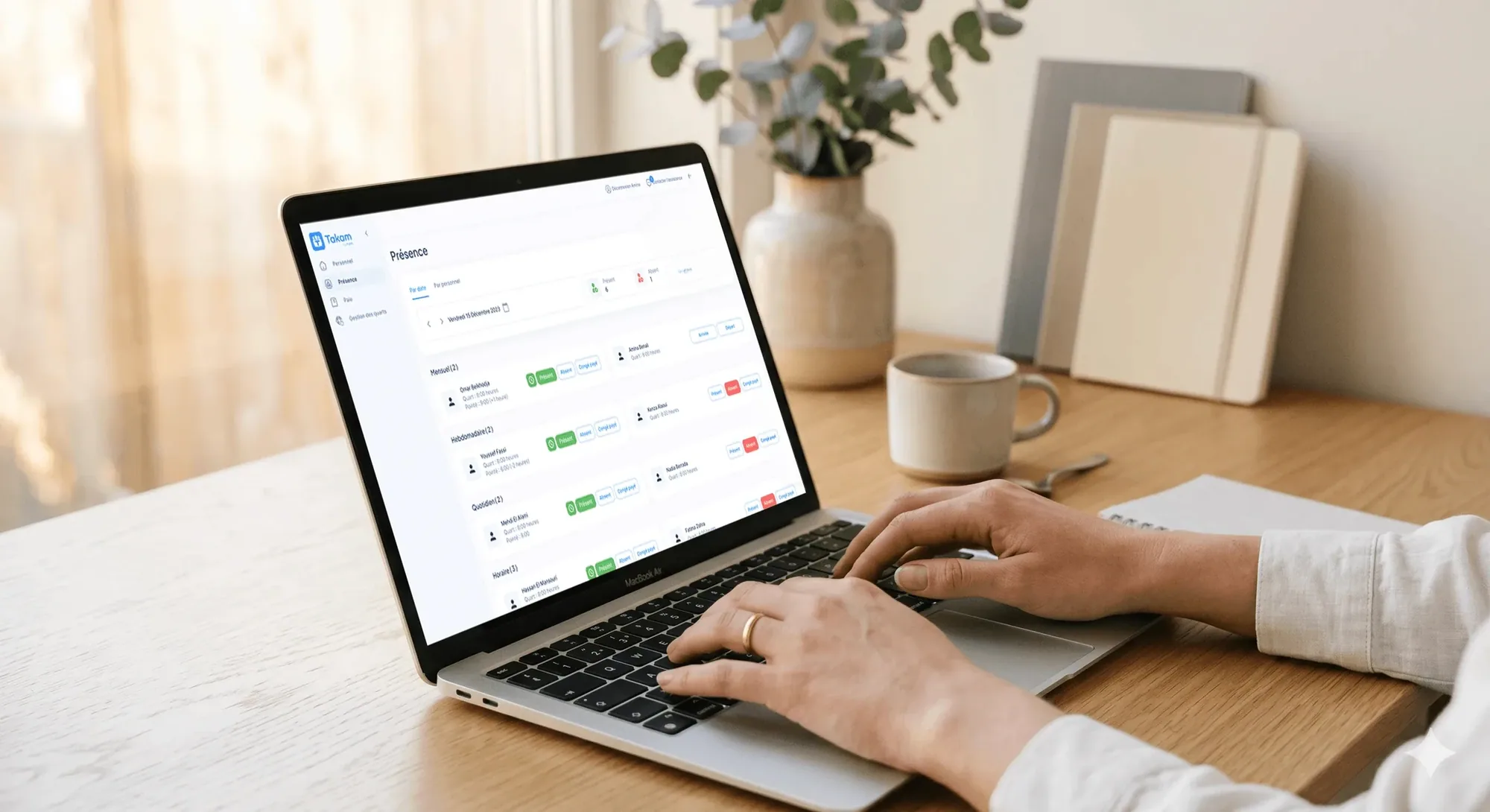
The right people, at the right time, every week
Understaffing costs you sales. Overstaffing costs you margin. A rota built around your actual trading pattern gets the balance right.
Next week's rota starts from last week's
Rebuilding the rota from nothing every week is an evening gone, and the result is roughly what you had last week anyway.
Publish once and every phone updates
A rota nobody can see is a shift nobody turns up for, and the cover you find at short notice always costs you more.
Conflicts surface while you're still drafting
Booking someone on their day off is an argument you lose twice, once with the person and once with the payroll at month-end.
Employee scheduling software for every team with a rota
Drag shifts into place, publish to every phone, and watch hours add up so overtime is caught before the pay run.
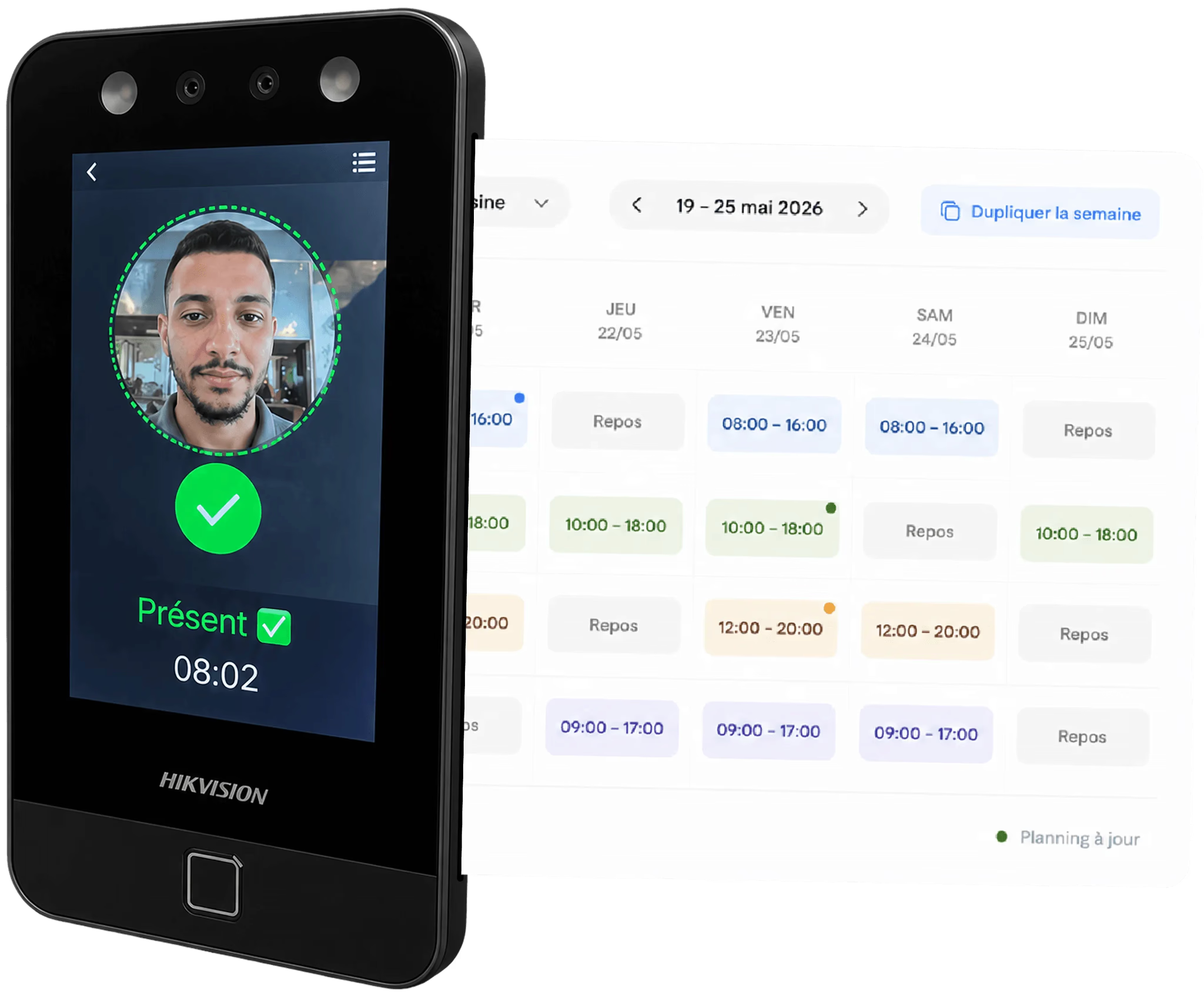
Draft a full week's schedule in a few minutes
Most managers rebuild the same rota from a blank page every week, an hour of work to reach roughly last week's answer. The drag-and-drop builder assigns shifts across the whole team at once, filtered by role or location, or copies a previous week so you adjust only what changed.
- Assign morning, afternoon, and evening shifts across any number of roles and team members
- Copy a previous week's rota as a starting template and edit only what's changed
- See who is on leave before you assign, so gaps never surprise you mid-week
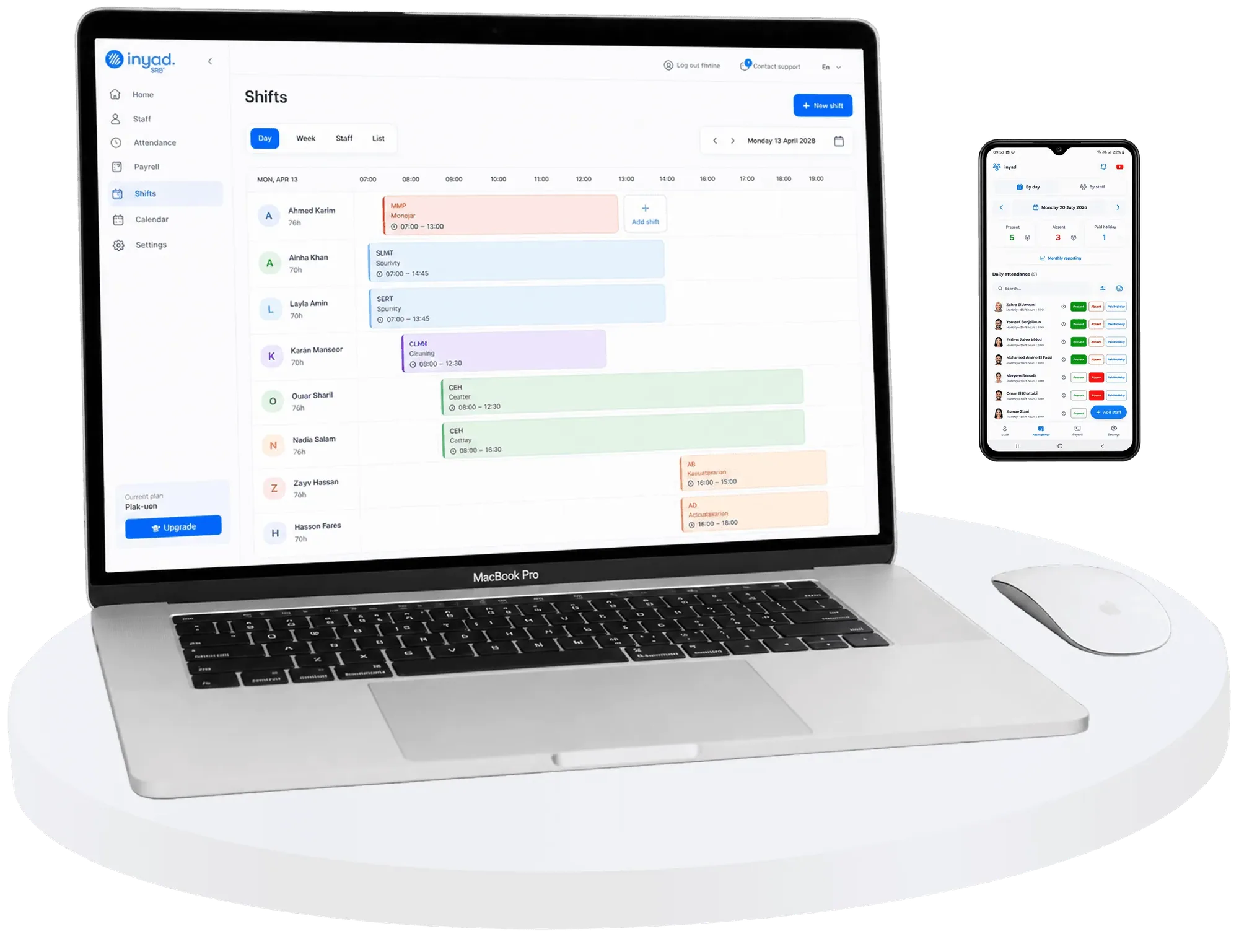
Staff see their shifts the moment you publish
"What time am I in tomorrow?" shouldn't be a nightly phone call, and a printed rota is out of date the first time someone swaps. Publish the schedule and every team member gets their shifts on the inyad mobile app; you can also display it on screen, print it, or share it by message.
- Publish the rota and staff see their shifts on the inyad mobile app
- A change replaces the old version everywhere, so nobody works from a stale rota
- Staff can see their full schedule for the week, days, times, and any notes, from their phone
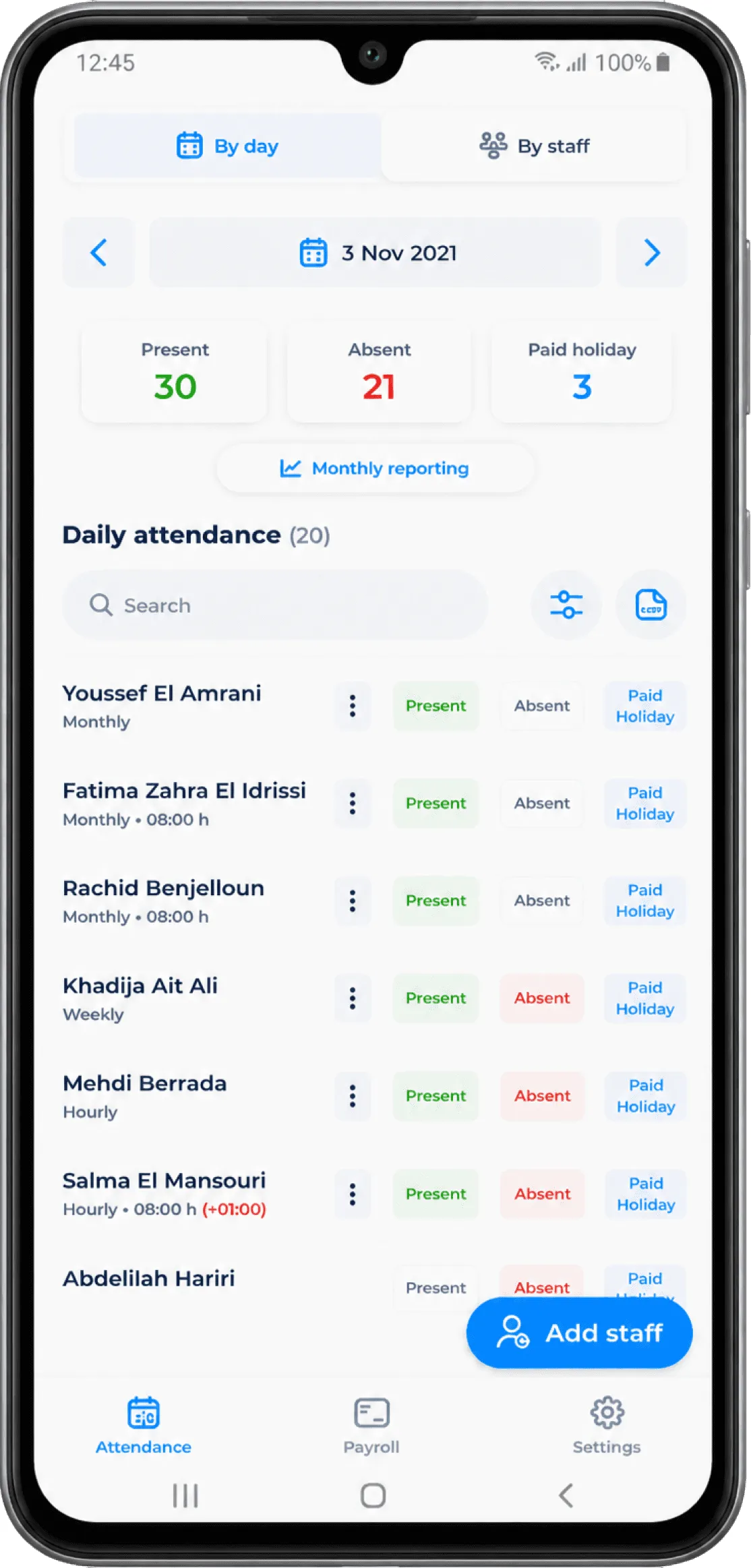
Adjust the rota on the fly and keep overtime in check
Schedules rarely survive the week unchanged. When someone calls in sick or a shift needs covering, you update the rota from your phone in a few taps and the whole team is notified instantly, while inyad surfaces overtime as it builds rather than at payroll time, when it is too late.
- Edit any shift on the fly from your phone, changes reach staff the moment you save
- Visibility of scheduled hours per person helps you spot overtime before it accumulates
- Approved leave is shown on the schedule view so you don't accidentally double-book a day off
Every shift is planned, shared, and covered from one screen
Copy last week, see who is on leave, publish to staff phones, then send worked hours straight through to payroll.
Scheduling for restaurants, retail, salons, and hospitality
Service periods, weekend footfall, appointment slots and multi-department rotas are all built in the same tool.

Table-service restaurants
Schedule kitchen and floor staff around service periods, split shifts, and peak trading hours without relying on a spreadsheet.
Learn more
Retail
Match the rota to your footfall patterns, heavier on weekends, lighter mid-week, and know who's on the floor at any moment.
Learn more
Wellness, beauty & health
Coordinate stylist schedules around appointment slots and ensure your busiest treatment hours are always fully staffed.
Learn more
Hospitality & food
Plan complex rotas across front desk, housekeeping, and F&B teams with one tool that keeps every department visible.
Learn moreScheduling works better with the rest of inyad
Scheduling isn't a separate app bolted on, it's part of the same inyad platform that runs your sales, inventory, payments, and payroll.
Time tracking
Compare planned shifts against actual clock-ins, and catch no-shows.
Learn moreLeave & absence
Approved leave shows in the builder, so nobody is booked while off.
Learn morePayroll software
Scheduled and actual hours both feed payroll, so nothing is guessed.
Learn moreReporting & analytics
Review labour cost, scheduled hours, and attendance trends together.
Learn moreLess time planning, better-staffed shifts
I used to lose my Sunday evening building the next week's rota. Now it takes minutes and the whole team has it on their phones before I finish my coffee.
Having leave already blocked out when I open the scheduler means I've stopped scheduling people on their days off. It sounds small but it caused arguments.
Common employee scheduling questions
Can I design weekly team rotations, copy schedules across weeks, and let employees view their shifts?
How does the scheduling tool account for approved employee leave, absences, and time-off windows?
Does our workforce scheduling grid handle multi-site operations and cross-location team deployments?
Is there an extra monthly software fee to activate employee scheduling inside our workspace?
Build your rota in minutes, not hours
Assign shifts, publish to your team and adjust on the fly, from your phone or desktop, with local support to get you started.
Get a free demo Start free