The delivery app integration that ends counter chaos
A counter crowded with order terminals, staff retyping orders into the POS, mistakes at every rush, that's how delivery breaks a kitchen. With inyad, orders from the delivery apps in your market consolidate into one list in your POS, next to walk-in and dine-in.
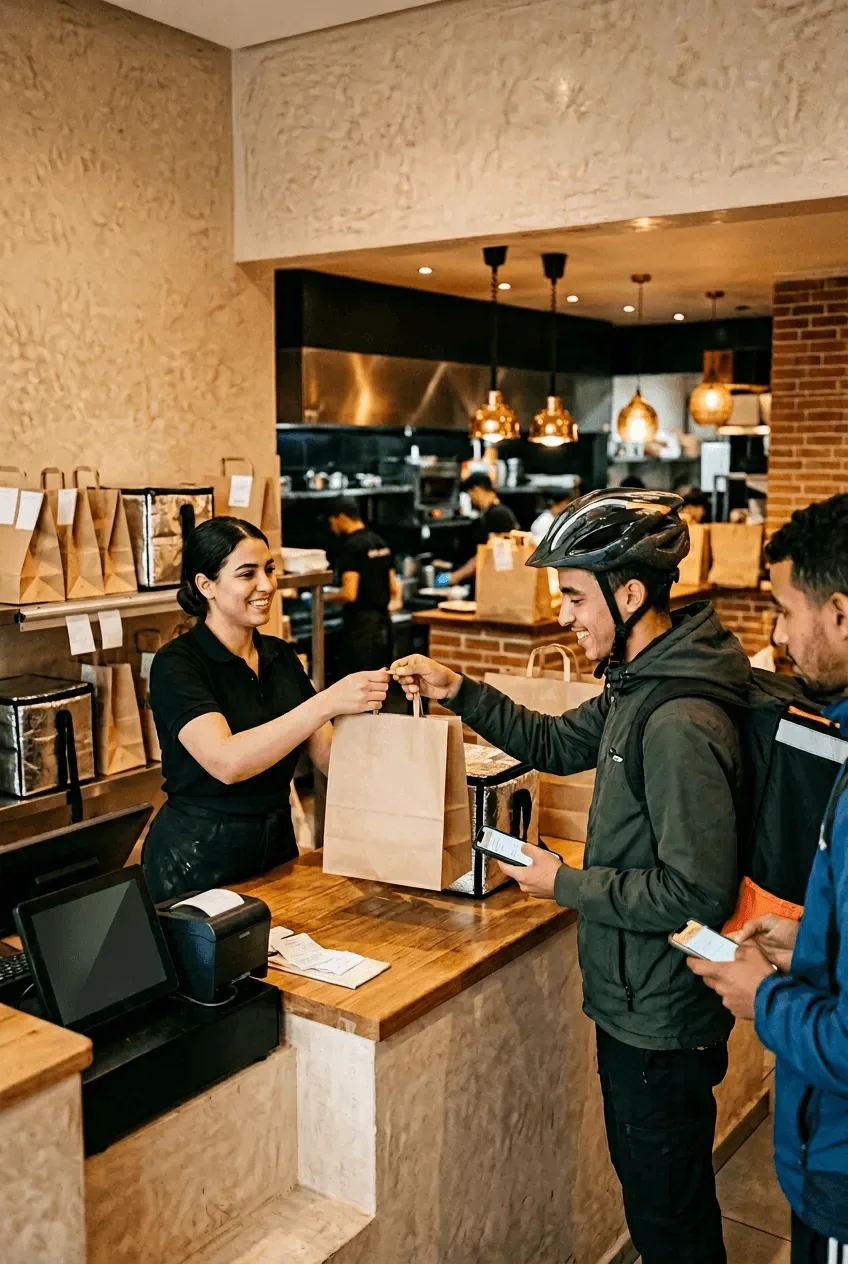
Every order in one place, however it came in
Every retyped order is a chance to get it wrong, and every extra device slows the rush. One queue fixes the errors and the pace.
Every order arrives on the same screen
Three order sources means three places to miss one. At peak, the order that gets forgotten is the one nobody was watching.
Fewer mistakes, faster preparation
Every retyped order is a chance to get it wrong, and a wrong order is a refund, a remake, and a review you did not want.
One set of numbers, every channel
If each channel reports on its own, you never learn which one actually earns. Stitching them together never quite happens.
How delivery app integration flows through your POS
One queue takes the order, the kitchen picks it up, and the day's revenue is already split by channel.
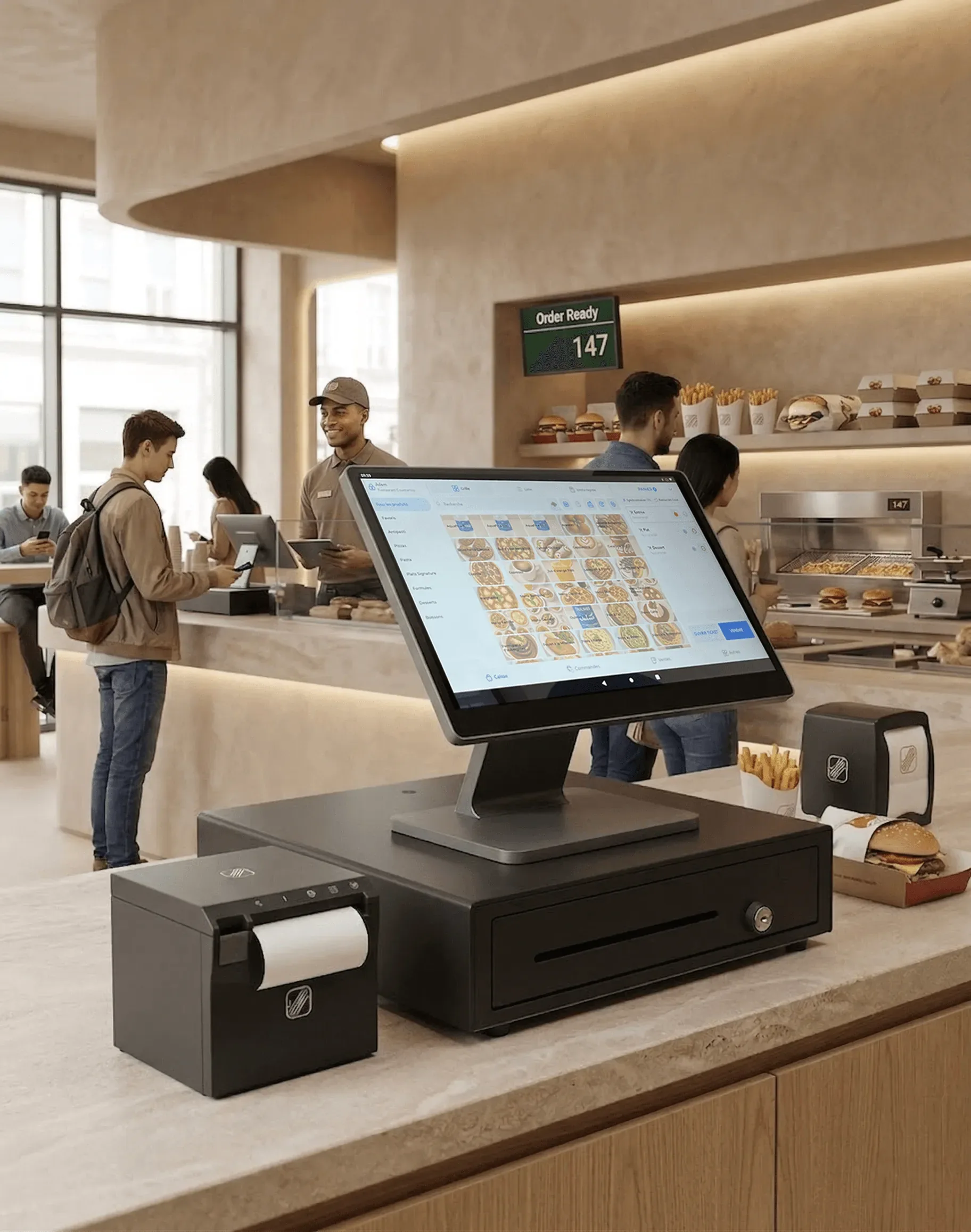
Marketplace orders land straight in your POS queue
When a customer places an order on a delivery app, it appears in your inyad POS the moment it is confirmed, in the same queue as your walk-in and own-channel orders. Your team works from one unified list, whatever the source. No extra device on the counter, no separate screen to watch.
- Marketplace orders from every connected platform flow straight into your existing POS queue
- Each order shows its channel, delivery app, walk-in or online, so staff know the context
- Accept or manage orders from the same interface your team already uses every day
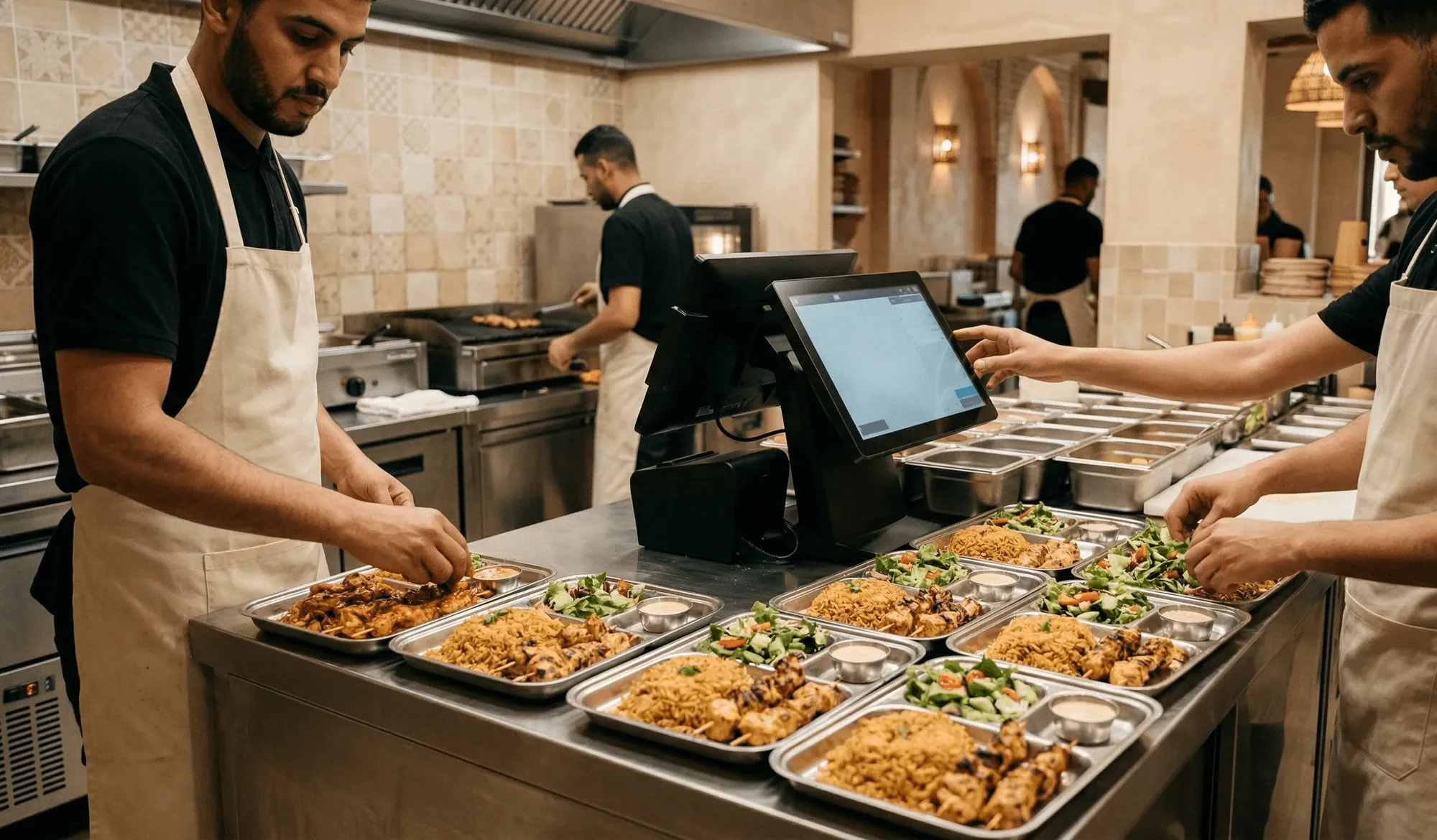
Orders go straight to preparation, kitchen or back room
Once a marketplace order is received in your POS, it routes automatically to where it gets prepared: the kitchen display or printer in a restaurant, the picking queue in a shop. Nobody reads off a separate device or retypes an order by hand, which cuts errors and keeps prep moving at full speed through the rush.
- Restaurants: orders fire to the kitchen display (KDS) or the kitchen printer, the same way walk-in orders do
- Shops: orders land as a pick list, stock deducts as items are packed
- Mark an order ready in the POS and the status updates, front-of-house and kitchen in sync
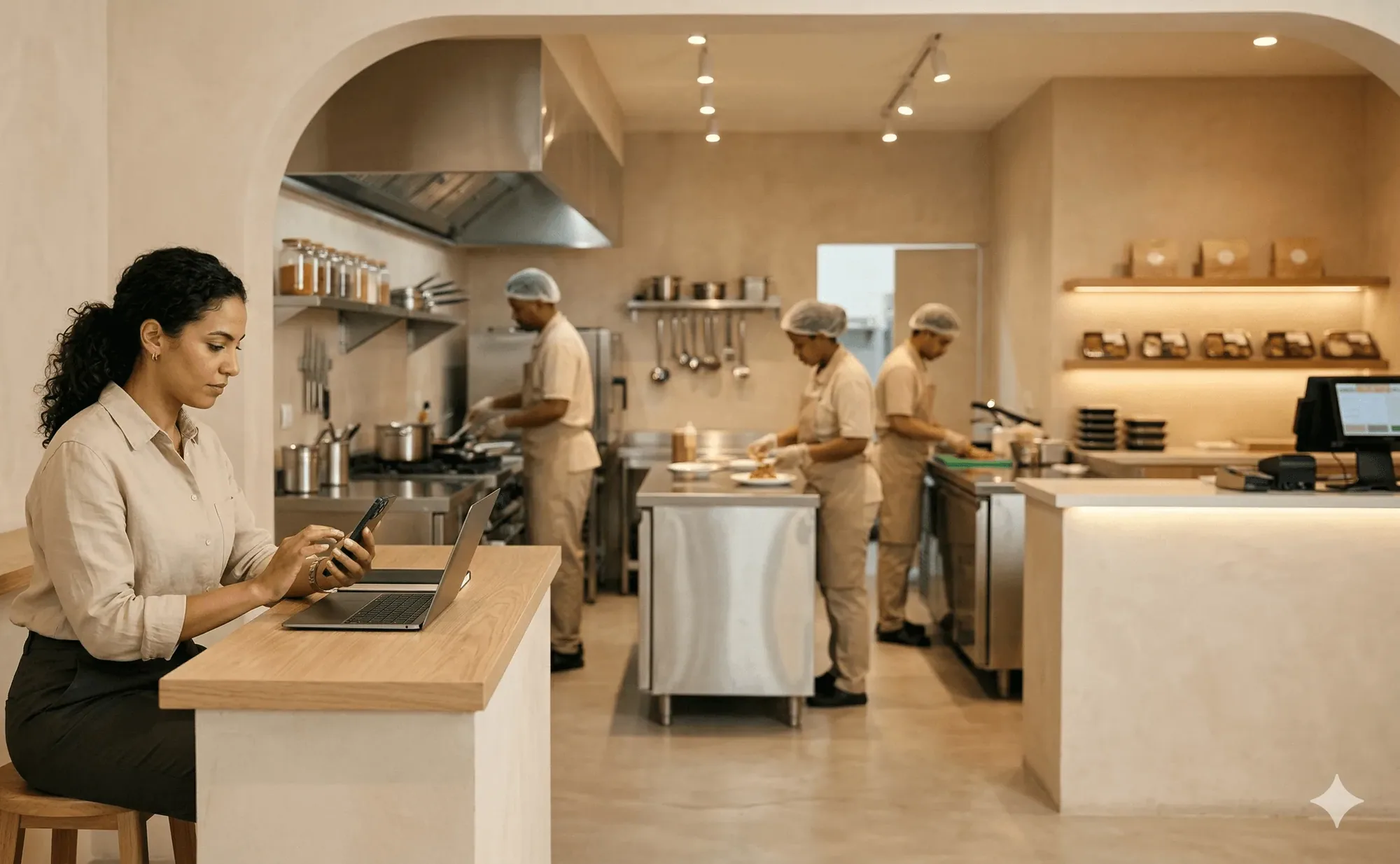
Compare every channel in a single revenue report
Your delivery app revenue, your own website revenue, and your walk-in revenue appear side by side in inyad's reporting. There is nothing to export from each portal and nothing to reconcile by hand, it is already in one place at the end of the day, ready to compare channel by channel.
- See revenue, order volume, and average basket broken down by channel
- Compare marketplace performance against your own ordering channels without leaving your POS
- Full order history across all delivery platforms in one searchable record
The whole delivery workflow lives in your POS.
Orders arrive, route to the kitchen, deduct stock and land in your reports without a second device on the counter.
Delivery integration for every food-service format
Single counters, multi-brand dark kitchens and peak-hour coffee shops all work from one queue on a single screen.
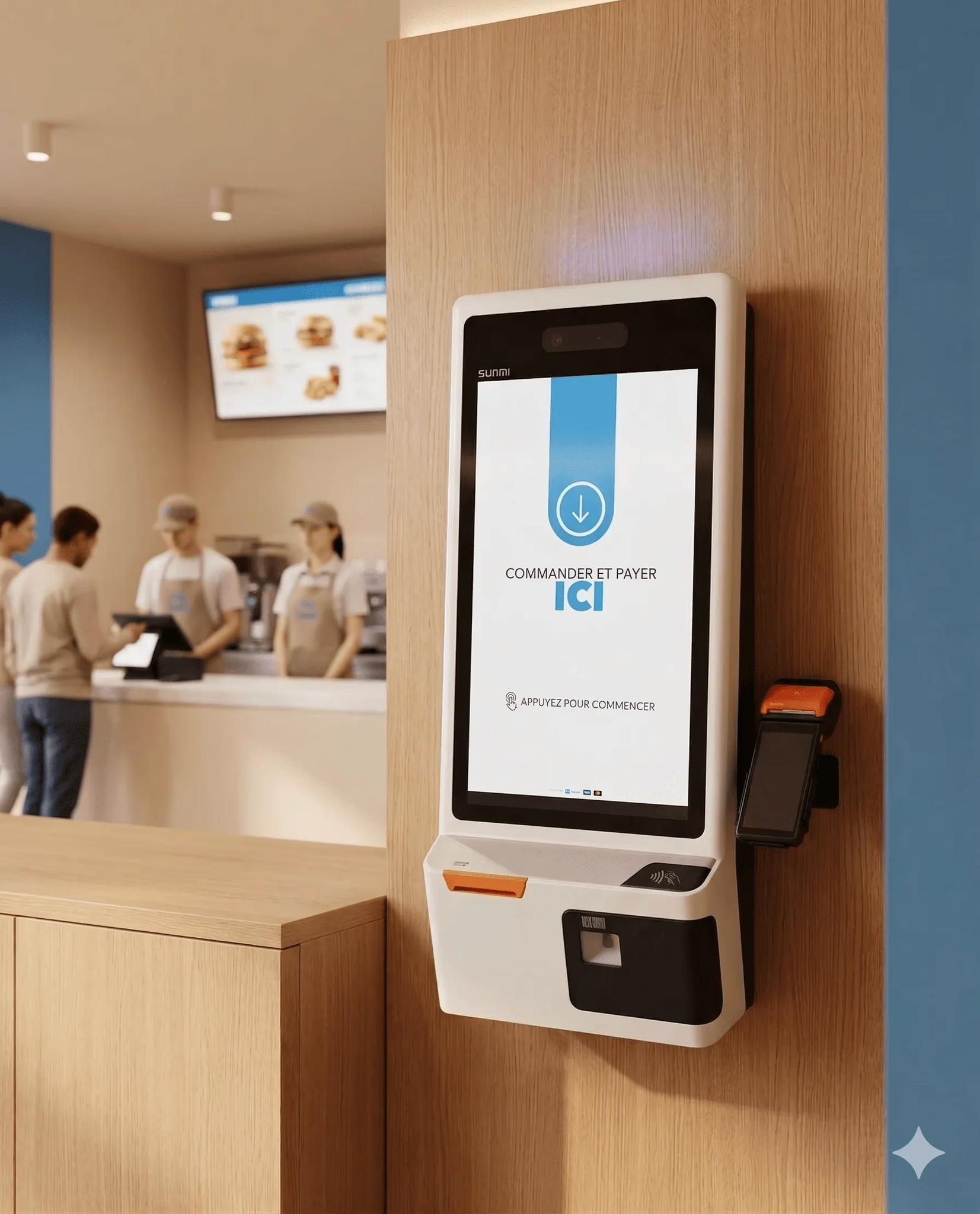
Fast food
Juggling delivery apps alongside walk-in is solved, your kitchen gets one queue and staff work from a single screen.
Learn more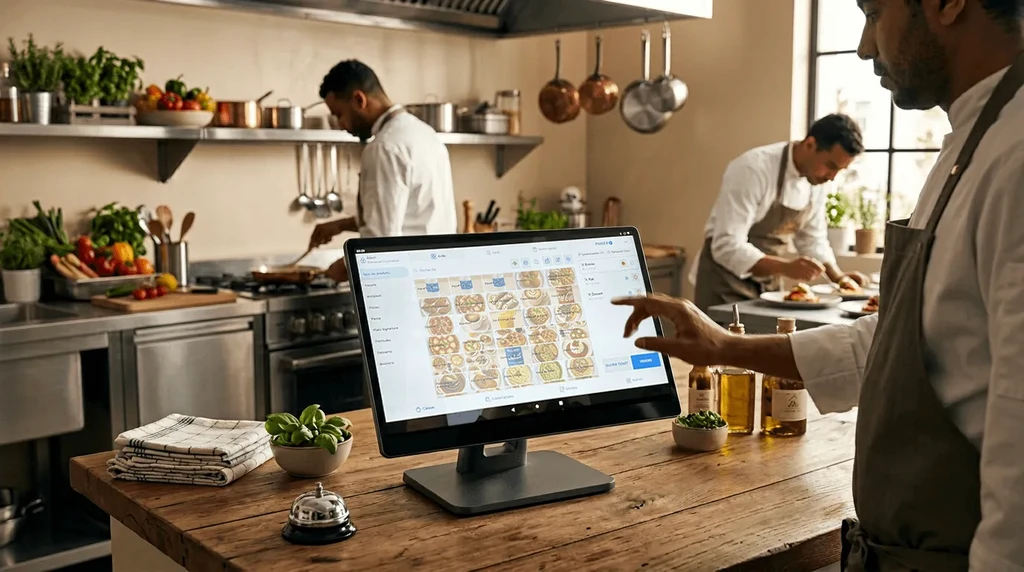
Dark kitchens
Multiple brands and platforms land in one view. No extra devices, no chaos, just a clear order queue for each concept.
Learn more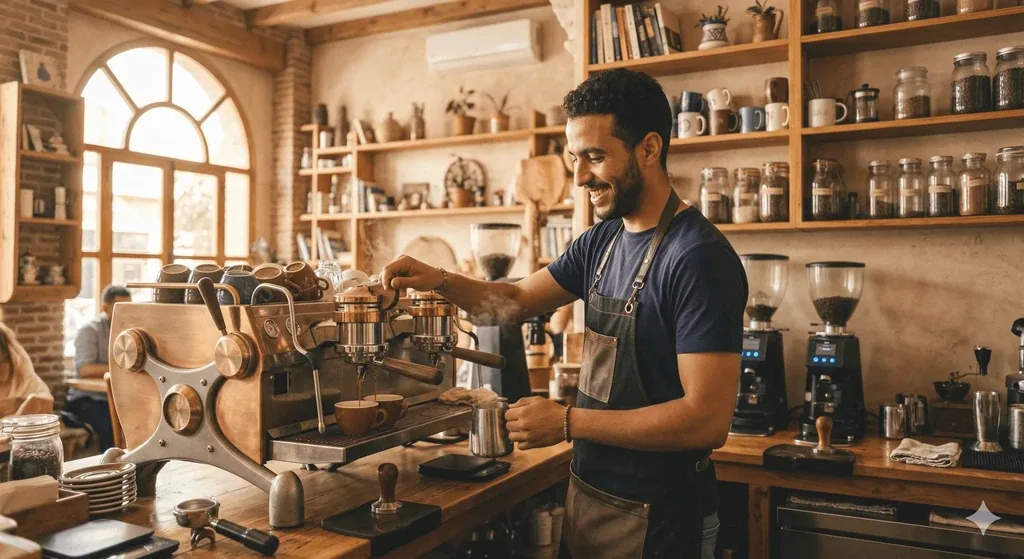
Café / coffee shop
Handle the peak delivery rush without extra staff by keeping every order, however it arrived, in one place.
Learn more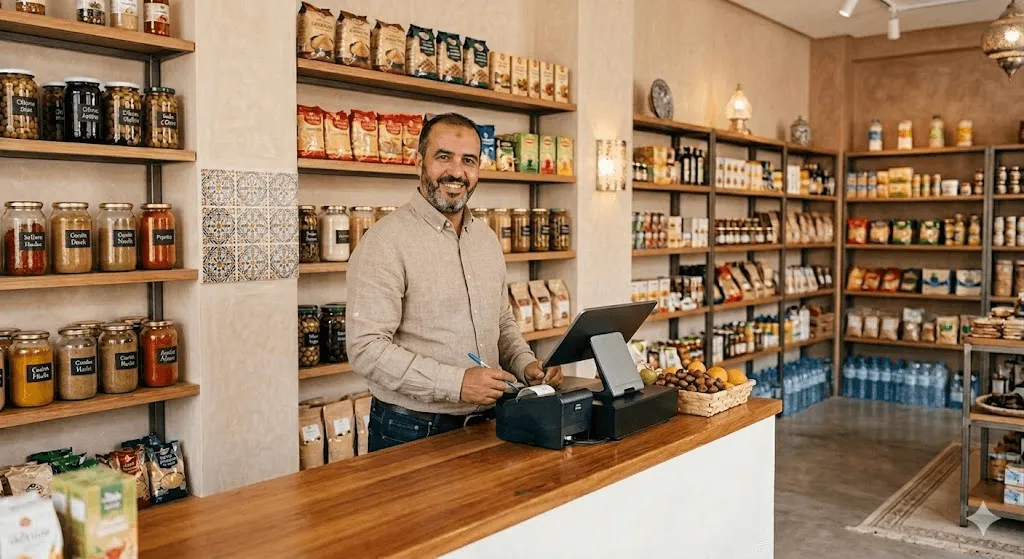
Grocery & retail
Delivery-app orders land as pick lists, stock deducts as items are packed, and every channel shows in one report.
Learn moreDelivery integration works better with the rest of inyad
Delivery is one part of one platform, sales, inventory, payments, and reports share the same system, so a delivery order deducts stock.
Restaurant POS
The system that receives every order, the hub integrations feed into.
Learn moreManaged delivery
Get a courier for orders from your own channels, not just marketplaces.
Learn moreOnline store
Your own branded channel, in the same queue as marketplace orders.
Learn moreReporting & analytics
Revenue from delivery apps, your website, and walk-ins in one report.
Learn moreWhat operators say about delivery integration
We used to have three machines on the counter, one for each delivery platform, plus the register for walk-in. Now everything comes into the POS and the team works from one screen. The chaos is gone.
Since marketplace orders route straight to the kitchen without anyone retyping them, errors have basically disappeared. Prep is faster and we're handling more orders at peak without extra staff.
Common delivery app integration questions
Do I still need to maintain a separate physical tablet device for each third-party delivery app on my counter?
Can I adjust my menus, edit descriptions, and update pricing instantly across all delivery platforms at once?
How does the platform handle delivery app revenues alongside my physical counter checkout logs?
Does the delivery integration connect with our inventory logs to track ingredient deductions automatically?
Stop juggling order terminals, run every order from one screen
Your delivery platforms, your own website, walk-in, all in one POS view.
Get a free demo Start free