Self-ordering kiosk software that cuts the queue at the counter
Queues walk out the door at exactly the hour you make your money. inyad's self-service kiosks let customers order on the touchscreen themselves and pay by card at the kiosk or at the counter. Built for fast food, fast-casual, coffee chains, and food courts.
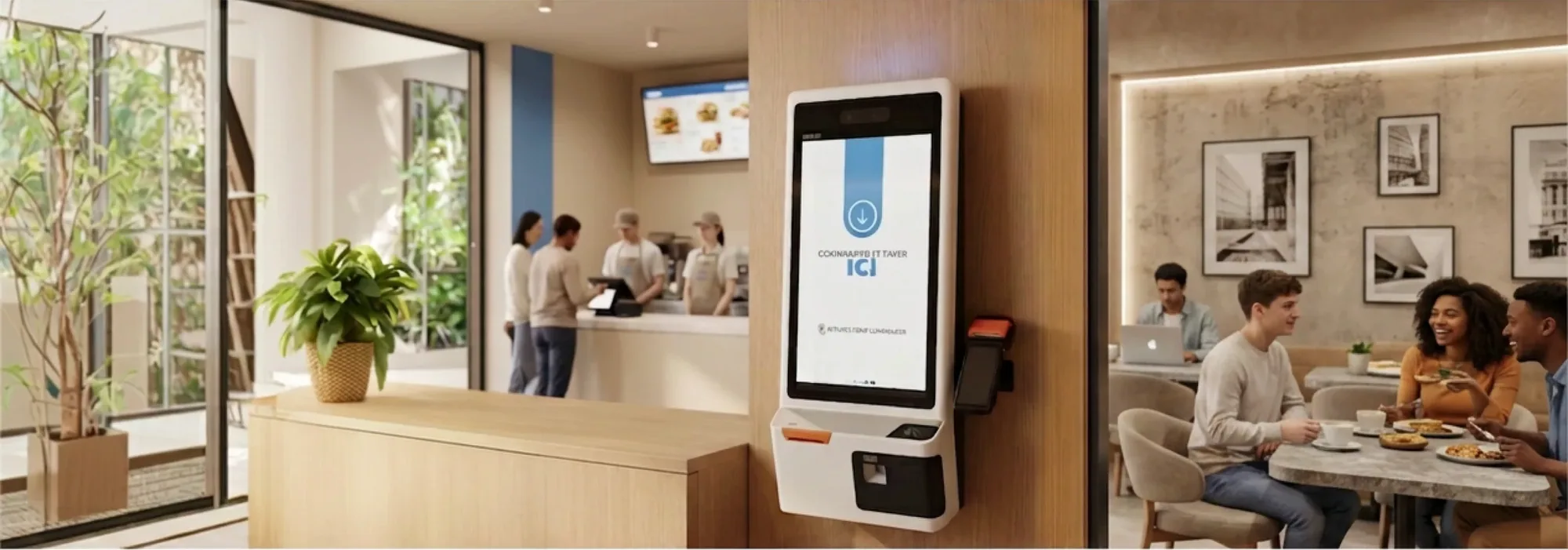
The kiosk sells more and gets the order right.
A queue at the counter costs you sales. A kiosk turns every customer into their own cashier, on affordable Android hardware.
The rush is served in parallel
One cashier serves one customer at a time, and at noon that arithmetic is the difference between a full room and a lost one.
Customers type their own "no onion"
An order misheard across a noisy counter is remade at your cost, and the customer remembers the mistake, not the fix.
Card at the kiosk, cash at the counter
A kiosk that only takes cards turns away every cash customer. Here they order on screen and choose how they pay.
Self-ordering kiosk software built for speed
The menu comes live from your catalogue, customers order at their own pace, and tickets reach the kitchen without re-keying.
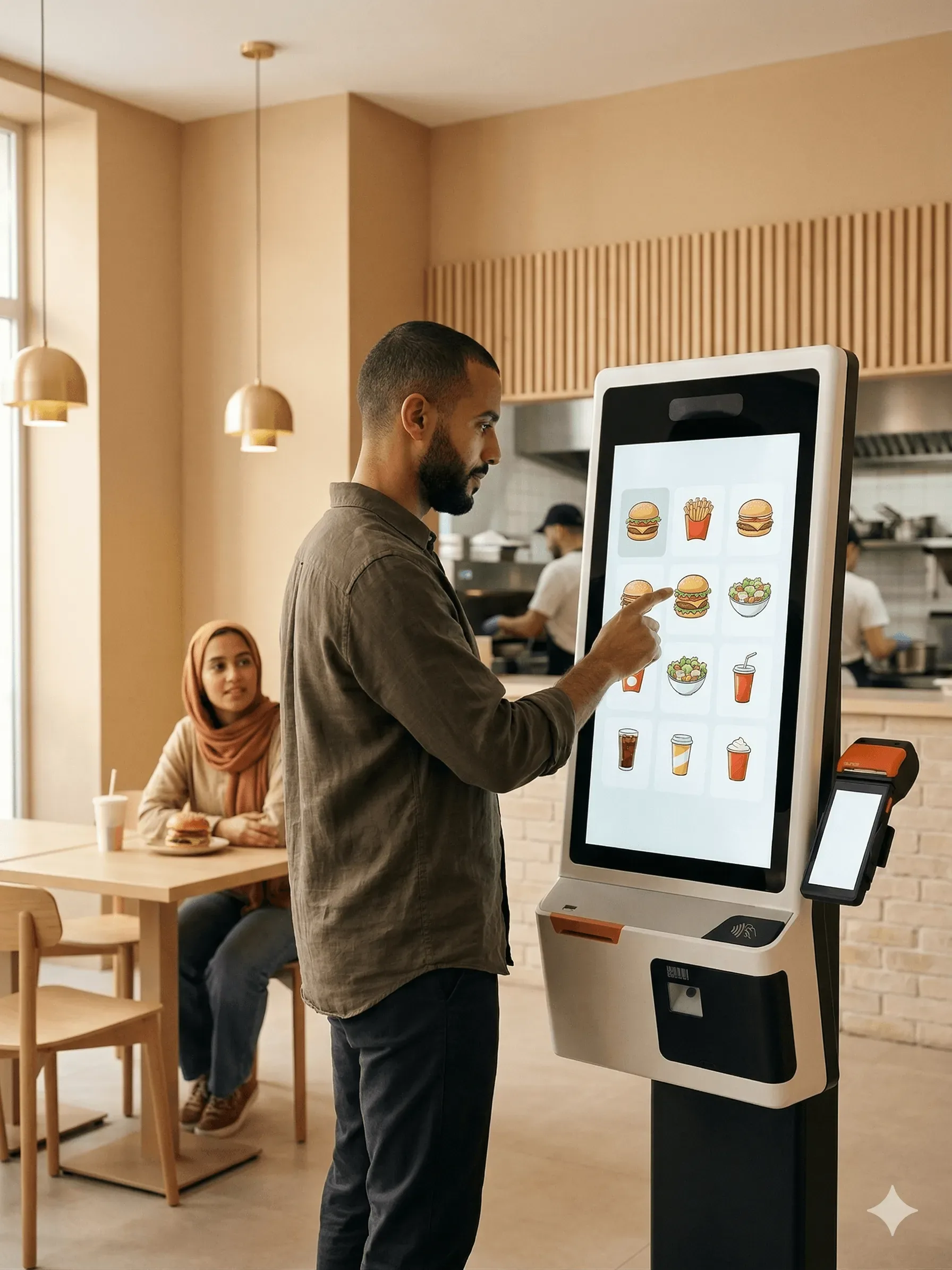
Customers browse, customise, and order themselves
A long queue is customers deciding to eat somewhere else. On the kiosk your full menu is on screen, pulled live from the same catalogue you manage in inyad, and customers tap through categories, customise items (extra sauce, no onion, upsize), and get an order number.
- Full menu with photos, categories, and item-level customisation
- Menu updates from your inyad catalogue in real time, one edit, every screen
- Multilingual support so customers can browse in the language they prefer
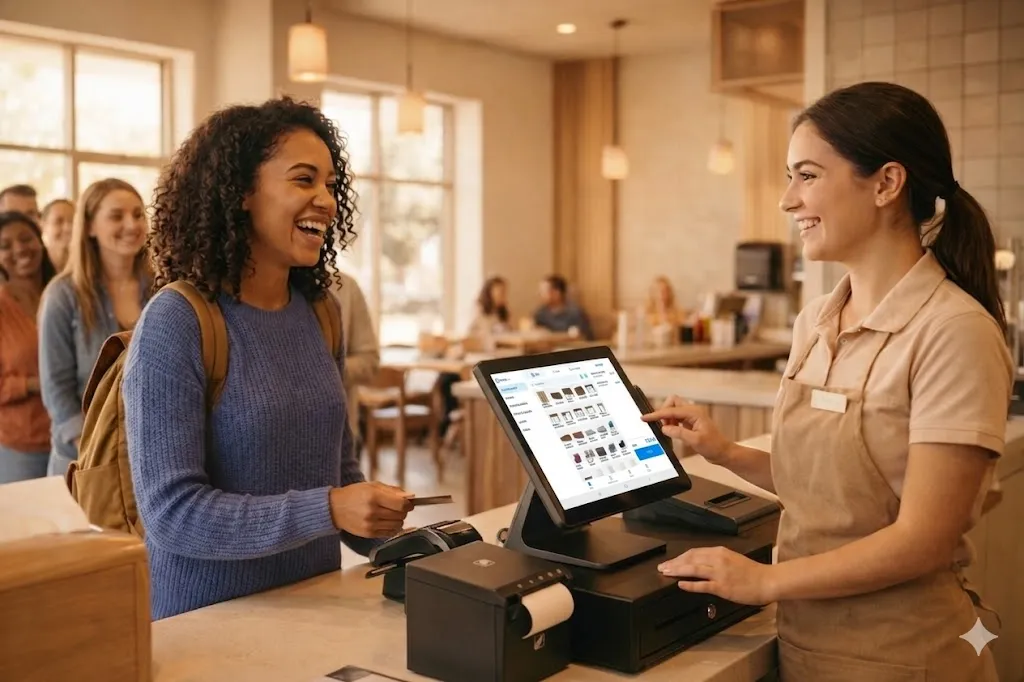
Card at the kiosk, or settle at the counter
Not every customer pays by card, and a kiosk that insists loses the sale. At checkout the customer chooses: pay on the spot with the kiosk's integrated card reader, or take an order number and settle in cash at the counter. Either way the order is already in the kitchen queue.
- Integrated card payment on inyad Kiosk and Kiosk Mini
- Pay-at-counter option for cash customers, settled at the till like any sale
- Kiosk and counter payments land in the same day's numbers, reconciled once
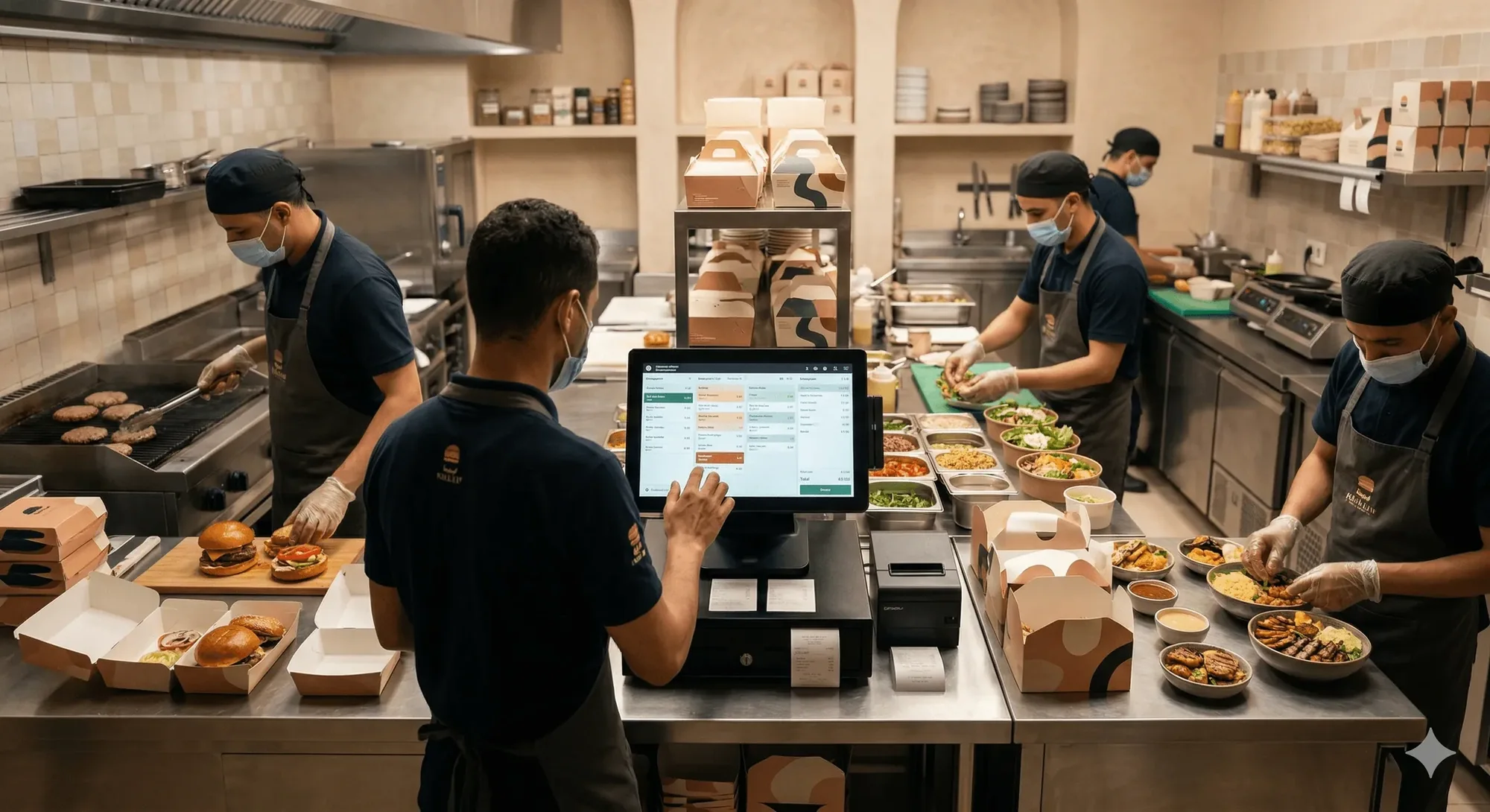
Orders go straight to the kitchen, no re-keying
A ticket lost between the screen and the pass is a refund and an unhappy customer. A confirmed kiosk order fires to your kitchen display or printer with no manual entry, and because the kiosk and the till run on one system, card payments at the kiosk and cash taken at the counter reconcile to the same order history.
- Kiosk orders route to the kitchen display or printer instantly
- In-store, kiosk, and online orders all land in one kitchen queue
- Paid at the kiosk by card or QR, or settled at the counter in cash
The kiosk arrives ready to take orders.
Menu, modifiers, payment and the kitchen ticket are already wired together on every screen you switch on.
Self-ordering for every quick-service format
More screens for the rush, time for customers to customise, and one central catalogue keeping every location consistent.
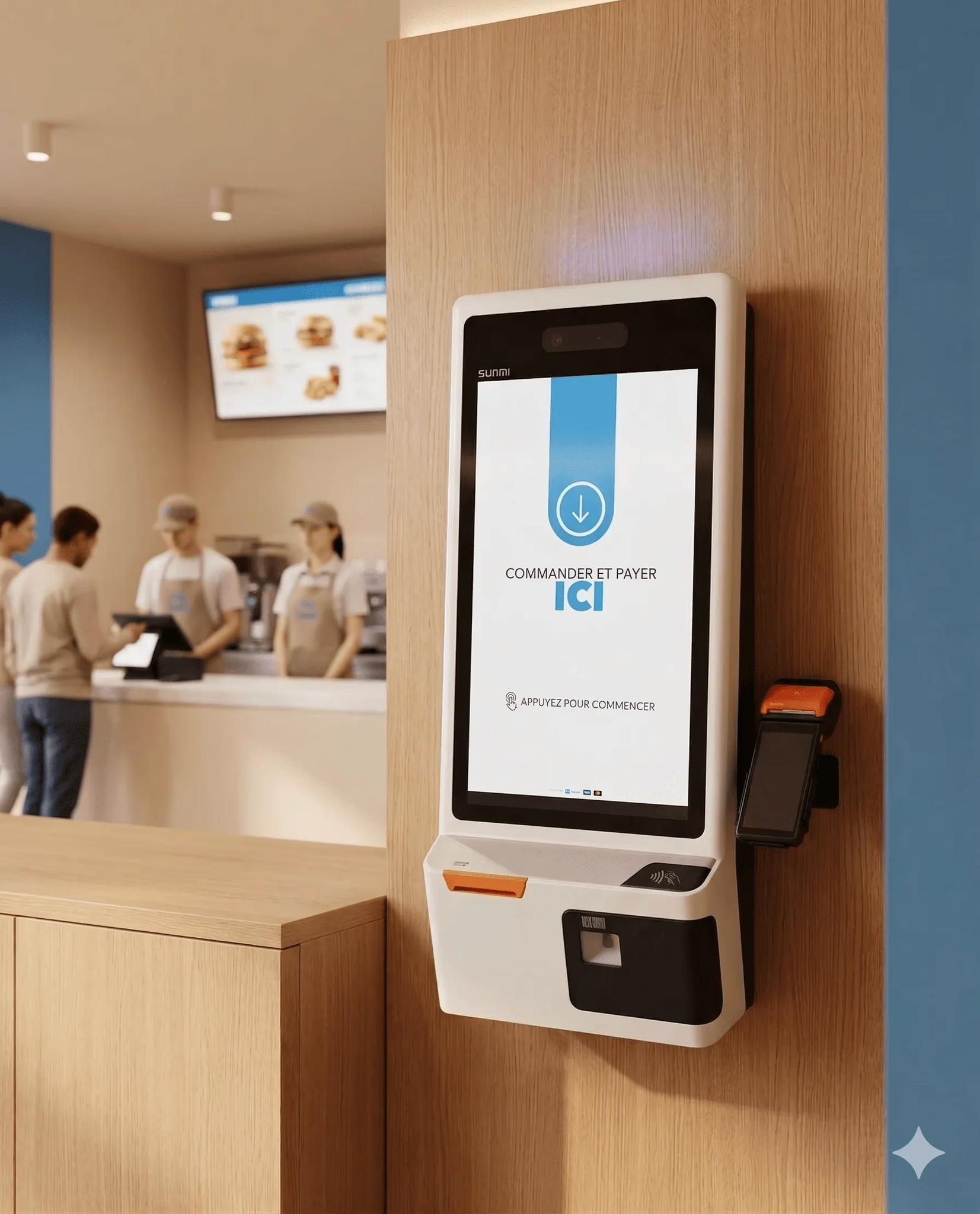
Fast food
Handle peak-hour rushes without a queue. Multiple kiosks serve at once and route orders instantly.
Learn more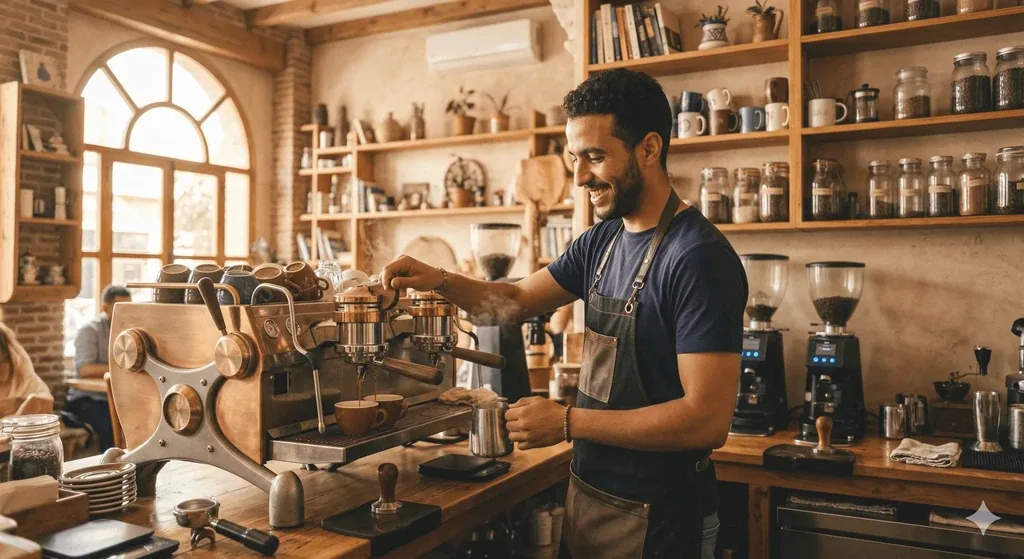
Café / coffee shop
Let customers customise drinks and dishes exactly how they want, extra shot, oat milk, no sugar, without holding up the line.
Learn more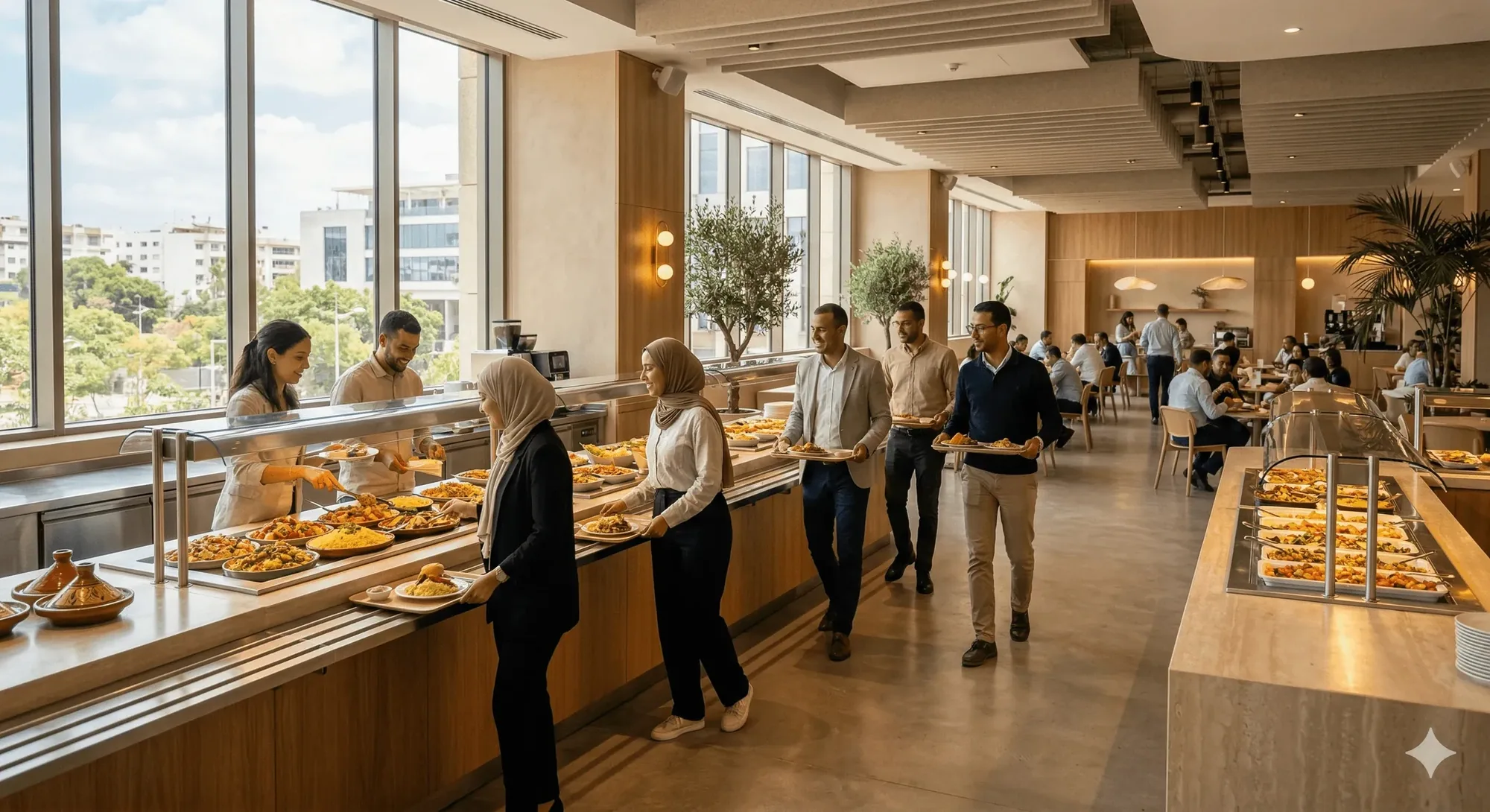
Institutional catering
Serve staff or shoppers at scale. Kiosks handle the ordering while your kitchen focuses on preparation.
Learn more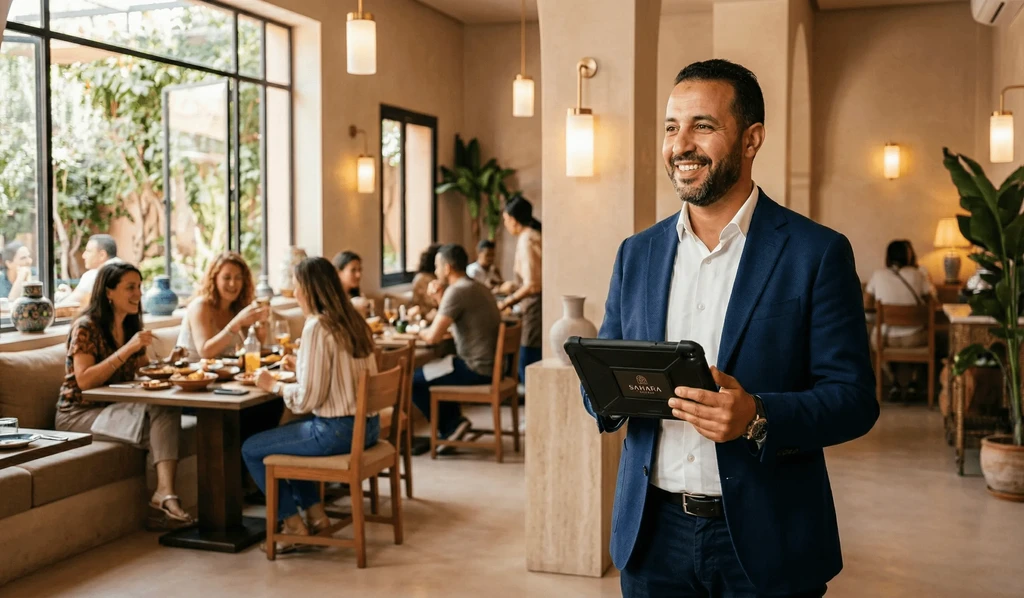
Hospitality & food
Keep branding and menus consistent across every location with centrally managed catalogue settings.
Learn moreThe kiosk runs on the same system as the rest of your counter.
The kiosk is one screen on one platform, menu, orders, payments, kitchen, and reporting share one system, so every order is entered once.
Restaurant POS
Counter and kiosk orders share one kitchen queue and one order history.
Learn moreQR ordering
Let table guests order from their phone while kiosk handles the queue.
Learn moreCatalog management
One menu update publishes to every kiosk and channel at once.
Learn moreDigital receipts
Send order confirmations to customers by WhatsApp, SMS, or email.
Learn moreCounters that cleared their queues with inyad
We added two kiosks during lunch hour and the queue basically disappeared. Average ticket went up noticeably in the first week.
Customers love customising their orders without having to spell everything out to a cashier. Errors dropped to almost zero.
Self-ordering kiosk questions answered
How does the self-ordering kiosk software synchronize with my central kitchen and main POS register?
What hardware equipment does the self-ordering kiosk software run on, and can it handle menu modifiers?
Can customers complete their self-serve kiosk transactions using cash, or are they card-only?
Does the self-ordering kiosk station keep functioning smoothly if our store internet connection drops?
Cut the queue. Grow the ticket.
Give customers a faster way to order and give your team more time to cook, not process payments.
Get a free demo Start free