Every table on one screen. Every check closed in seconds.
Shouting across the room to find a free table, a bill nobody noticed was requested, busy shifts fall apart in the details. inyad's interactive floor planner maps your dining room, tracks every table and section live as orders land, and splits checks in seconds.
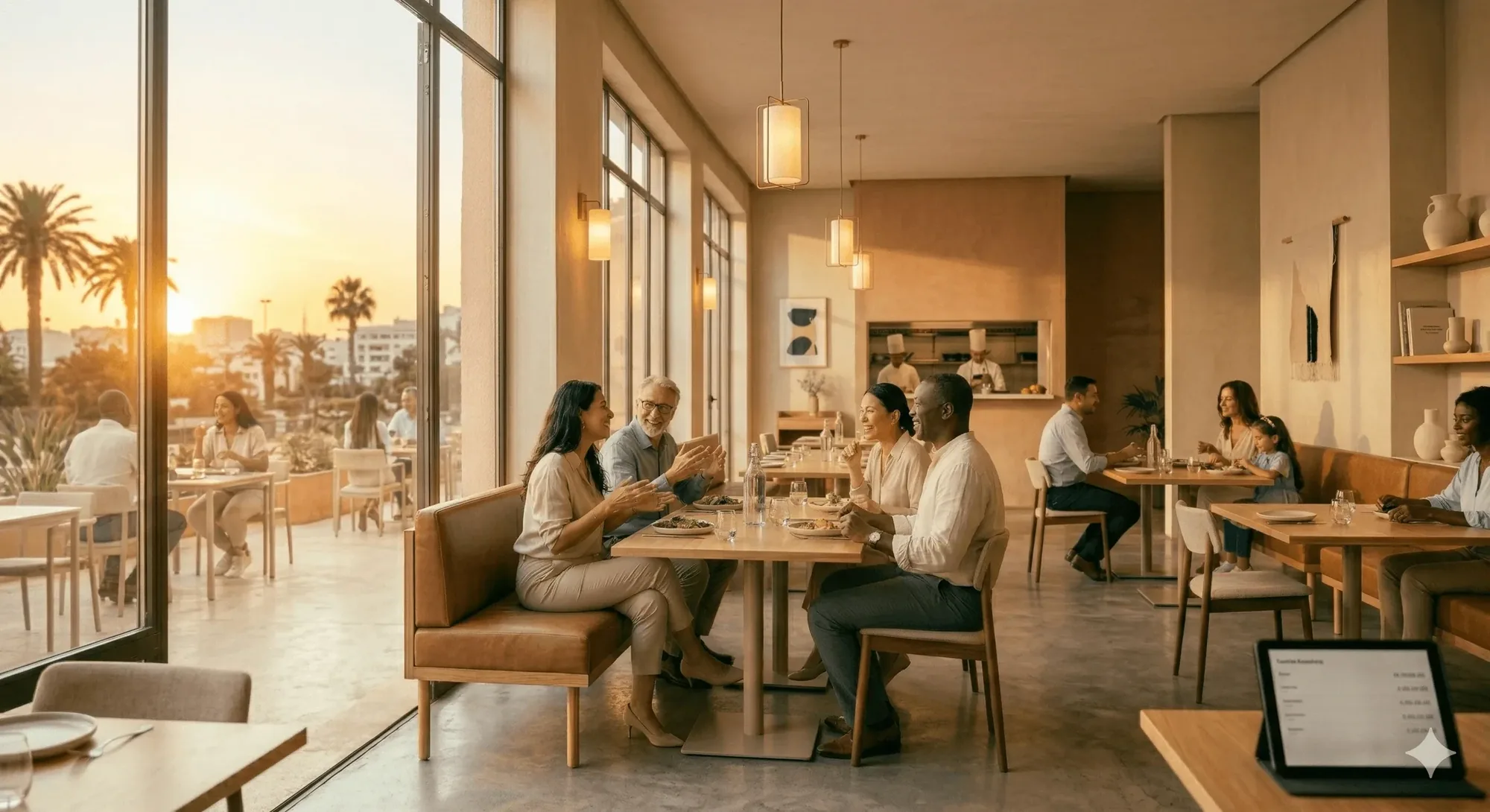
When everyone sees the same floor, tables turn faster.
Here is what changes at noon, when the room fills and every server needs an answer at a glance.
Turn tables faster without losing service quality
Every minute a cleared table sits empty is a cover you cannot sell, and on a full Friday that is real money gone for good.
Staff always know who's sitting where
When nobody can see the whole room, a table gets missed, and the guest who waited longest is the one who never returns.
Split and merge checks without confusion
Splitting a bill badly holds up the table, the queue at the door, and the server who could be seating the next guests.
The floor plan runs the shift, from seating to the check.
Tables are laid out to match the room, the meal runs course by course, and checks split or transfer without re-entry.
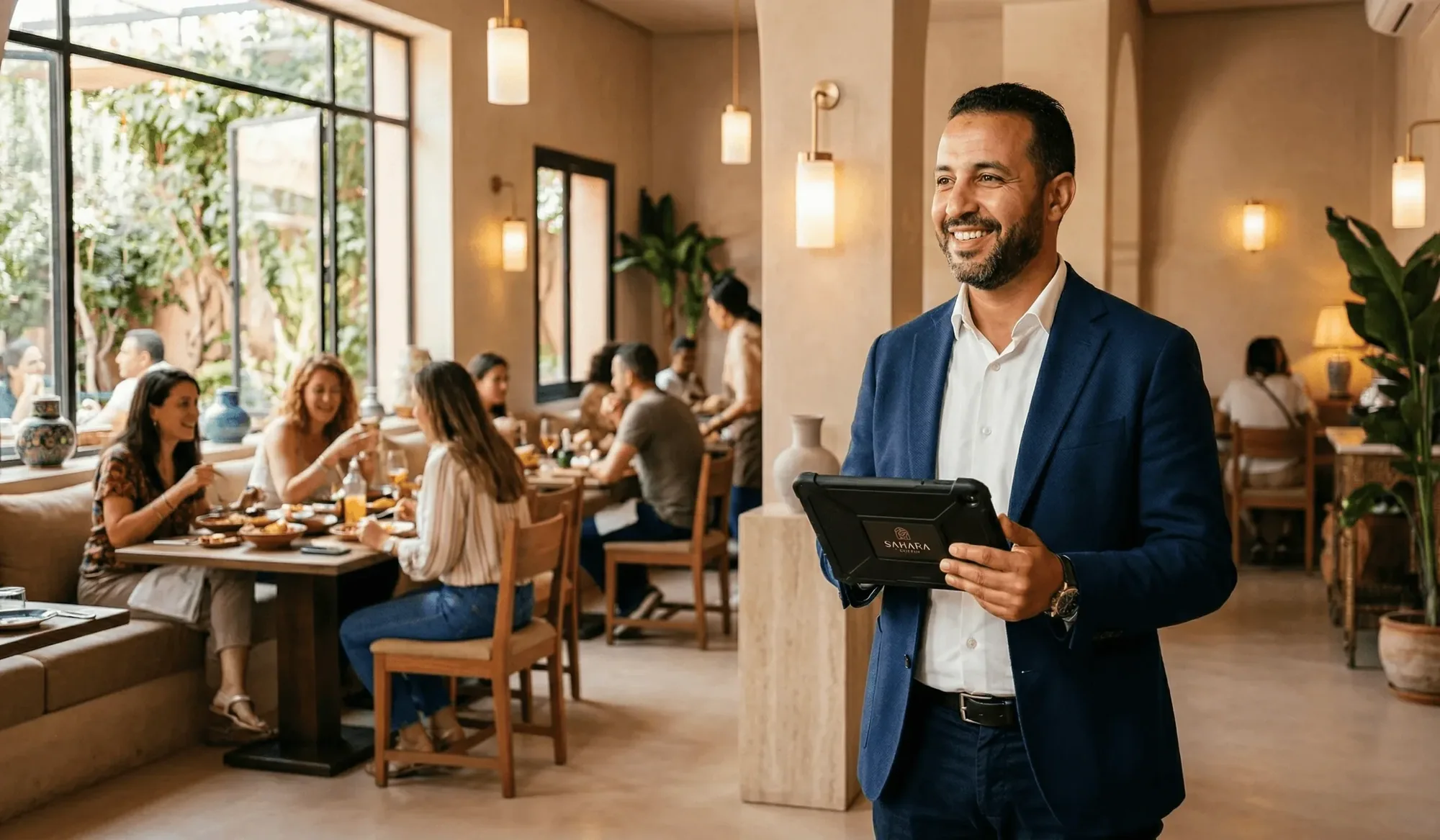
Build your layout in minutes, drag, drop, done
The drag-and-drop floor plan builder lets you place every table, name it, and group it into sections, indoor room, terrace, bar, private dining, so the digital map on screen matches the room your team knows. Update the layout at any time, mid-service, without disrupting live orders.
- Drag tables into position and name them to match your numbering, T1, Bar 3, Terrace A
- Create multiple sections for the areas of your venue, each with its own staff view
- Color-coded tiles move from Free to Occupied to Bill requested on their own, for every station at once
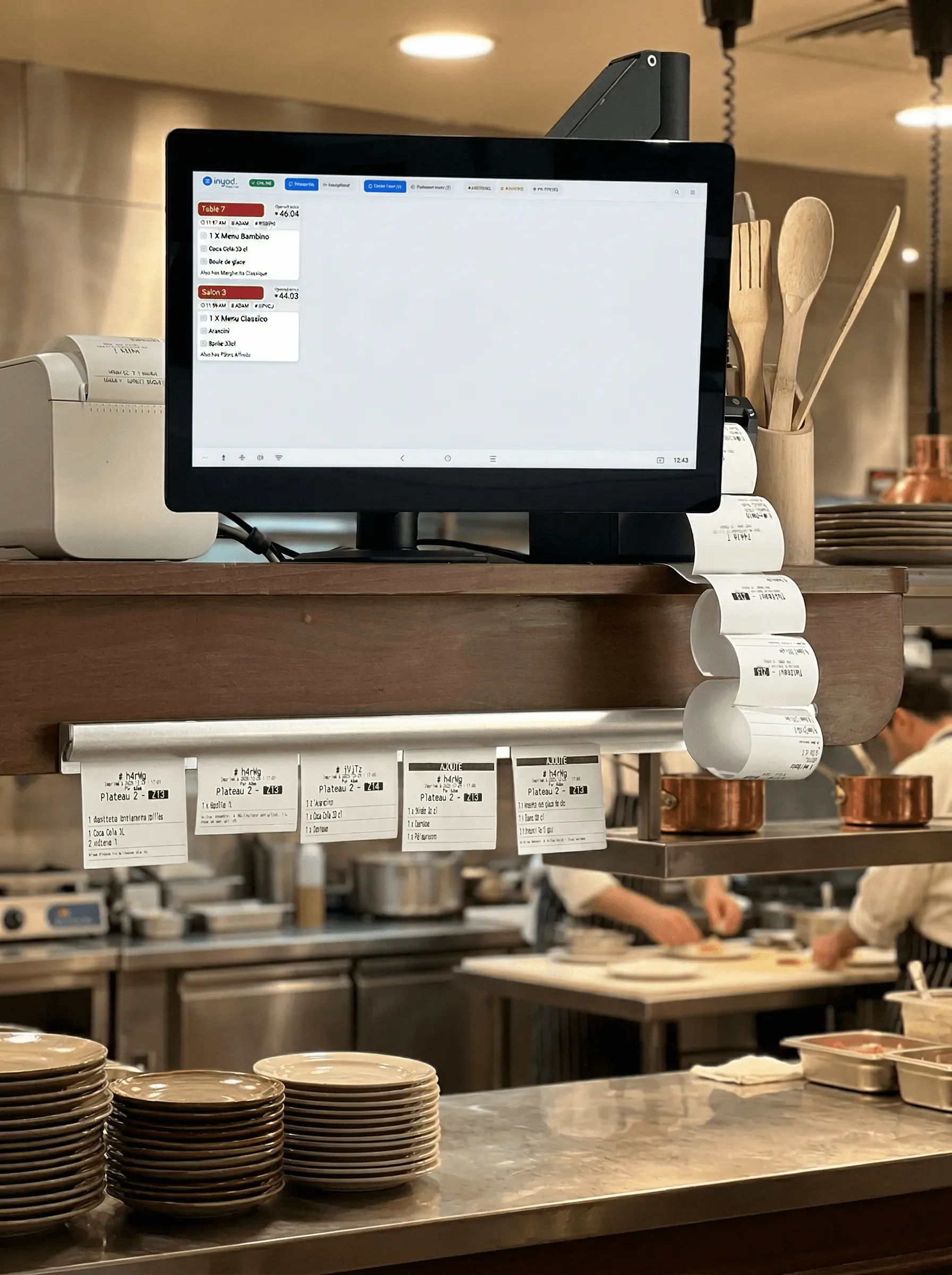
Run the meal course by course, at the table's pace
A starter that lands with the main embarrasses the table, and a main fired too late kills the turn. Each ticket is organised into courses, the kitchen sees what to prepare and what to hold, and the next course fires when the table is ready for it, not when the printer got to it.
- Organise every ticket into courses: starters, mains, desserts, or your own sequence
- Hold a course and fire it the moment the table is ready, one tap from the floor
- The kitchen sees courses, not a flat list, so plates land together and in order
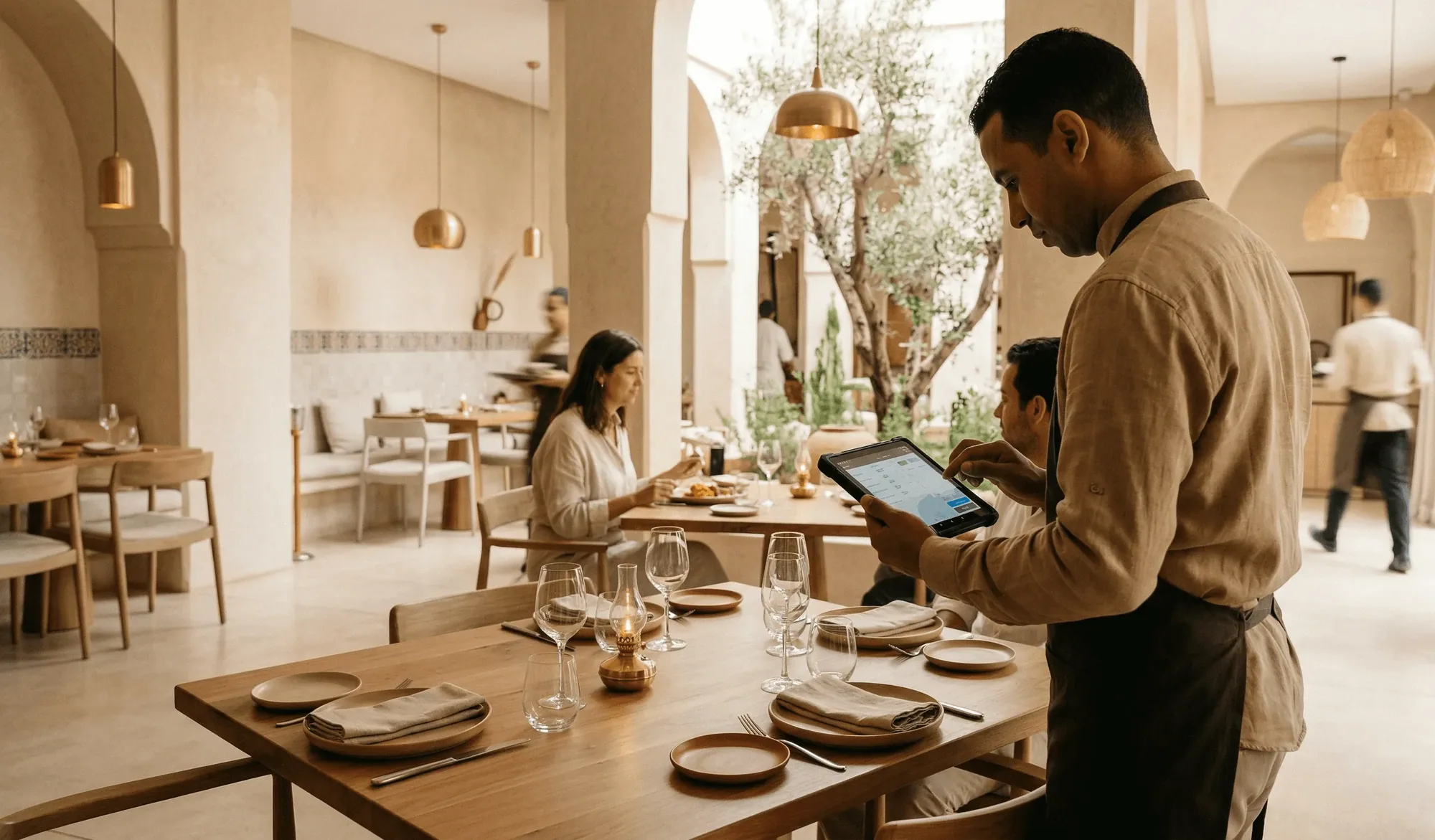
Split checks, table transfers, and kitchen fires, handled cleanly
Guests who want to split the bill three ways, a party that moves from the bar to a table, an order that needs to fire to the kitchen immediately: inyad handles all of it without staff cancelling and re-entering a single ticket, and each split reconciles to the check automatically.
- Split a check by item or equally across any number of guests, each paying by card, QR, or cash
- Transfer an open check to another table, with the full order, modifications, and course notes
- Send individual courses or items to the kitchen on demand, or fire all pending items at once
Every table management tool in one place
Build the room, seat it, fire the courses, move or split the check, all against the same live plan your staff are reading.
Table management for every type of venue
Dining rooms, terraces, bars and private areas each get their own section view, with servers assigned zone by zone.
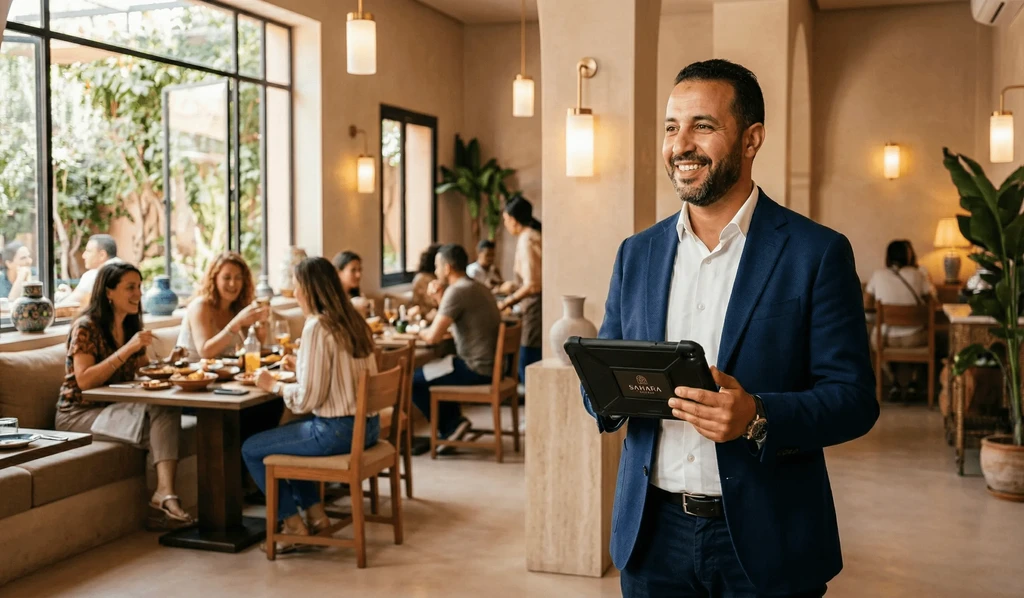
Table-service restaurants
Manage a full dining room shift, from seating to fire to check, without switching between systems or losing track of a single cover.
Learn more
Café / coffee shop
Give table-service cafés a simple floor map so staff always know which tables are ready, waiting, or need clearing between guests.
Learn more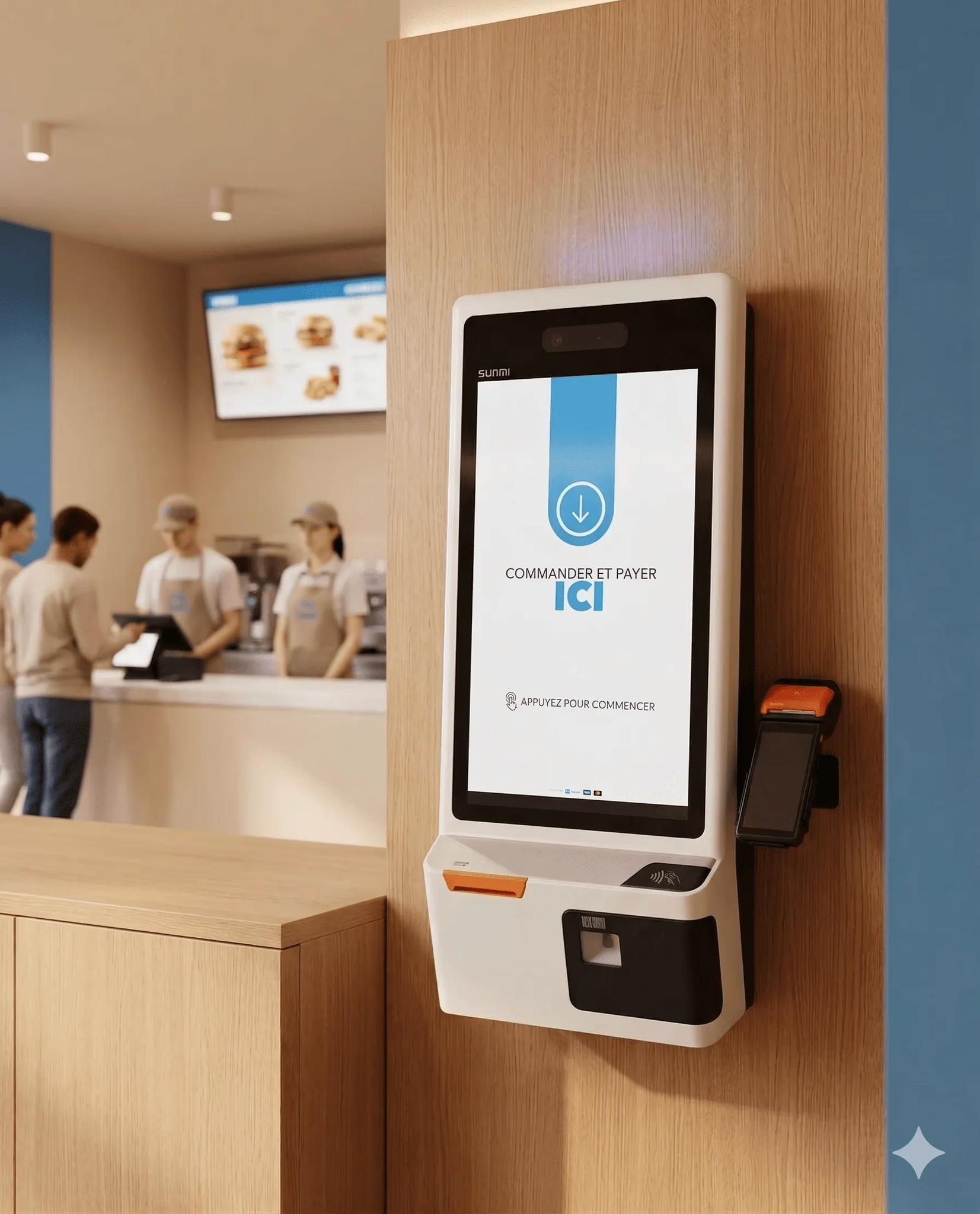
Hospitality & food
Track bar tables and seated areas separately, assign servers by zone, and close checks quickly when the pace picks up.
Learn more
Catering
Venues with indoor rooms, outdoor terraces, and private areas each get their own section view, one system, every space under control.
Learn moreTable management works better with the rest of inyad
Your floor plan is part of one platform. POS, QR ordering, payments, tips, staff, and reporting share the same system.
Restaurant POS
Orders taken at the table flow straight into the same POS ticket.
Learn moreQR code ordering
Guests scan, order, and pay from their own phone without waiting.
Learn moreTip management
Split tips by cover or by server at the moment you close the table.
Learn moreReporting & analytics
See covers, average spend, and table turn time by area or shift.
Learn moreFront-of-house teams that run smoother shifts
We used to shout across the room to find out which tables were free. Now everyone looks at the same screen and it's obvious in a second. Service is calmer and we're turning more covers every evening.
Splitting the bill used to mean calling the manager over and reprinting half the ticket. Now any server does it in thirty seconds from the table, and guests actually comment on how smooth it is.
Common table management questions
Can I build my own interactive floor plan, and does it support real-time room status tracking?
How do split checks, table transfers, and guest seat tracking work during intense weekend shifts?
Does the table management system integrate natively with self-serve table QR code ordering?
Can I assign specific floor servers to custom sections and audit their register metrics to prevent theft?
Run a tighter floor, every shift
Floor plan, real-time status, splits, and transfers, all in the POS your team already uses.
Get a free demo Start free