Put a QR code on the table. Customers pay from their phone.
Don't make customers wait for a terminal or exact change. They scan a code and pay from their phone in seconds, and every payment reconciles to the sale in your POS automatically. A group can split the bill from one code.
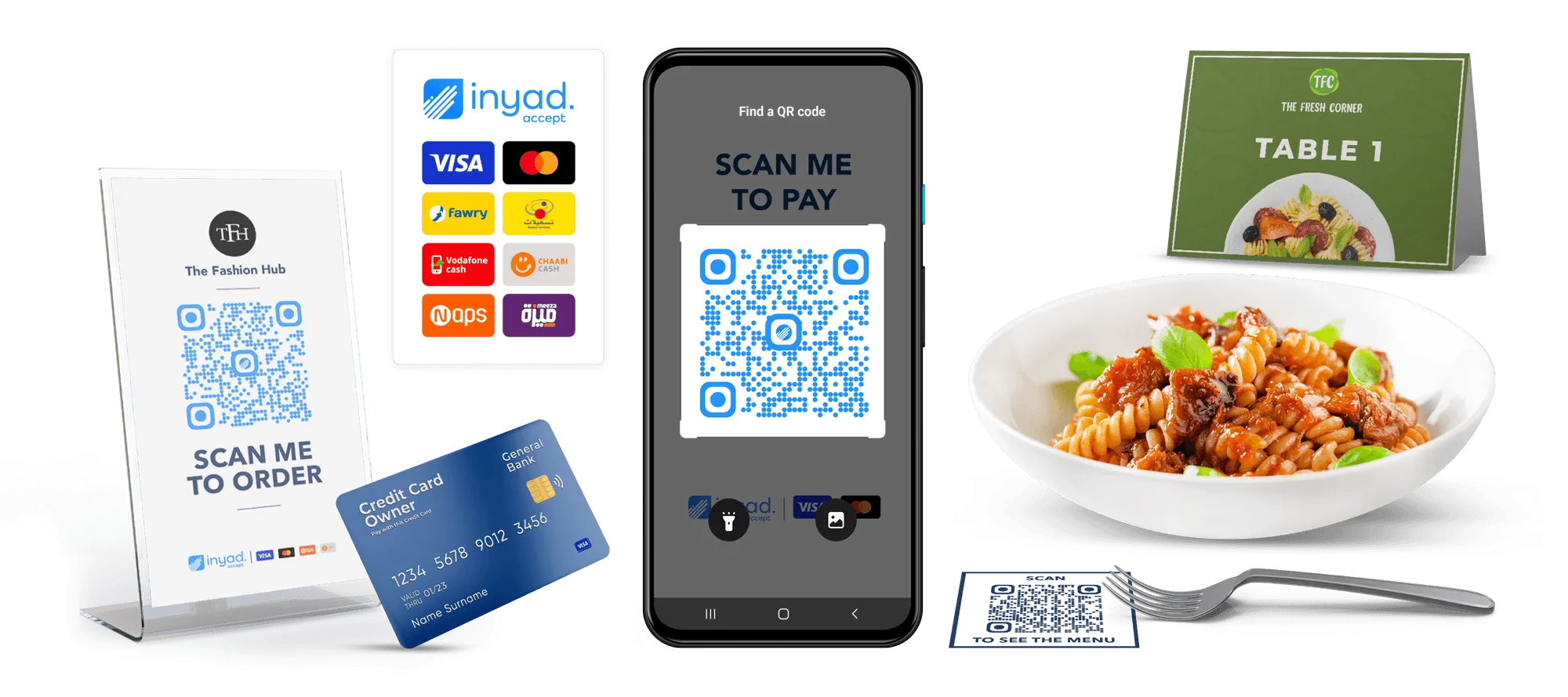
No terminal to buy. No queue at the counter. Nothing to chase at closing.
Slow checkout, hardware costs, and messy end-of-day closing. QR payment removes all three, because payments and POS are one inyad system.
Get paid without buying a terminal
Hardware you have to buy before you can be paid is a cost that lands well before the first dirham it helps you collect.
The right amount collected, every time
A total keyed in by hand is a total that can be wrong, and the guest only ever notices when it is wrong in your favour.
Every payment reconciled to its sale
Payments matched by hand at closing is a job done tired, at the end of a long day, when the mistakes are most likely.
Scan, confirm, paid, three steps and it's done
The bill opens on the customer's phone already itemised, a group can split one code, and your POS closes the bill itself.
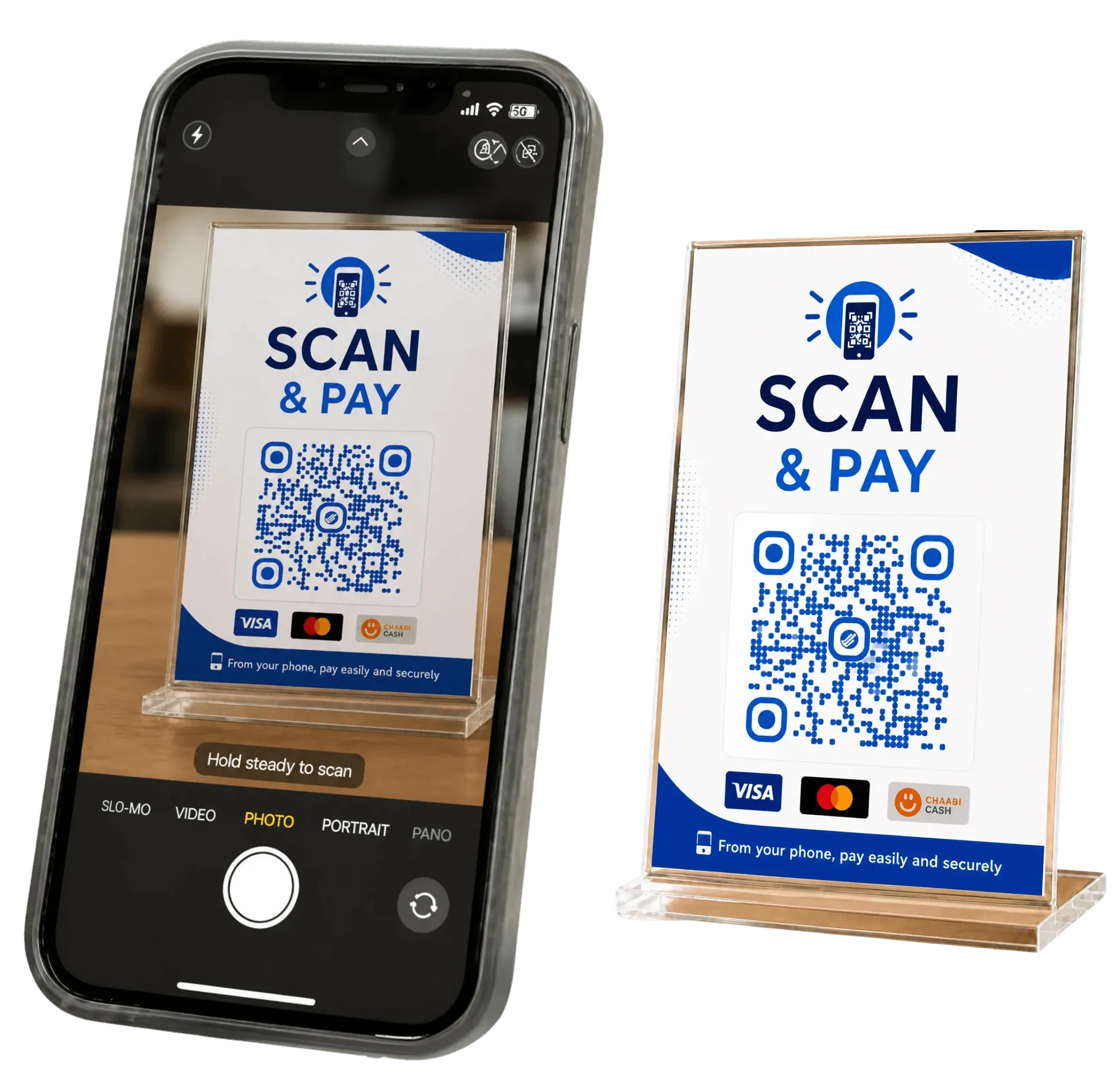
Display your QR code, on the table, the receipt, or a screen
inyad generates a dynamic QR code you can print as a table sticker, show on a customer-facing screen, or add to a receipt. When it's time to pay, the customer points their phone camera at the code: no app, no account. The payment page opens with the bill already filled in from your POS.
- QR code is generated from inyad and tied directly to the open bill or a fixed amount
- Works with iOS and Android built-in cameras, customers don't need a wallet app
- Display as a printed sticker, a screen QR, or embedded on a digital receipt
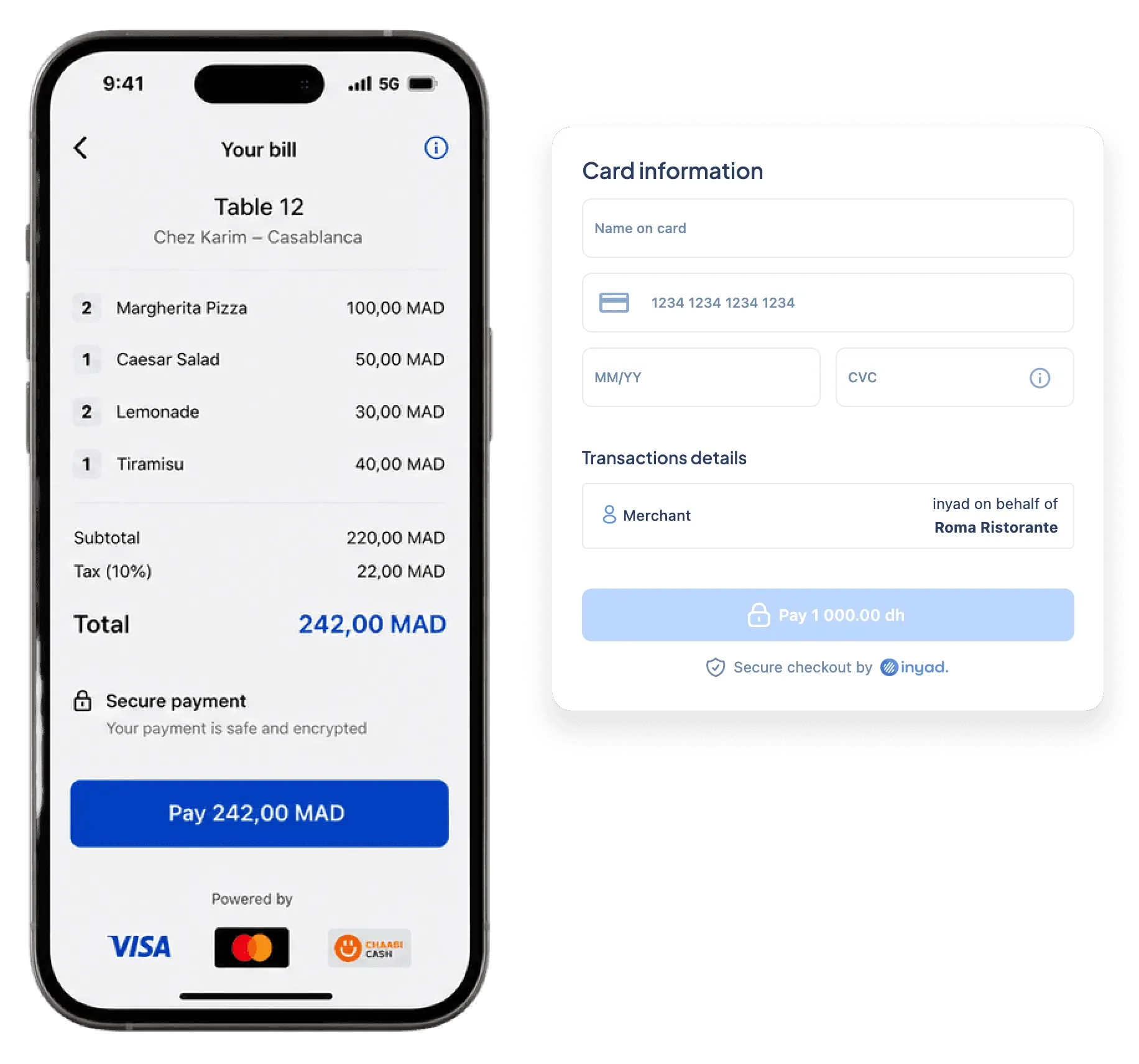
Customer reviews the bill and pays from their phone
The secure payment page shows the itemised bill, so the customer can verify what they're paying before confirming, then taps to pay by card, mobile wallet, or whichever method the page supports. Scan to confirmation takes under fifteen seconds, faster than waiting for a terminal.
- Itemised bill pre-loaded, amount is fixed, customer just confirms
- Bill splitting supported, each guest pays their share from one QR, no reprint
- Encrypted checkout page hosted by inyad, no card data passes through staff
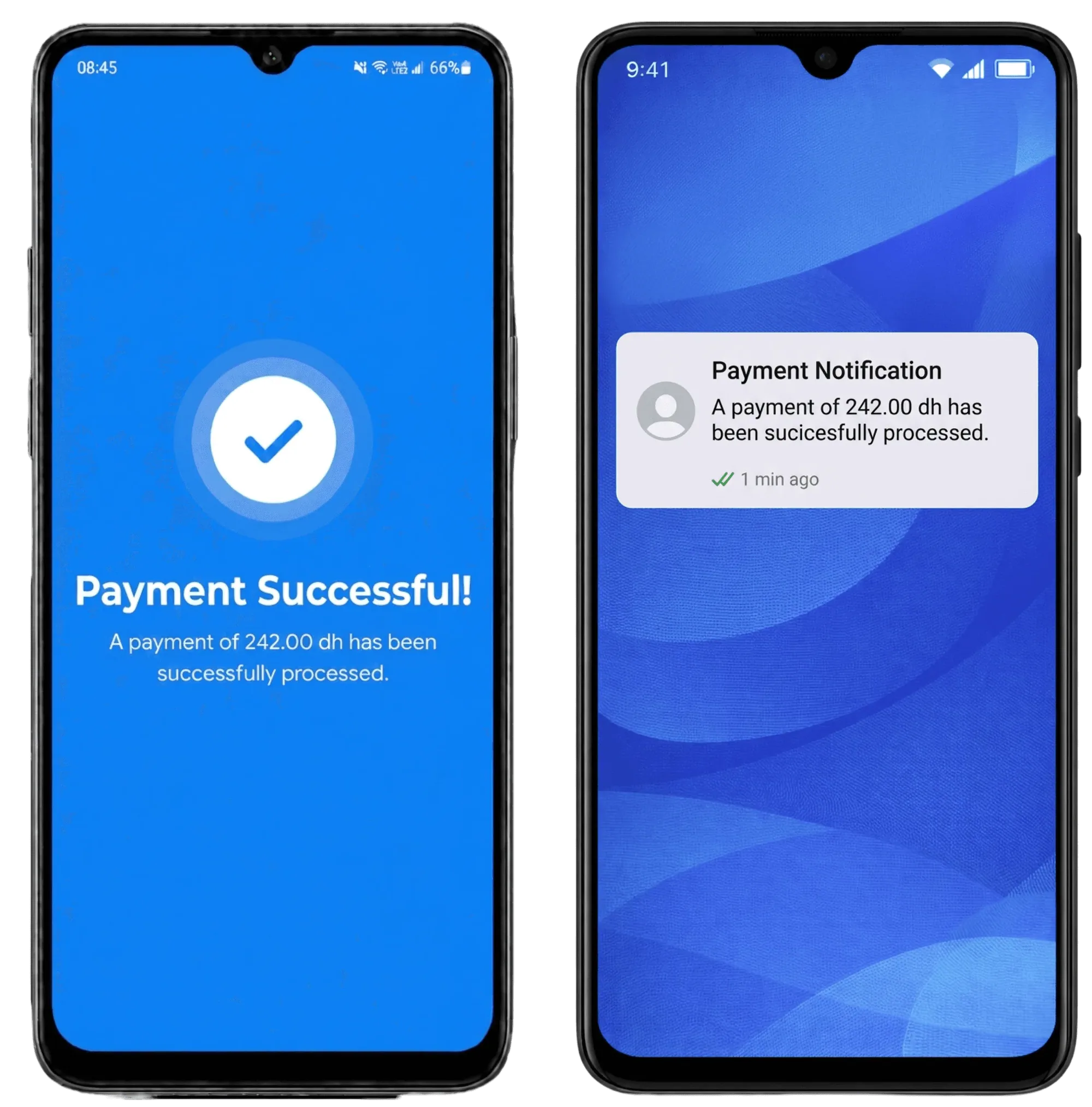
Payment confirmed, receipt sent, POS updated instantly
The moment payment goes through, inyad marks the bill as paid and sends a digital receipt, so staff never have to check a terminal or close the table by hand. Because software and payments are one platform, the transaction reconciles to its sale, like your terminal and your cash.
- POS bill closes automatically the moment payment is confirmed
- Digital receipt sent to the customer by WhatsApp, SMS, or email automatically
- Full transaction record in inyad, method, time, amount, for easy reconciliation
All of this comes with QR payment
The amount comes straight from the POS, the guest splits it and tips, and the table closes once the payment confirms.
QR code payment for any in-person business
Tables, checkout queues, doorsteps and market stalls, all taking payment from a code instead of a terminal to carry.

Hospitality & food
Let diners pay from the table without waiting for a terminal, faster table turns and less pressure on staff at closing time.
Learn more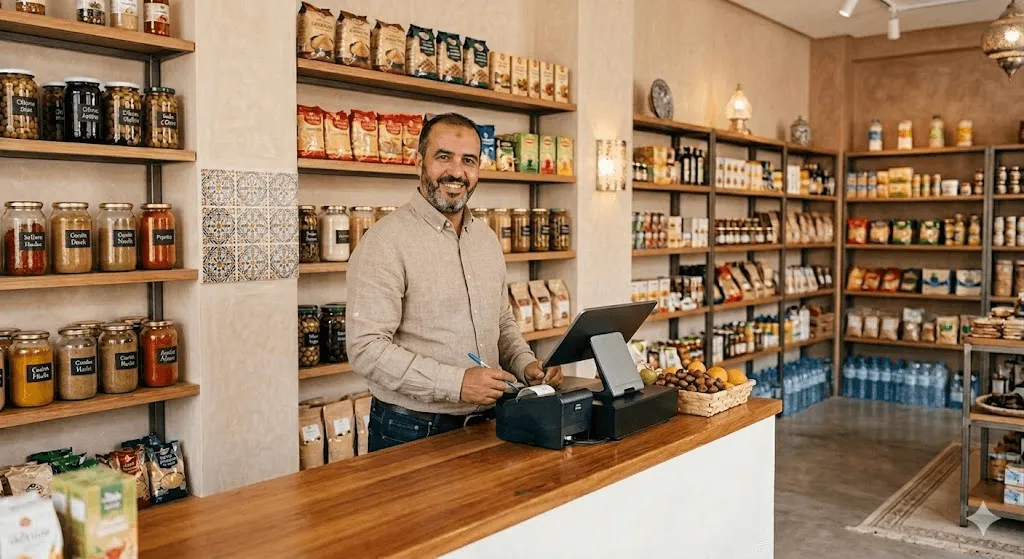
Retail
Offer a contactless payment option at checkout alongside your card terminal, faster queues and a modern customer experience.
Learn more
Service companies & agencies
Collect payment on-site without a card reader, plumbers, technicians, and mobile professionals just show the code and get paid.
Learn more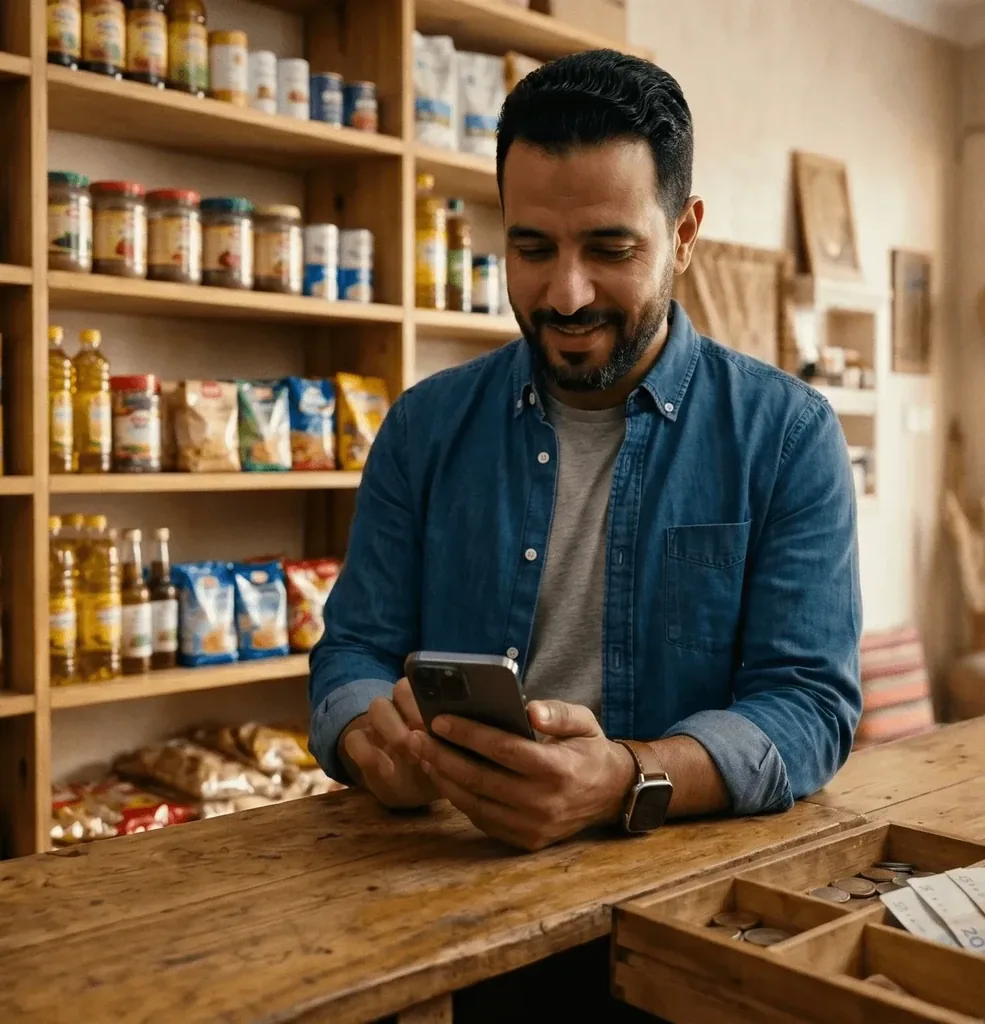
Traditional retail & corner shops
Accept payments at a stall or booth with nothing more than a printed QR code, no hardware to carry, no connectivity worries.
Learn moreQR payment pairs naturally with these features
Terminal, payment links, and QR, every way inyad gets you paid lands in one system, reconciled to the sale automatically.
Payment links
Share a payment URL by WhatsApp, SMS, or email when they aren't there.
Learn moreCard payments
Offer terminal payments alongside QR for customers who prefer to tap their card.
Learn moreQR ordering
Pair with QR ordering for a full scan-to-order-and-pay table experience.
Learn moreDigital receipts
Send a branded digital receipt the moment QR payment is confirmed.
Learn moreFaster checkout, happier customers
Tables pay and leave faster. I don't need to chase down a terminal during a busy Saturday, they just scan and it's done.
At the market stall, we have zero hardware. A printed QR code on the table and we collect payment cleanly without any equipment.
Common QR code payment questions
What is the technical difference between a digital payment link and an on-screen QR code payment?
Do I need to purchase a physical card reader or terminal to accept QR code payments at my counter?
How does the platform generate the QR code for payment, and do customers receive a receipt?
Can we use QR code payments alongside traditional card terminals, and can we use them to split bills?
Accept payments anywhere, no terminal required
One QR code at the table or counter, customers pay from their phone in seconds, and it's already reconciled in your POS.
Get a free demo Start free