Employee time tracking software that pays staff right
Paper timesheets mean guessed hours, payday disputes, and a Sunday spent adding it all up. With inyad, staff clock in on the shift clock app with biometric face or fingerprint recognition, or a PIN, on a shared device or a fixed time clock, hours record themselves and flow into scheduling and payroll.
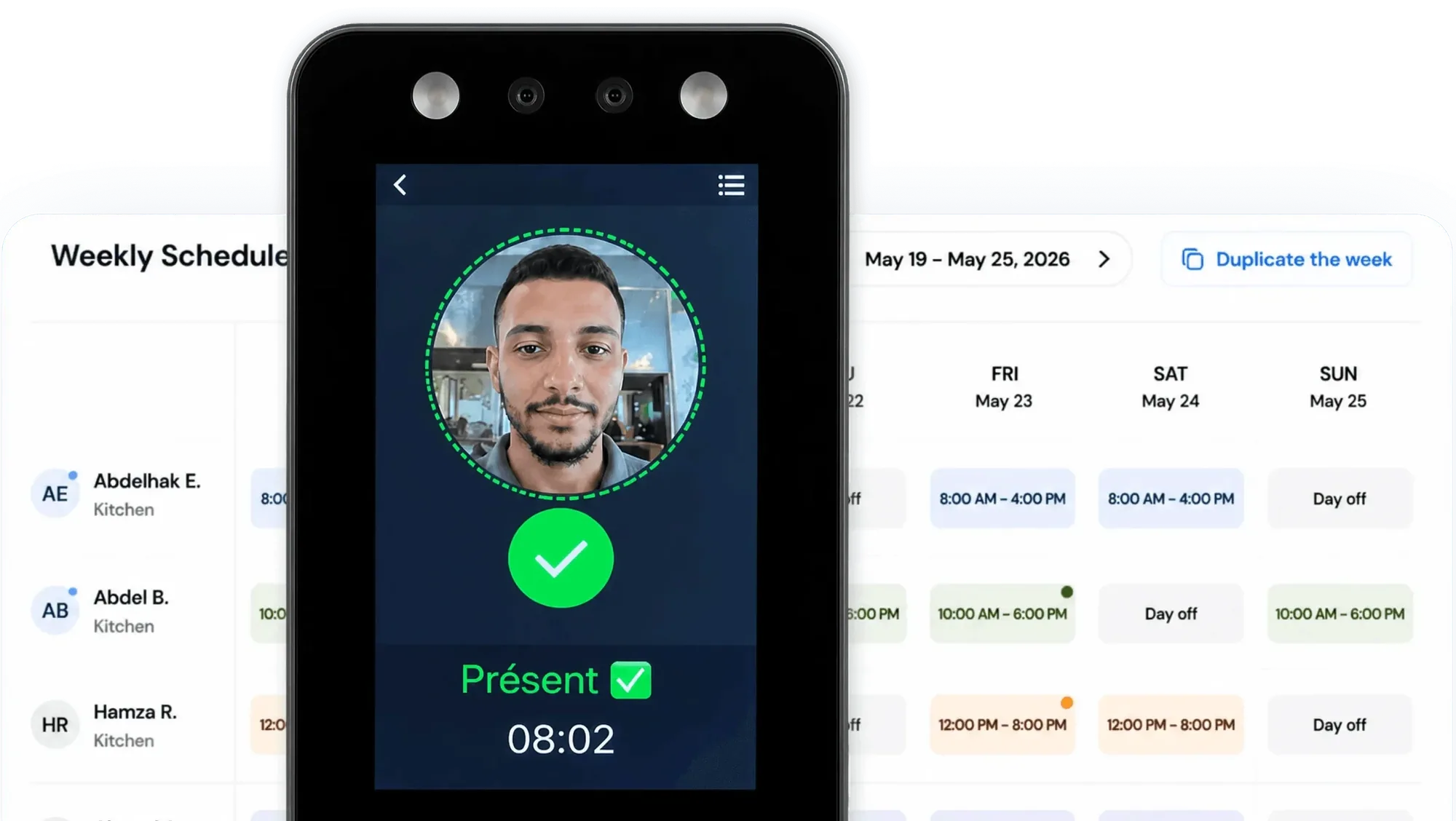
Accurate hours, every pay period
Paper timesheets invite errors, disputes, and hours of manual work. A time clock that runs automatically protects your payroll and margins.
The timesheet writes itself at the door
Hours written on paper get rounded up, forgotten, or invented, and you pay for all three without ever knowing which.
Late arrivals show before you do
Finding out at noon that nobody opened is too late to fix, and the customers who came at nine will not come back today.
Overtime gets caught mid-month, not at payday
Overtime discovered on payday is overtime you have already agreed to pay, when it was avoidable two full weeks before.
A time clock that fits the way your team works
Clock-ins are recorded as they happen, attendance is visible live across branches, and hours arrive in payroll calculated.
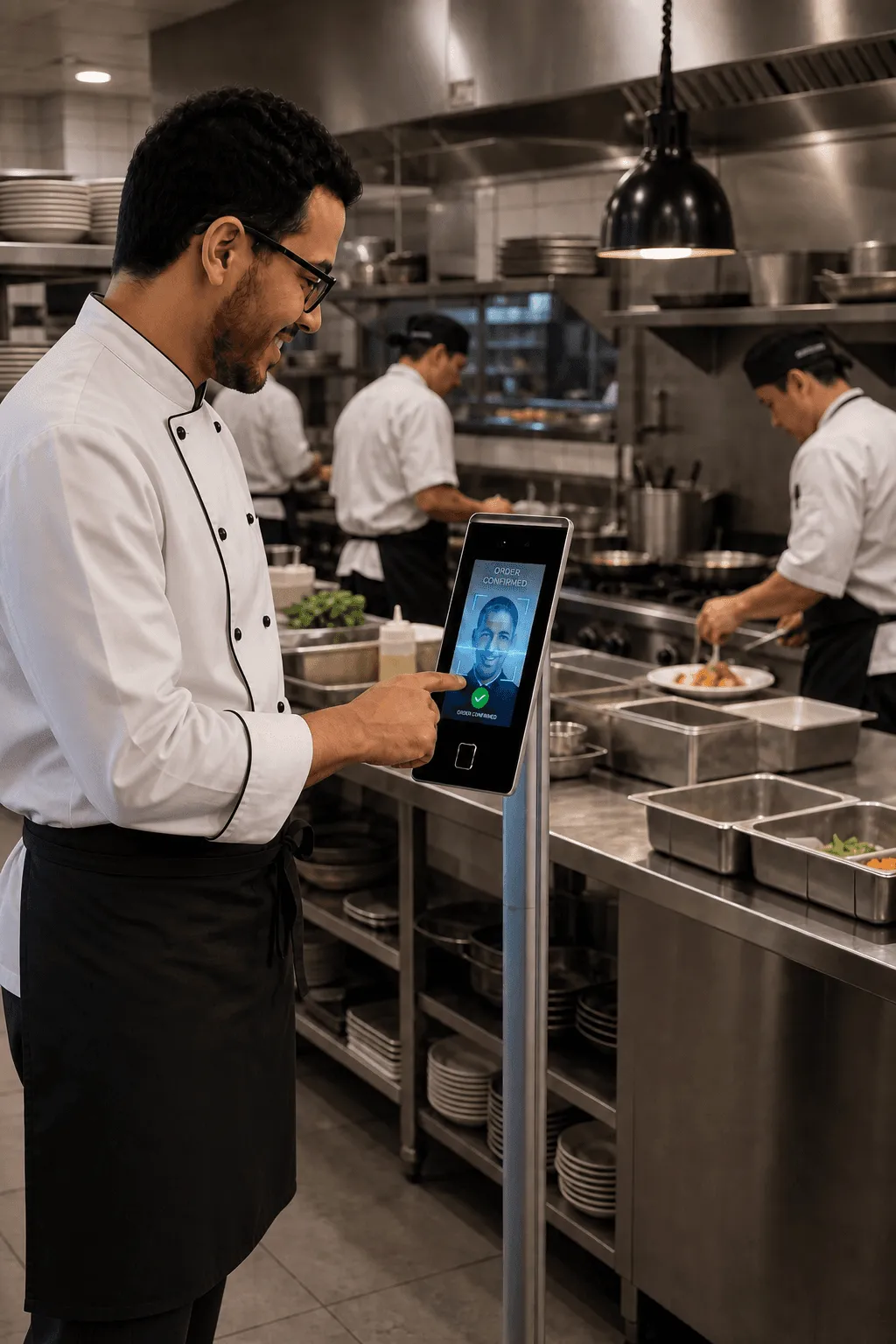
Staff clock in by face, fingerprint or PIN
A missed clock-out or a quietly late arrival is invisible on paper, and it costs you at payday. inyad records arrivals, breaks, and departures as they happen, each entry identified by face, fingerprint or PIN on a shared device or the inyad Clock-in Go time clock, and it keeps working when the internet drops.
- Clock in by face, fingerprint or PIN, so nobody clocks in for a friend, lateness and absences logged
- Managers can log clock-ins and edits on behalf of staff when needed
- Every clock-in, clock-out, and edit is timestamped and stored for review
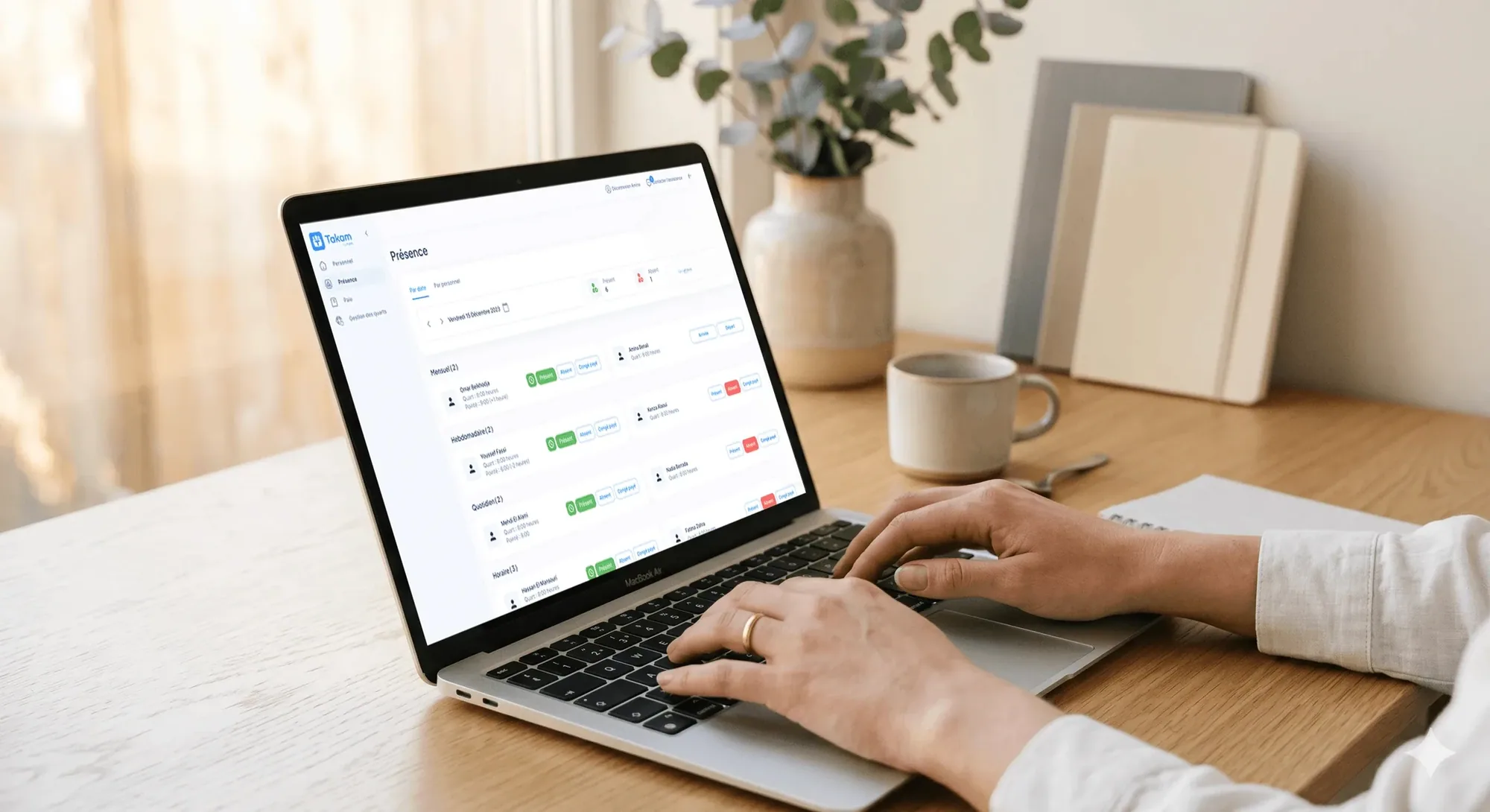
A live view of attendance across your whole team
You can't stand at every door at opening time, and discovering a no-show at noon is too late to fix it. The attendance dashboard shows every employee's status in real time, so you can arrange cover from your phone before it costs you sales, and see hours mounting up before they become overtime.
- Real-time attendance status, clocked in, on break, clocked out, or absent
- Running daily and weekly hour totals so overtime is visible before it happens
- Multi-location view shows attendance across every branch, with no account switching
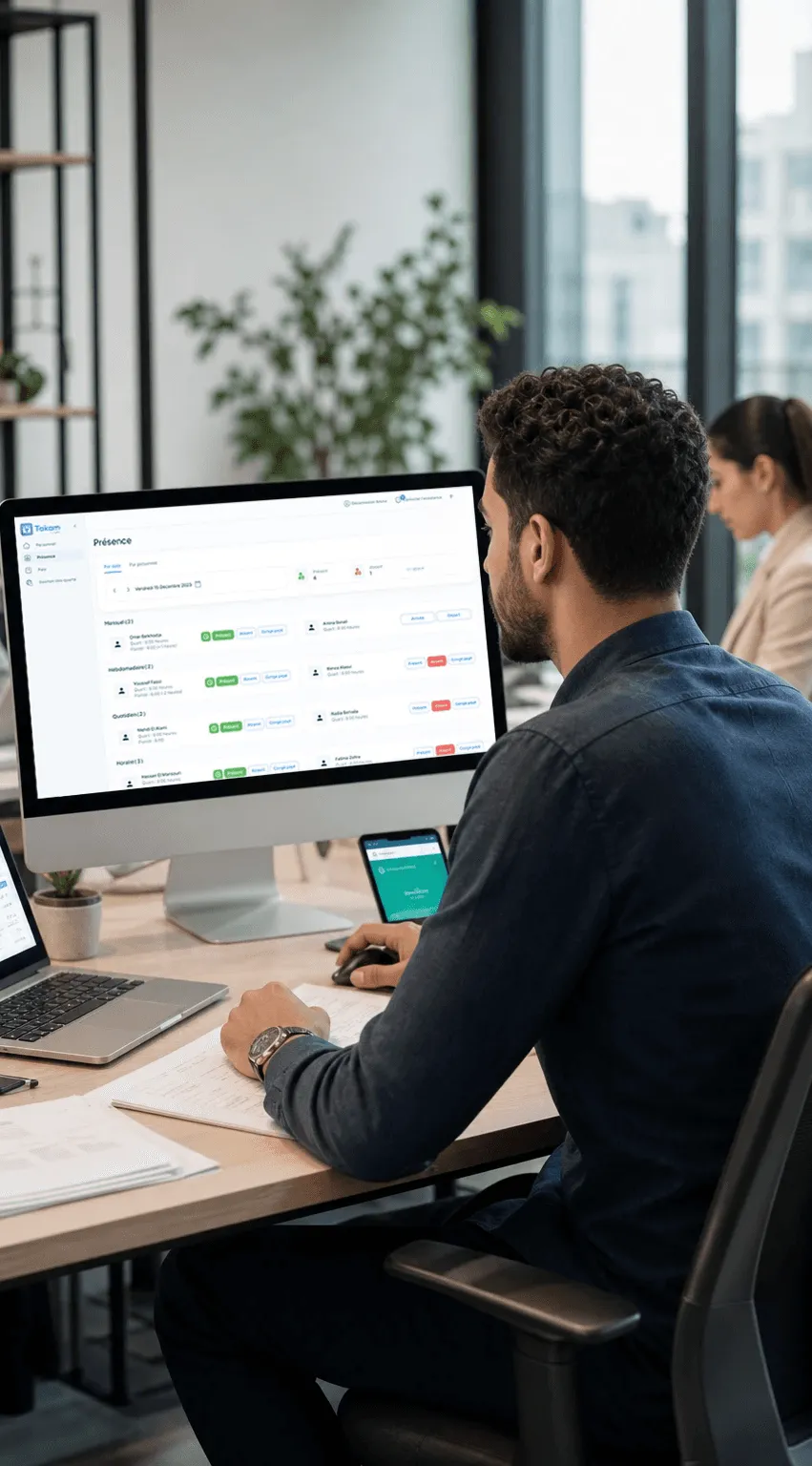
Hours flow straight into scheduling and payroll
Because time tracking, scheduling, and payroll live in one inyad system, the hours your team worked are already calculated when the pay period closes, and salaries go out from the inyad wallet. Your sales sit in the same place, so you can see whether those hours match the business you're doing.
- Actual hours pre-populate payroll, removing manual data entry at the end of the period
- Regular and overtime hours are separated so payroll calculations stay accurate
- Scheduling and time tracking share the same data, so planned vs. actual is always visible
Every clock-in, break, and hour lands in one record
Face, fingerprint or PIN, the entry syncs even offline, and the totals reach payroll next to the shifts you planned.
Time tracking for restaurants, retail, salons, and more
Kitchens, shop floors, salon chairs and warehouses all report to one dashboard, and the hours carry through to payroll.

Hospitality & food
Track shift hours for kitchen and front-of-house staff and see attendance in real time across busy service periods.
Learn more
Retail
Know exactly who's on the floor at any moment and feed accurate hours into payroll without end-of-week manual reconciliation.
Learn more
Wellness, beauty & health
Log each stylist's hours per day and tie them to appointment-based scheduling so payroll reflects actual time at work.
Learn more
Manufacturers, distributors & wholesalers
See clock-in status and total hours for warehouse, production, and delivery teams on one dashboard.
Learn moreTime tracking works better with the rest of inyad
Your team clocks in on the same platform that rings up sales. Hours entered once flow into scheduling, leave, and payroll.
Employee scheduling
Compare actual clock-ins against the rota to spot gaps and lateness.
Learn morePayroll software
Hours flow into payroll, so the numbers are right before you send.
Learn moreLeave & absence
Approved leave shows in attendance records, so absences stay right.
Learn moreEmployee records
Time data sits alongside each profile, contract, and HR document.
Learn moreNo more payroll surprises at the end of the month
We used to spend Sunday evening adding up timesheets. Now I just check the dashboard and payroll runs itself from the numbers already there.
Being able to see who clocked in late from my phone, before I even arrive at the shop, means I can cover the floor quickly instead of finding out too late.
Common employee time tracking questions
How do employees clock in and out, and do we need to purchase dedicated tracking hardware?
Does the employee attendance and time tracking application keep running when the store is offline?
How does the time clock data feed into our payroll calculations to eliminate manual math errors?
Can managers edit or correct a staff clock-in entry, and is there an unalterable audit log?
Know exactly who worked, when, and for how long
Accurate clock-in records. Live attendance. Hours that flow straight into payroll, every shift, every pay period.
Get a free demo Start free