Put your menu on every customer's phone.
A price change shouldn't mean another trip to the print shop. Print one QR code and your menu is on every customer's phone, always current, no app, no reprinting. Mark a dish sold out and it vanishes from every table's phone that second.
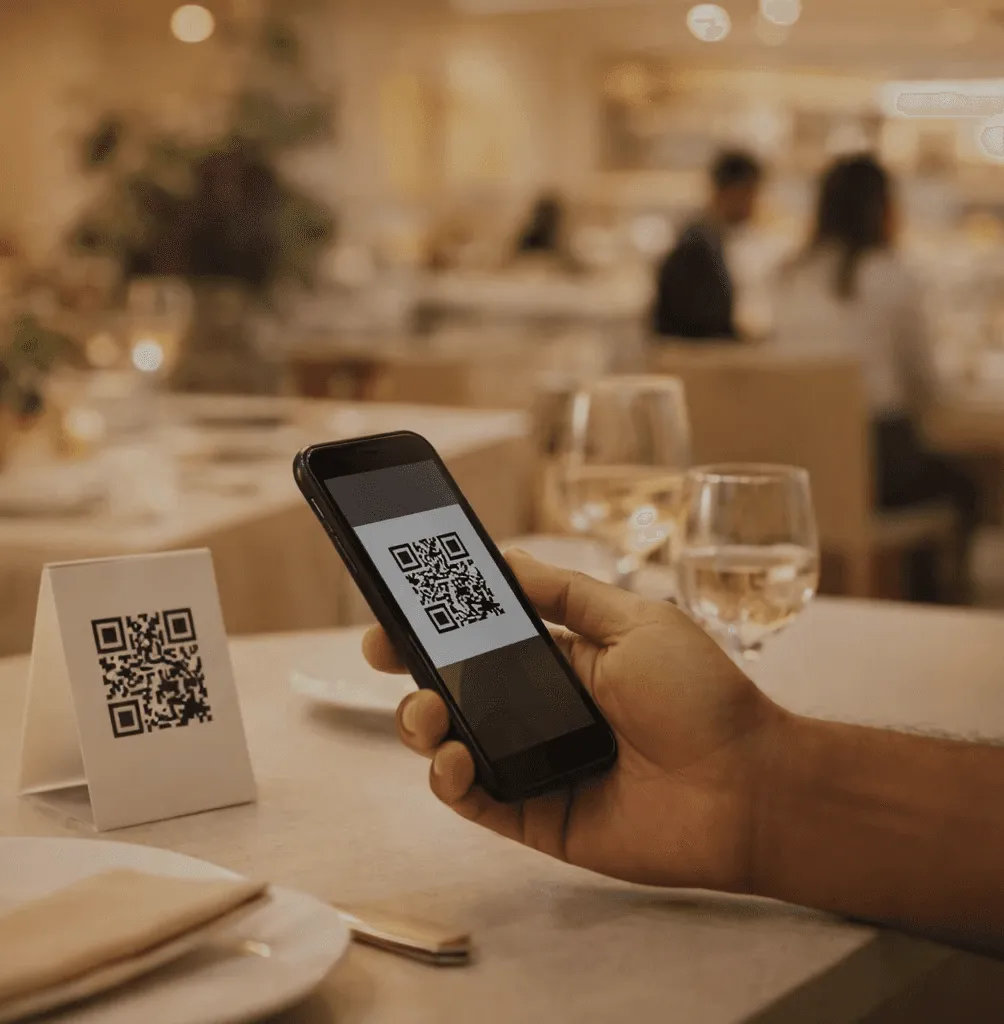
The menu on the table is never out of date.
Run out of a dish at nine, mark it sold out in inyad, and no guest at any table can still choose it.
Never pay to reprint a menu again
Every price change means reprinting, so the change waits, and meanwhile you sell all season at last season's prices.
No more guests choosing a dish that's gone
Nothing sours a table faster than choosing a dish, waiting, and being told it ran out an hour before they sat down.
Fewer questions for staff mid-rush
A guest with an allergy question waits for a waiter who is three tables away, and a table that waits is a table not eating.
Set up in minutes. Update in seconds after that.
The menu comes from the catalog you already run, carries photos and allergen tags, and the printed code never changes.
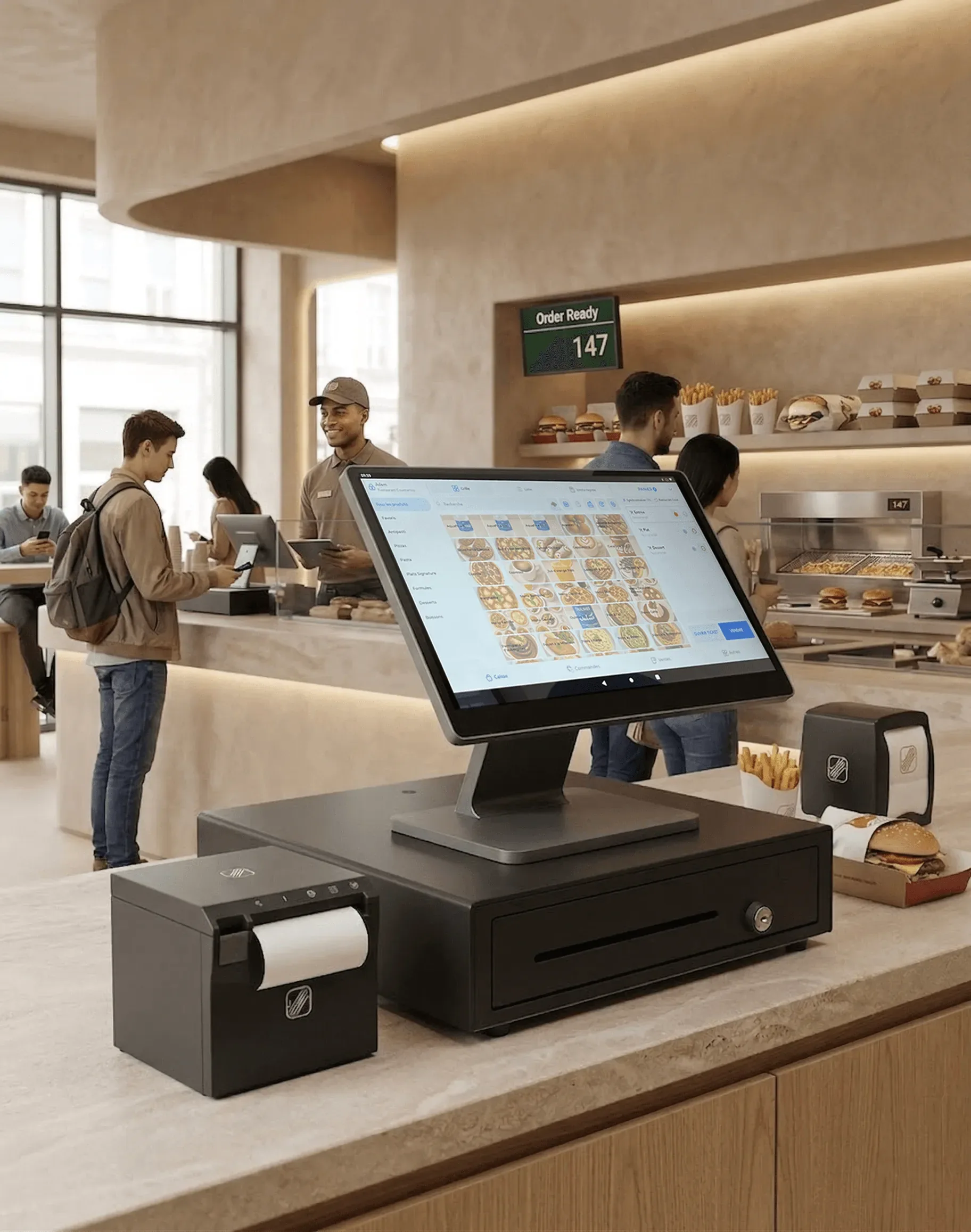
Build your menu in inyad, the QR code is ready immediately
Keeping a menu in two places is how mistakes happen. Your QR menu draws from the same inyad catalog that runs your POS, inventory, and reports, so you enter an item once with its description, photos, and allergen tags, generate the QR code, and go from first item to printed code in minutes.
- Items, categories, prices, and photos all come from your existing inyad catalog
- Generate a QR code for each location or venue, each one links to the right menu
- Download in print-ready formats for table stickers, table tents, or framed stands
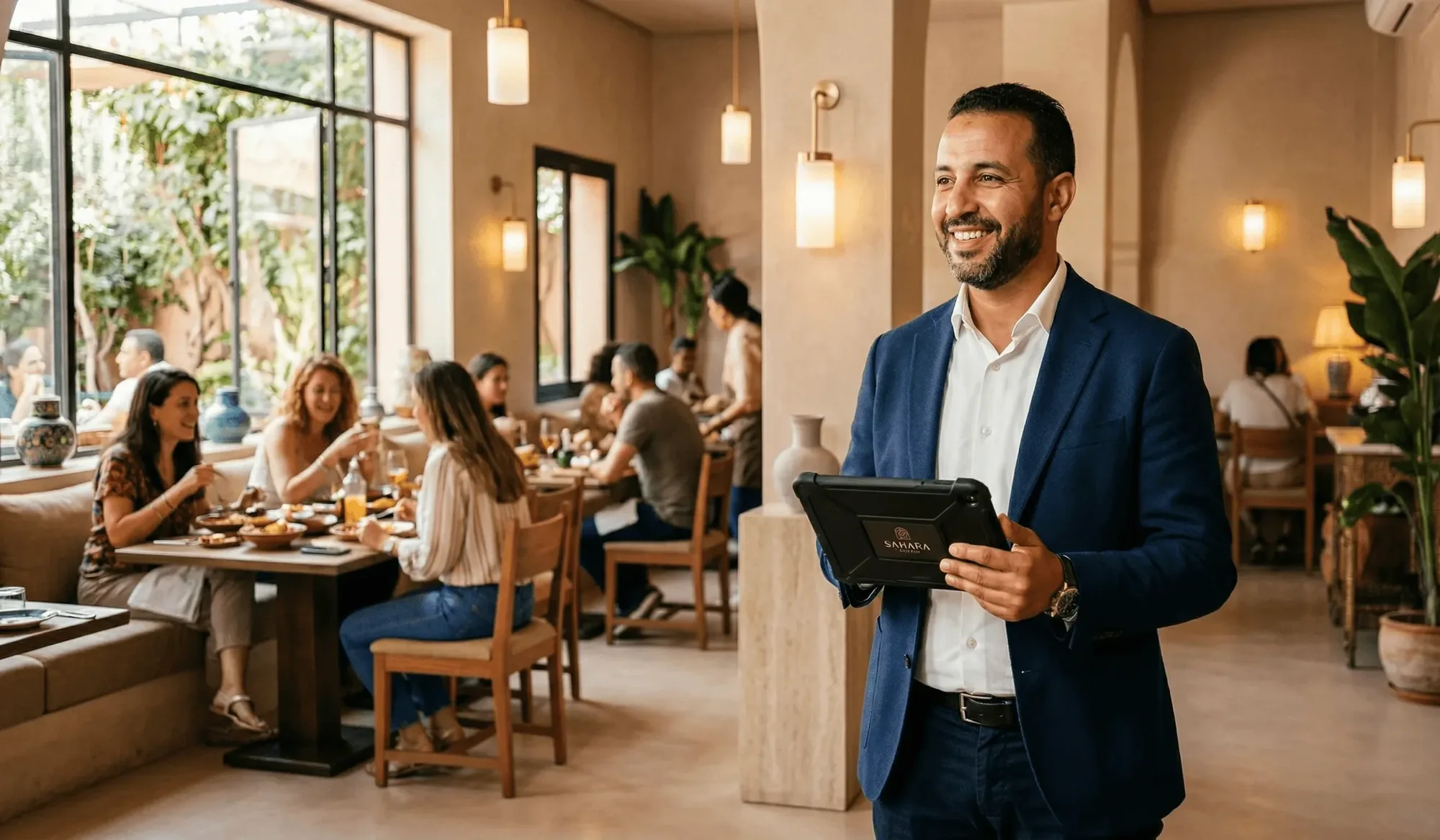
Change the menu once, every table sees it instantly
When you run out of the lamb, mark it sold out in inyad and it disappears from the QR menu immediately, no stickers over the item, no staff announcement. The physical QR code on your table never changes, only the menu behind it, so you print once and every update after that costs nothing.
- Sold-out items vanish from the live menu the moment you mark them in inyad
- Price changes apply instantly, no risk of customers seeing an outdated figure
- Add daily specials, seasonal items, or event menus without reprinting a single code
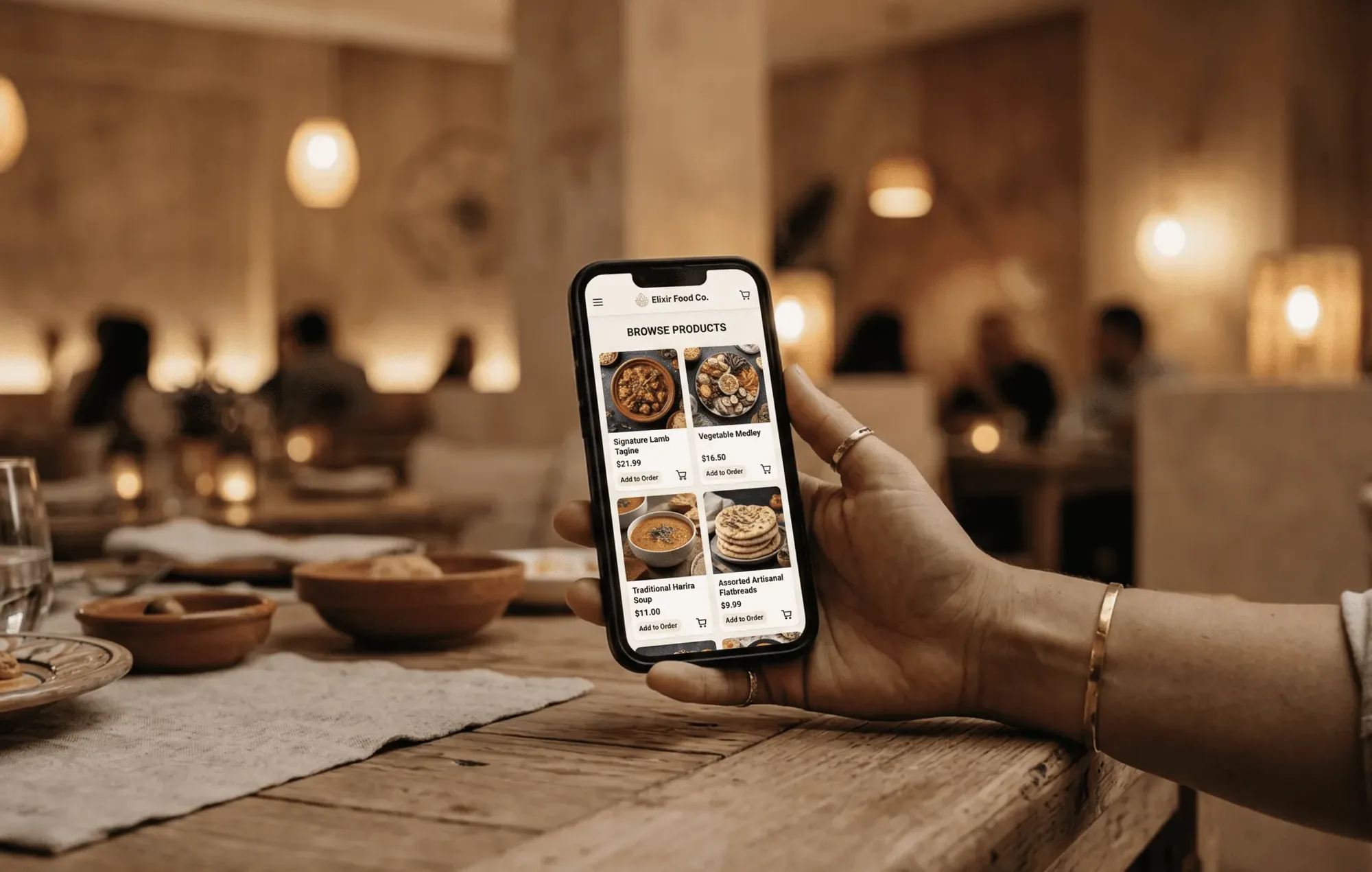
Photos, allergens, and descriptions, all in a customer's palm
A physical menu is constrained by print space, lamination costs, and readability, and your QR menu has none of those limits. Add a photo and full description to every dish, tag allergens with standardised icons, and flag dietary choices like vegetarian, vegan, or gluten-free.
- High-res item photos help customers decide faster and set accurate expectations
- Allergen tags and dietary icons reduce the volume of allergy-related questions to staff
- Categories and sections keep even long menus easy to navigate on a small screen
All of this comes with the QR menu
One item list drives it all, so a price change, a sold-out dish or a new section reaches every table without reprinting.
A QR menu for any venue that serves food or drink
Laminated cards, chalkboards and window posters all give way to a code that changes the moment your offering does.
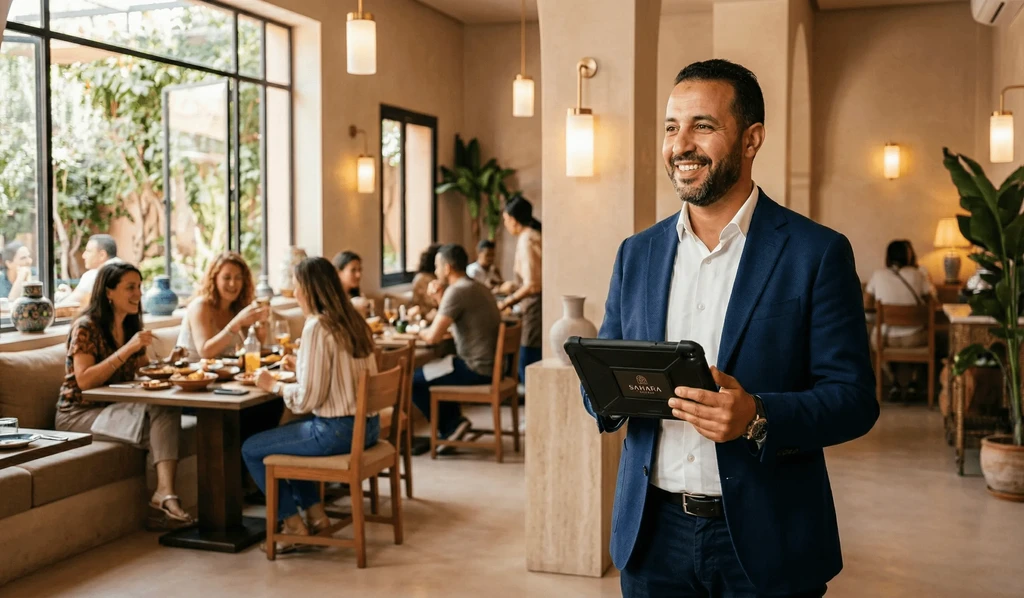
Table-service restaurants
Replace laminated menus entirely, customers browse on their own phone, and every update is instant and free.
Learn more
Café / coffee shop
Post your seasonal specials and daily offerings without reprinting. Regulars check the QR menu before they sit down.
Learn more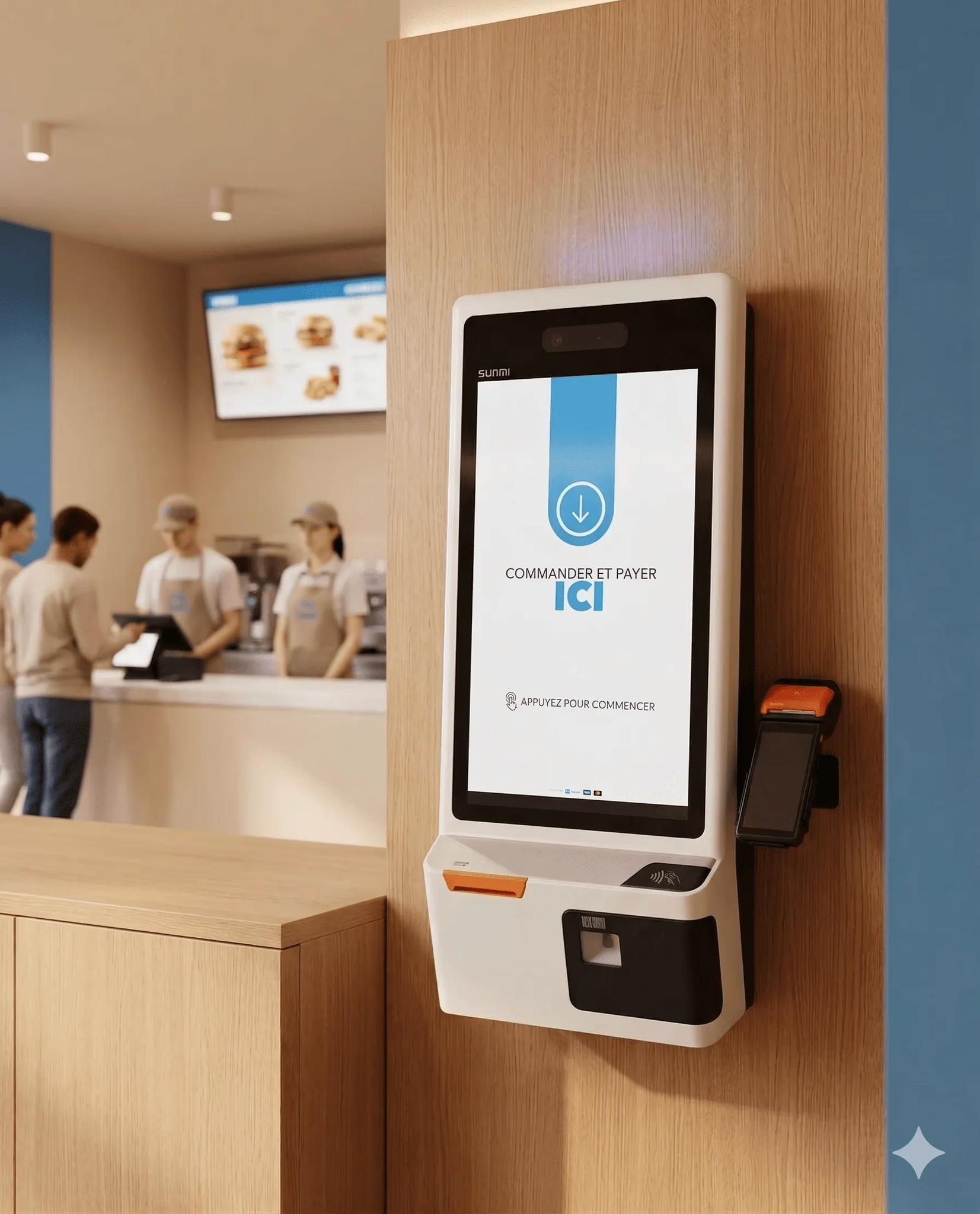
Hospitality & food
Keep your drinks list current as kegs run out or cocktail menus rotate, update in inyad, live on every table.
Learn more
Fast food
No room for a chalkboard or printed menu? A QR code sticker on the window gives every customer the full menu.
Learn moreThe QR menu is the start, these features complete the picture
Menu, orders, payments, and stock run on one inyad system, data entered once, everything reconciled.
Always current, always in customers' hands
We stopped printing menus entirely. When a dish runs out, I update inyad and it's gone from the menu in seconds. No more awkward explanations to guests.
The allergen tags have been a huge help. Customers check on their phone before they even ask a question, it's saved a lot of time during service.
Common QR code menu questions
Is the digital QR code menu completely free to use, and can I add detailed photos and allergen warnings?
Can I update my product selections, descriptions, and pricing without reprinting our physical QR codes?
Can a single business account manage separate QR menus across multiple store locations or branches?
What is the operational difference between a standard QR menu and a full QR code ordering system?
Give every table a menu that's always up to date
One QR code per table. Update your menu anytime. No reprinting, no extra cost, and the local inyad team helps you get set up.
Get a free demo Start free