One catalog behind everything you sell.
Keeping one menu on the POS, another online, and a third on the QR code means every price change is done three times, and one is always wrong. inyad's catalog management software puts one centralized catalog and price database behind every channel, sizes, colors and modifiers included: edit an item once and it updates instantly.
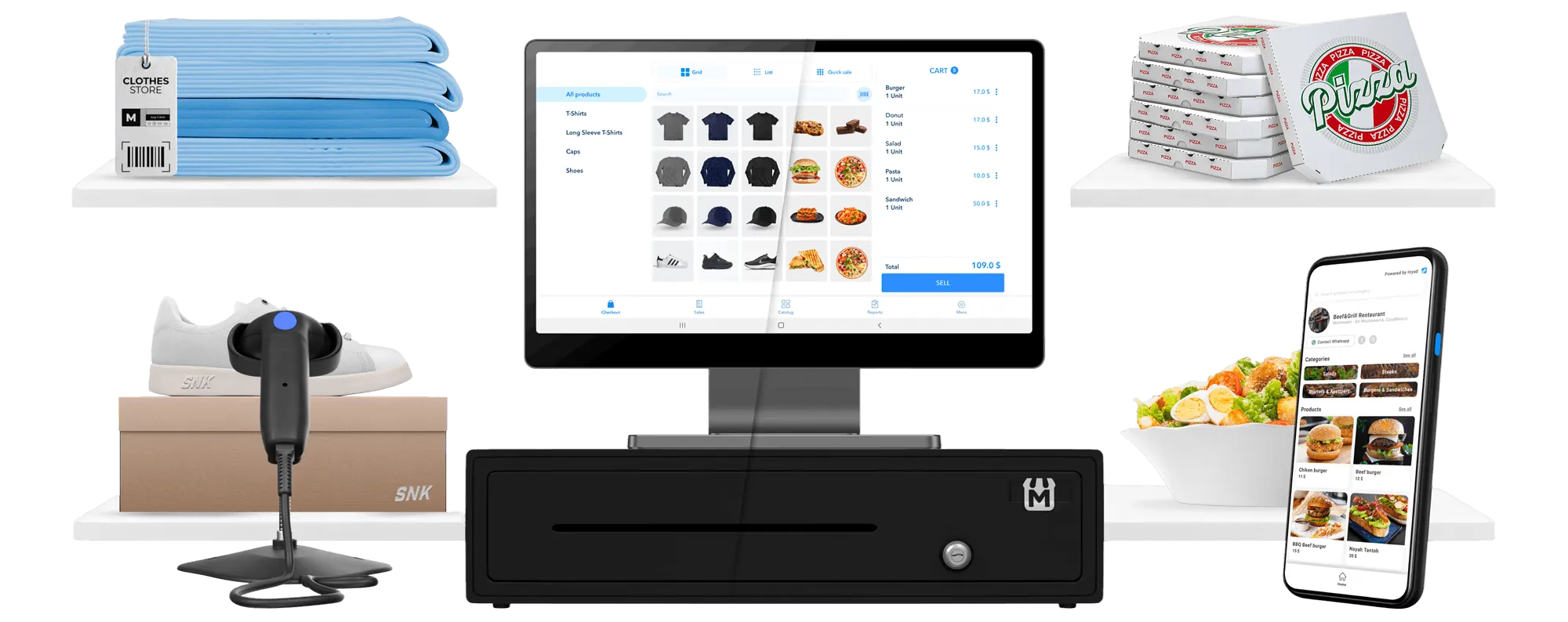
The faster you build your catalog, the faster you sell
An outdated price or a missing item costs you a sale, or an argument at the counter. One accurate catalog behind every channel ends both.
Stop updating the same menu three times
Updating the same price in three places is a job nobody wants, so it slips, and each channel quietly tells a different story.
Start selling new items the same day
An item you cannot list today is revenue postponed. Slow setup is why new products sit in the stockroom instead of selling.
Never sell at the wrong price again
A price that differs between the shelf and the checkout costs you the argument, the sale, and sometimes the customer.
You enter an item once. Here is what happens next.
Setup takes minutes, modifiers and variants sit in the same catalog, and one edit reaches the POS, kiosks, and delivery apps.

Add items, categories, images, and pricing in minutes
Most systems make you spend days configuring before you can sell a single item. inyad keeps setup to the basics, a name, description, photo, and price, then a category and any tags, and the item is live. If you would rather not do it alone, our team installs and trains on site.
- Create items individually or bulk-import from a spreadsheet to get your full catalog live fast
- Organize products into categories and subcategories that match how your customers browse
- Add descriptions, high-resolution images, and multiple price tiers from a single item screen
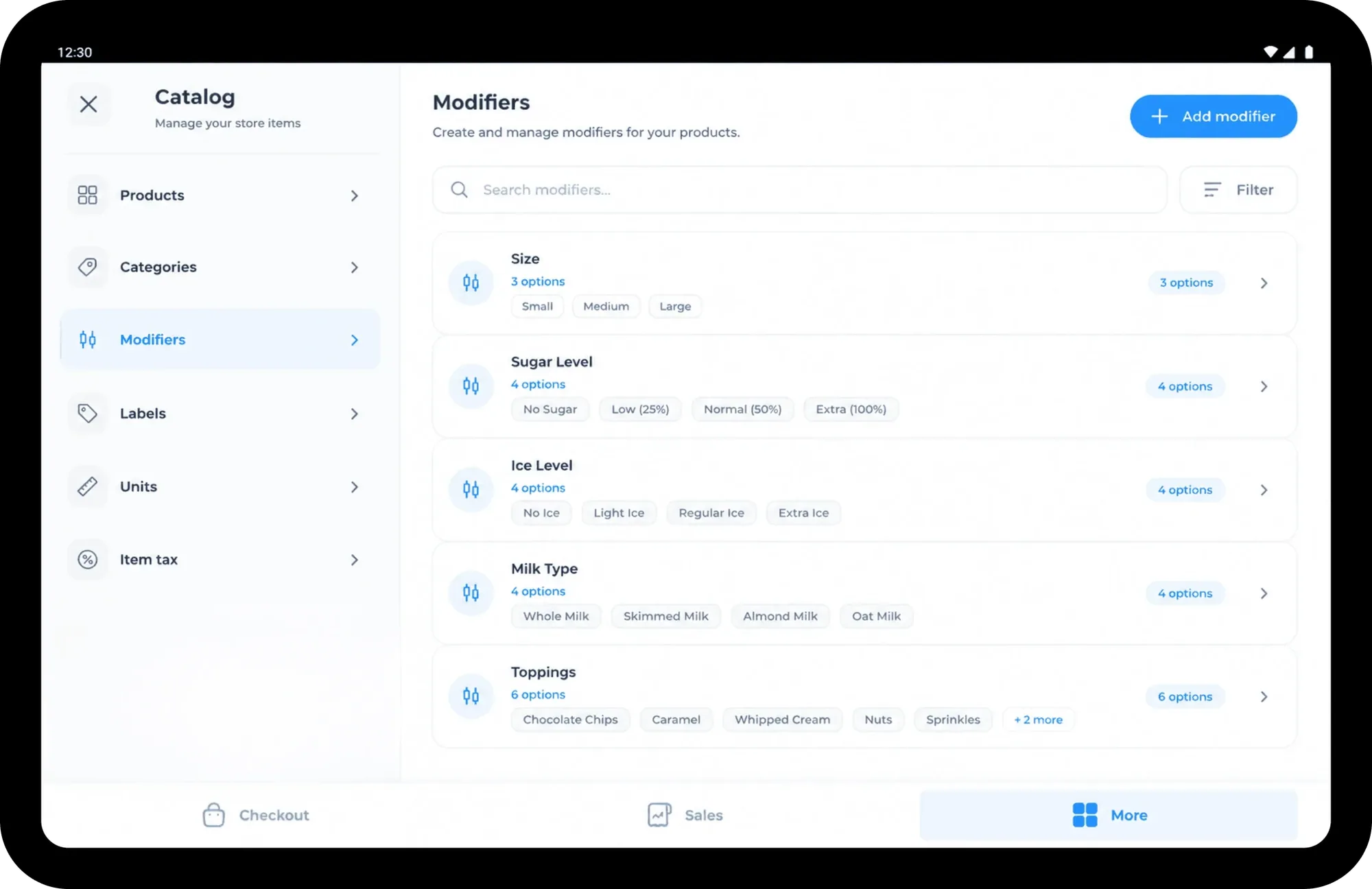
Modifiers for food, variants for retail, one platform for both
A café adding size options and sauce choices needs modifiers at the point of order. A boutique selling a jacket in three colors and four sizes needs variants that each carry their own SKU and stock count. inyad handles both, whether you sell plates, products, or both at once.
- Modifier groups with required and optional selections, min/max rules, and per-option pricing
- Create product variants with their own SKU, barcode, price, and image for each combination
- Run a multi-concept location, food and retail, from a single unified catalog
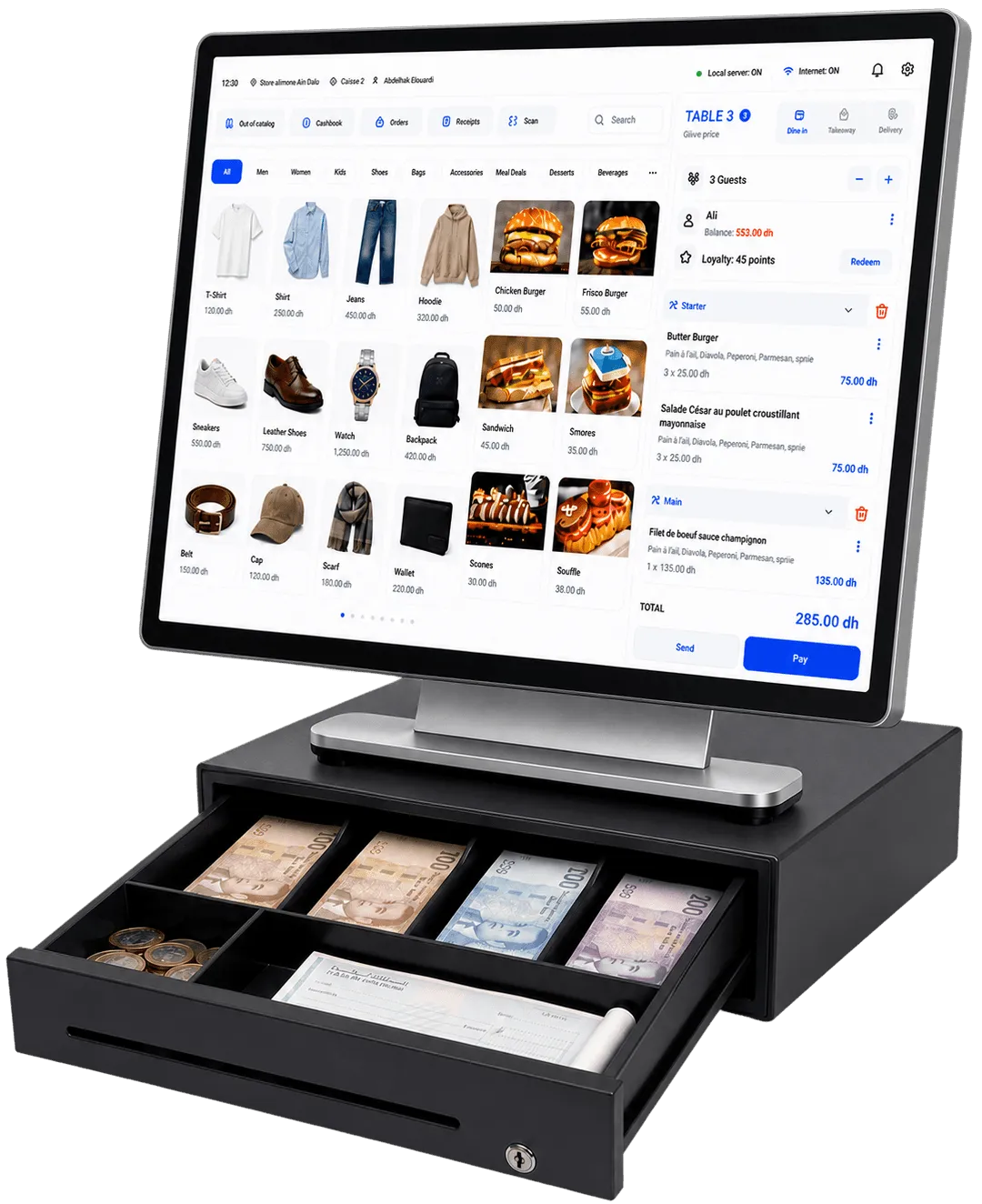
Edit once, sync all. POS, online store, kiosks, and delivery apps
Update an item, price, or photo once and the change is live instantly on the POS, your online store, QR menu, self-order kiosks, and the delivery apps you sell through. Toggle an item unavailable and it disappears from every channel at once, even when the internet has dropped.
- Change a price, rename an item, or swap a photo once, every channel updates, no manual sync
- Schedule items to go live or become unavailable, such as a lunch menu or a seasonal special
- Control which items are visible on which channels, online but off the kiosk, for example
All of this comes with catalog management
Build an item once and its prices, variants, modifiers and availability follow it to POS, online store, kiosk and QR.
Catalog management that fits your type of business
Menus with modifiers, thousands of retail SKUs and wholesale price lists all sit in the same master catalog.

Hospitality & food
Build your menu with modifier groups, combos, and time-based availability. Every item flows to the POS ticket.
Learn more
Retail
Manage thousands of SKUs across colors, sizes, and styles. Each variant tracks its own price, barcode, and stock level.
Learn more
Traditional retail & corner shops
Run food and retail from the same catalog. Modifiers, variants, and categories coexist without competing tools or duplicate data entry.
Learn more
Manufacturers, distributors & wholesalers
Keep one master catalog for thousands of SKUs, with supplier references, cost prices, and wholesale lists.
Learn moreYour catalog connects the rest of inyad
Your catalog is where one platform starts. Sales, inventory, purchasing, payments, staff, and reporting run on the same system.
Inventory management
Stock levels update automatically as your catalog is set up.
Learn moreRetail POS
Ring up every product variant and price list at the counter, offline too.
Learn moreRestaurant POS
Your modifiers, combos, and prices flow straight to the POS ticket.
Learn moreOnline store
Publish your whole catalog to your online store with one toggle.
Learn moreBusinesses that got their catalog under control
We used to maintain three separate menus, one for the POS, one for the website, and one for the QR code. With inyad we edit once and it's done everywhere. That alone saves us an hour every time we change a price.
We sell clothing with dozens of size and color combinations. Setting up variants took an afternoon and now every SKU is tracked properly. I finally know which colors are actually selling.
Common catalog management questions
How hard is it to import my current menu or retail product catalog from my legacy tools?
What is the strategic difference between configuring item modifiers and setting up catalog variants?
Can I deploy separate menus, distinct catalog lists, and different pricing tiers across multiple store branches?
Does a catalog change or a price update sync to my physical checkout counters and digital channels automatically?
Your catalog, every channel, one place to manage it
Build your catalog once, publish it everywhere, and spend your time serving customers, not updating menus.
Get a free demo Start free