Promotions & discounts that work on every channel
Discounts improvised at the counter leak margin, and offers set up channel by channel never quite match. With inyad you create a promotion once, a code, a buy-one-get-one, a scheduled happy hour markdown, and it applies at your POS, online store, and payment links, switching on and off by itself.
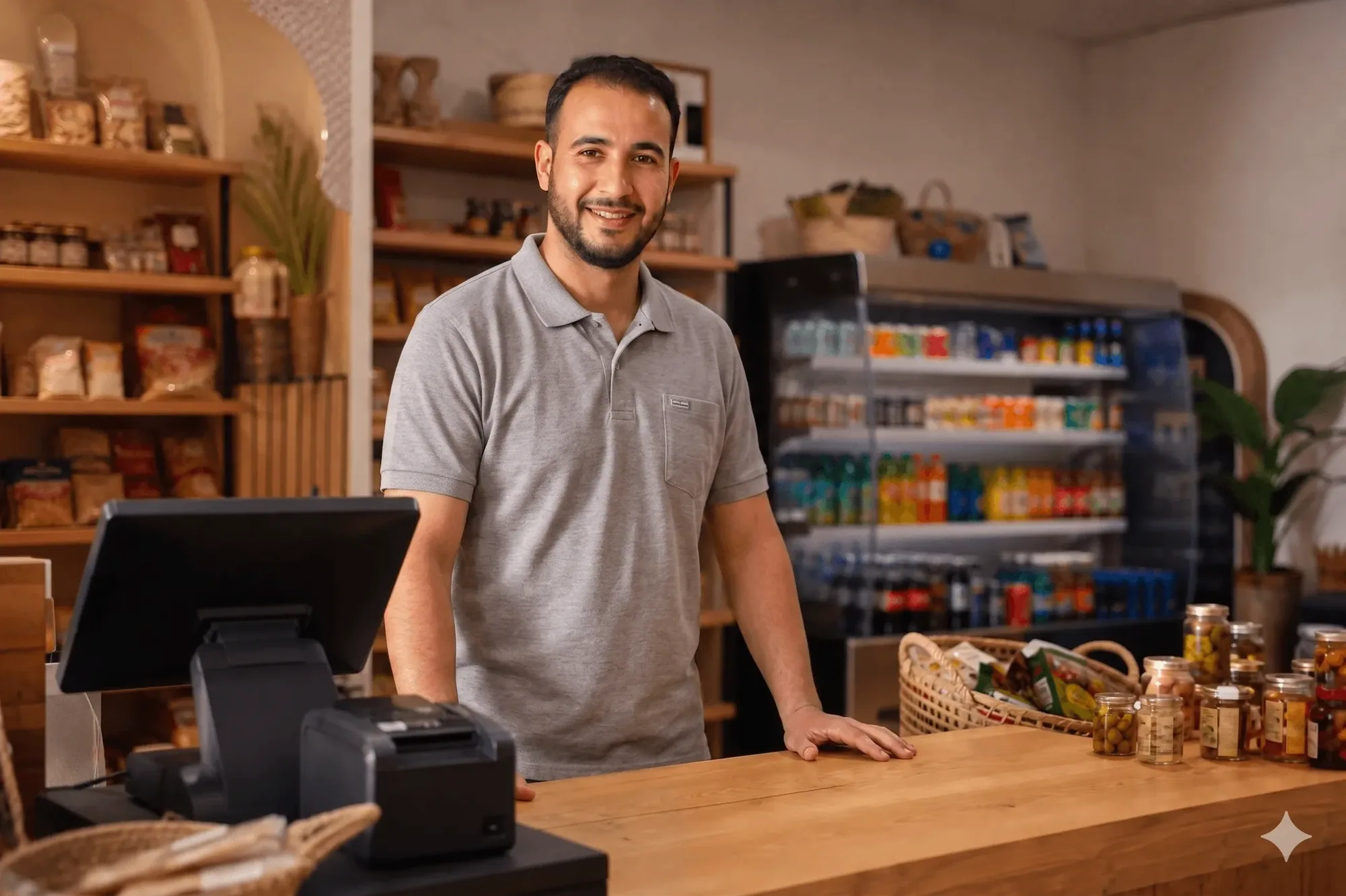
Every discount comes from a rule you set
A good offer fills slow days and moves stuck stock. A badly controlled one eats your margin. inyad gives you the reach and the guardrails.
One offer, every channel, set it once
A promotion that runs in one place and not another is a customer standing at the till asking why their price differs.
A flash sale live the same morning
An offer that takes days to prepare never actually runs, and the slow Tuesday it was meant to rescue passes anyway.
No margin leaking past your rules
A discount without limits is a discount someone will use twice, and the margin leaves quietly, one order at a time.
Create the offer once. It runs everywhere you sell.
Pick the discount type, set the caps and dates that protect your margin, and see afterwards which offers earned revenue.
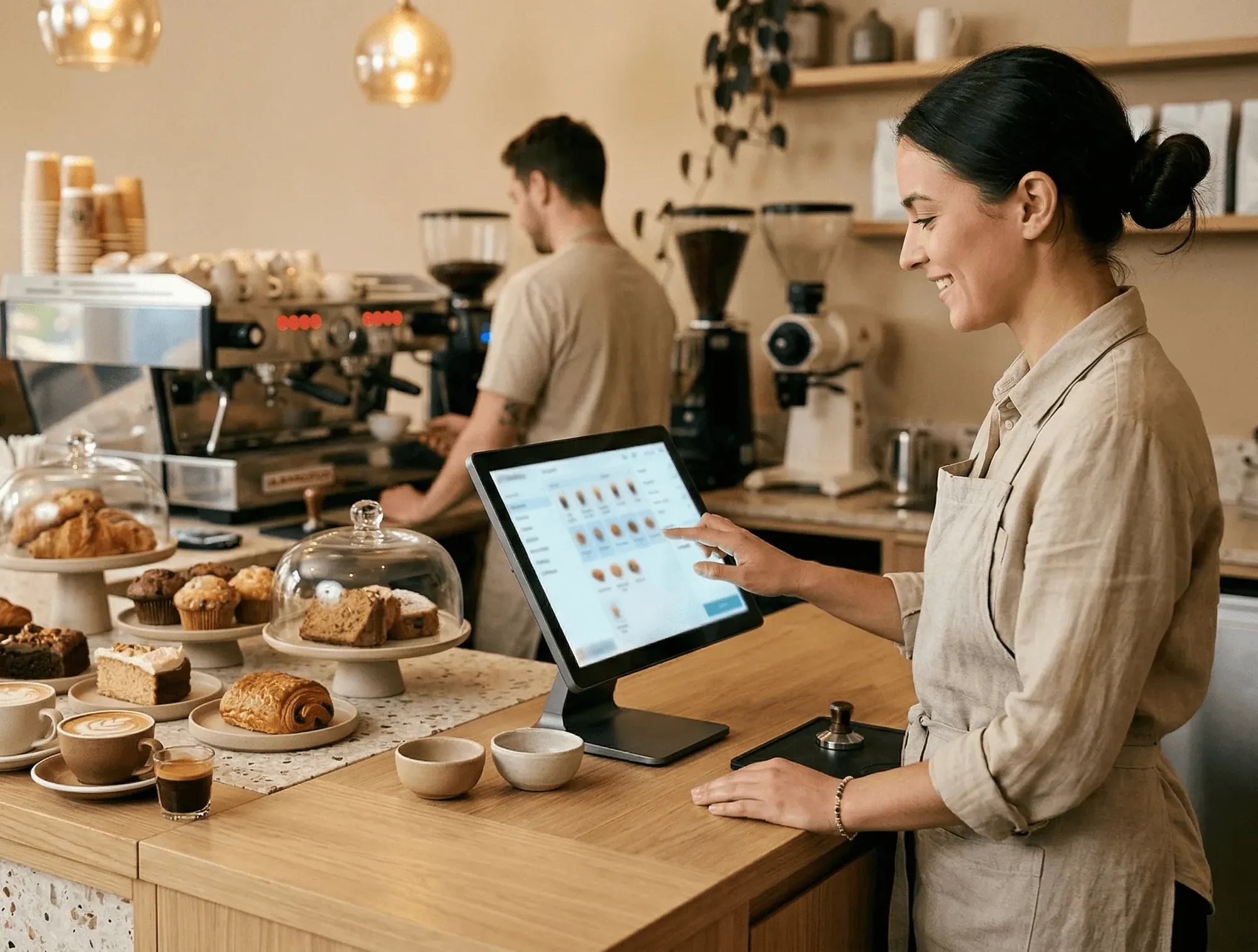
Build any discount or promotion type from one screen
A promotion that takes days to set up never gets run, and the sale moment passes. In inyad you set up a percentage off, a flat amount off, a buy-one-get-one deal, or a free item at checkout from one place, generate a code or make it automatic, and set the caps that protect your margins.
- Choose from percentage off, fixed-amount off, BOGO, or free-item promotion types
- Scope to the whole order, selected products, or entire product categories
- Set total usage caps, per-customer limits, and start and end dates to keep offers controlled
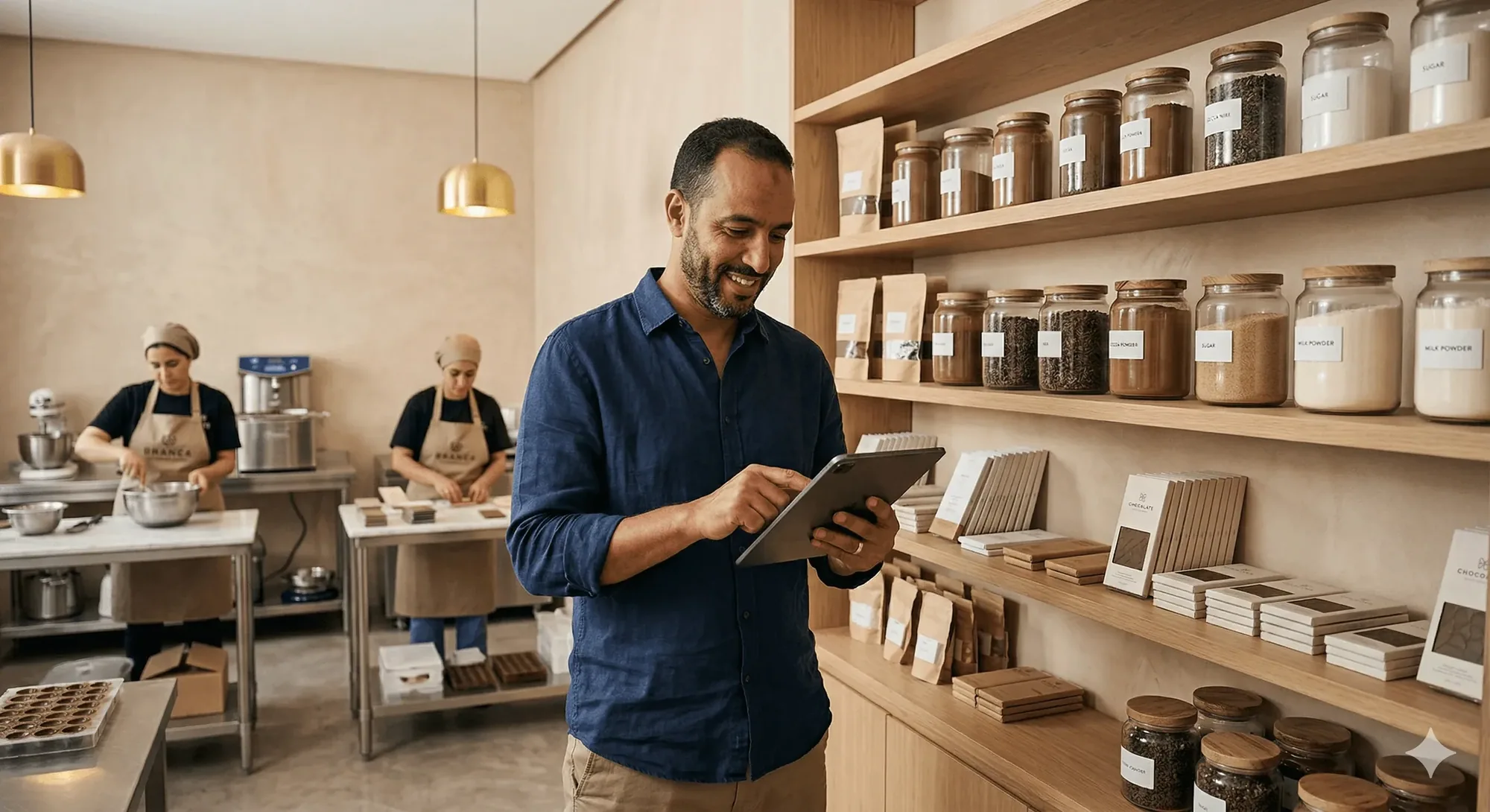
The same offer works at the counter, online, and on payment links
You shouldn't have to configure a discount separately for each sales channel, that is how prices end up different online and at the counter. Create a promotion once and because it applies at the same checkout that takes the payment, every redemption is already in the sale record.
- Staff enter the code at the POS or it applies automatically at the counter checkout
- Customers enter the same code on your online store at checkout, no separate setup
- Share a payment link with a pre-applied discount for targeted, one-click purchasing

See exactly which promotions are driving revenue
Most owners can name their busiest promotion, few can name their most profitable one. Every promo code redemption and automatic discount is tracked, so your reporting dashboard shows total redemptions, the revenue tied to each promotion, and the per-code breakdown behind them.
- Track redemptions per code, per channel, and per time period in one dashboard
- See total discount value issued and the associated revenue to understand margin impact
- Spot which promotions converted best and use them as the template for future offers
Every type of discount, fully under your control
Set the scope, the redemption limit and the dates, then read back what each offer earned across every channel you sell on.
Promotions built for every type of seller
Happy hours, clearance events, first-visit offers and codes shared on social, each set up once and applied where you sell.
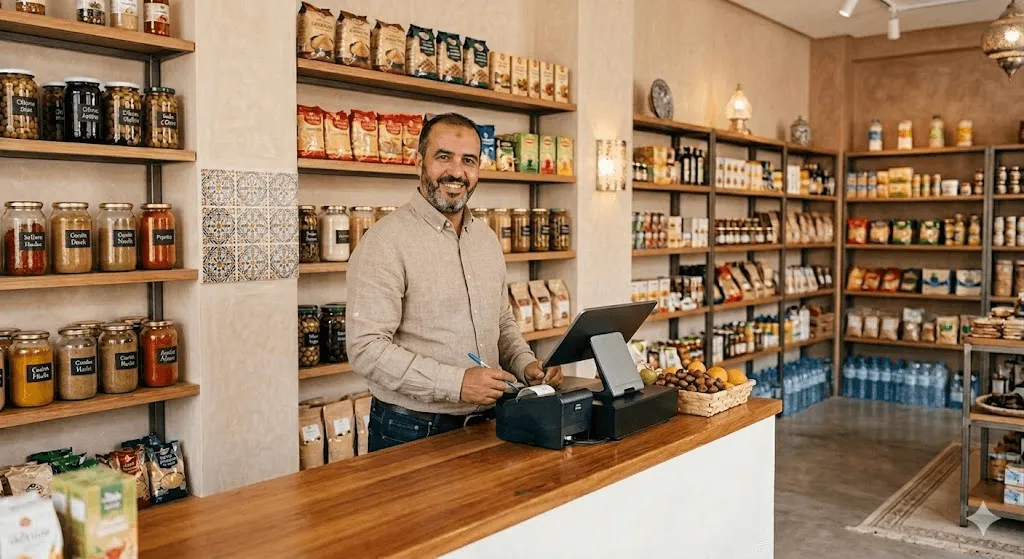
Retail
Run seasonal sales, clearance events, and category promotions that apply in-store and online without double setup.
Learn more
Hospitality & food
Offer happy-hour deals, combo discounts, or a free item with every meal, applied automatically at the POS.
Learn more
Independent professionals
Share promo codes on social, in your bio link, or via payment links and watch them convert at your online checkout.
Learn more
Wellness, beauty & health
Reward new clients with a first-visit discount and drive repeat bookings with targeted percentage-off offers.
Learn morePromotions work better alongside these features
Promotions aren't a separate app. They run inside the one inyad platform where sales, payments, and reporting share a single system.
Loyalty Program
Pair one-off offers with an ongoing points and rewards program.
Learn moreGift Cards
Combine stored value with promotional discounts on the same sale.
Learn moreOnline Store
Publish promo codes your customers can use at checkout online.
Learn moreCustomer Directory
See which customers used which offers and track engagement.
Learn morePromotions that run themselves
We ran our first proper sale campaign in minutes. The promo code worked at the register and online at the same time, our team didn't have to do anything extra.
The usage limits are a lifesaver. I set the cap at 100 and the code expired automatically. No more chasing customers who tried to reuse old deals.
Common promotions and discounts questions
What specific promotional logic, bundle markdowns, and discount structures can I create?
Can I restrict a promotional code to specific item categories, usage limits, and expiration dates?
Does a system discount apply to the transaction before tax calculations or after tax lines?
Can a customer stack a promo code together with their active store credit or gift cards?
Launch your first promotion today
One setup, every channel: promo codes and discounts at your POS, online store and payment links, with local support.
Get a free demo Start free