QR code ordering that fills tables and frees your staff
Stop losing covers to slow order-taking. Customers scan at the table, browse your live menu, and send their own order straight to the kitchen, no waiting for a server. Each table's own code stamps the table number onto the ticket.
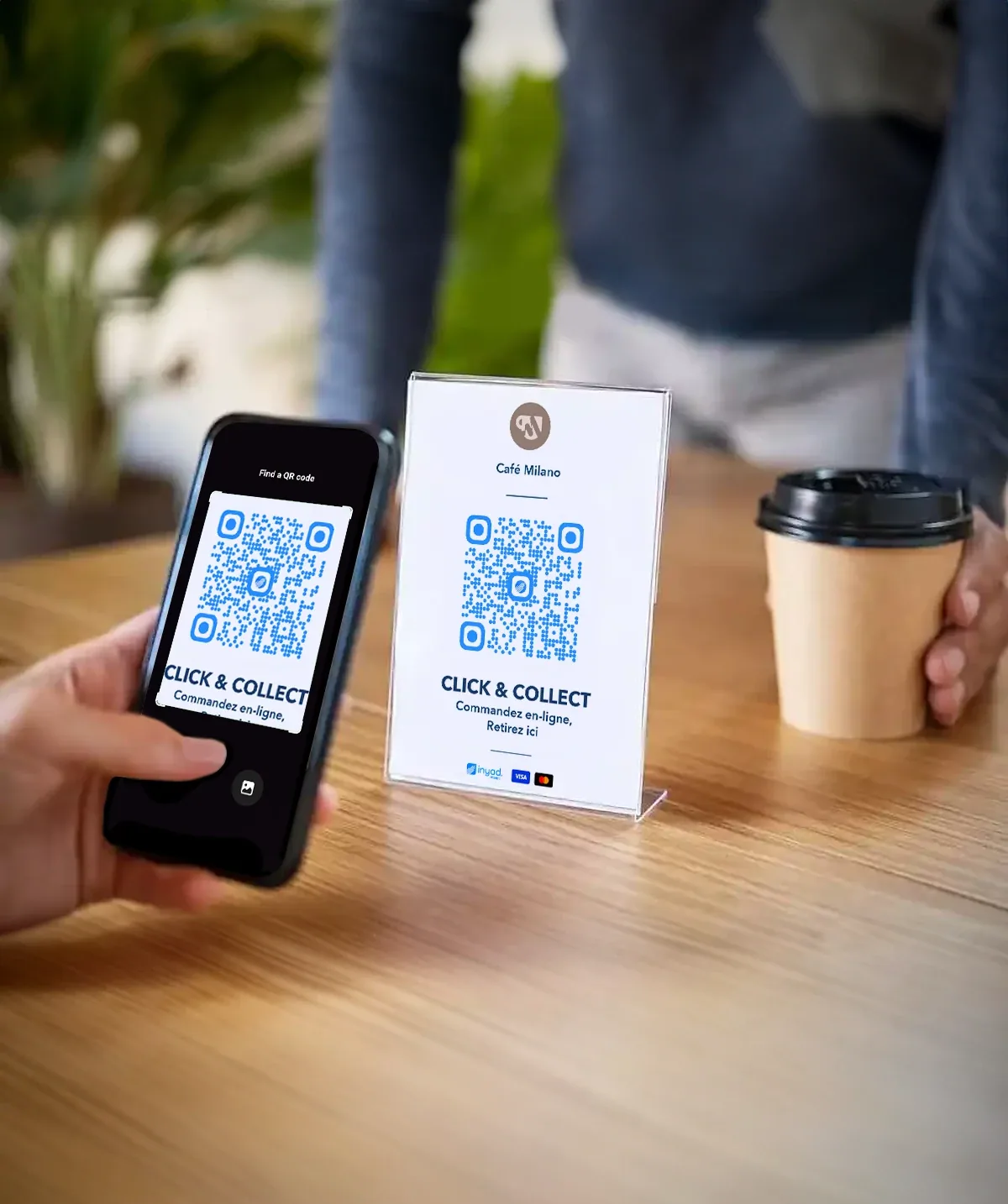
Guests order the moment they sit down.
Guests waiting to order, food going to the wrong table, mistakes coming back. QR code ordering removes all three from a busy dining room.
Orders go in the moment guests are ready
Guests decide fast and wait slowly. Every minute between sitting down and ordering is a minute of your table earning nothing.
Food lands at the right table, every time
A dish delivered to the wrong table is remade, comped, or both, and the guest who waited twice tells people about it.
Fewer wrong dishes coming back to the pass
Every remade plate is paid for twice, once in ingredients and once in the goodwill of the table that has to wait again.
Scan, browse, order, in under a minute
There is nothing for the customer to install, modifiers are captured in writing, and the ticket carries its table number.
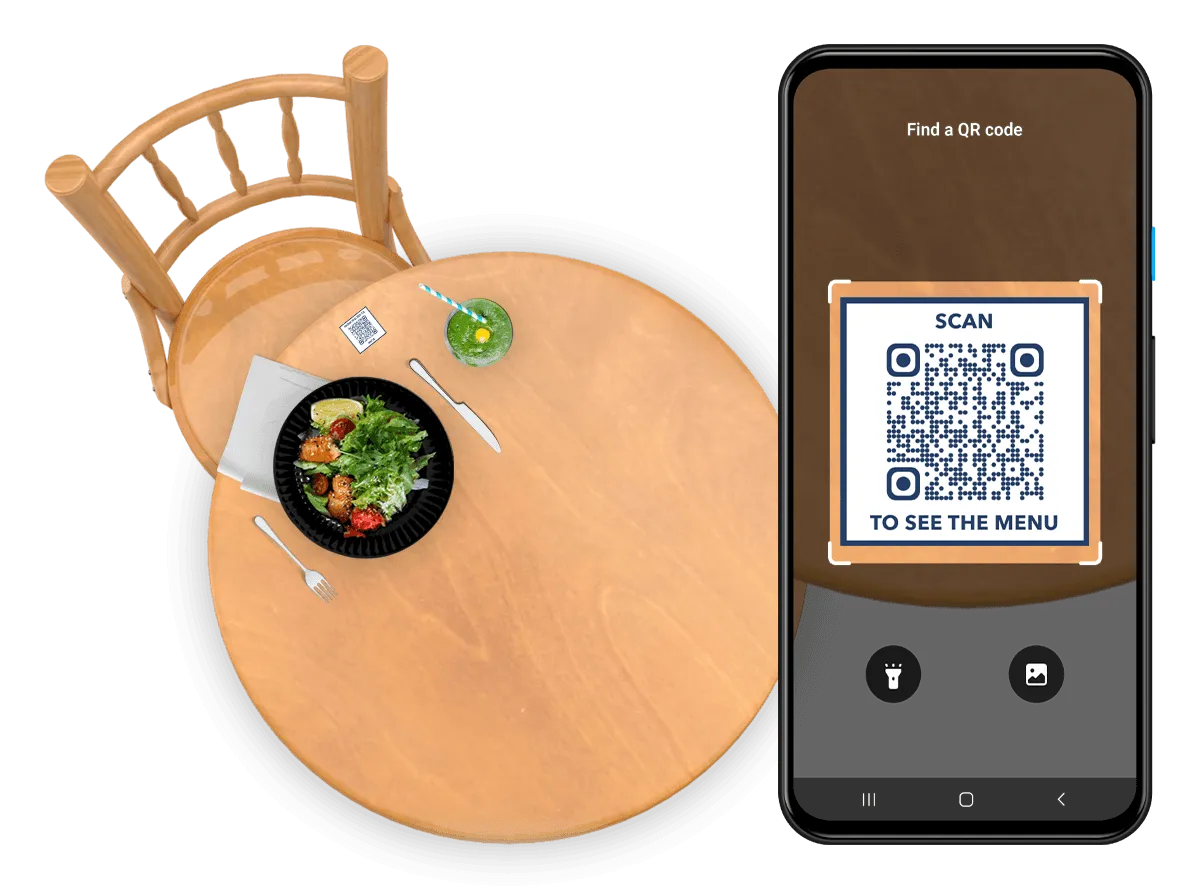
A QR code on every table, nothing for customers to install
The first minutes at a table are often spent waiting to be noticed. Print a QR code from inyad and place it on each table, a sticker, a table tent, or a card. When a customer scans it with their phone's camera, your full menu opens in their browser. No app to download, no account to create.
- Works with every modern smartphone camera, iOS and Android, without any additional software
- Each table can have its own code so orders link automatically to the right table number
- QR code stickers and printable table tent templates available from inyad in minutes
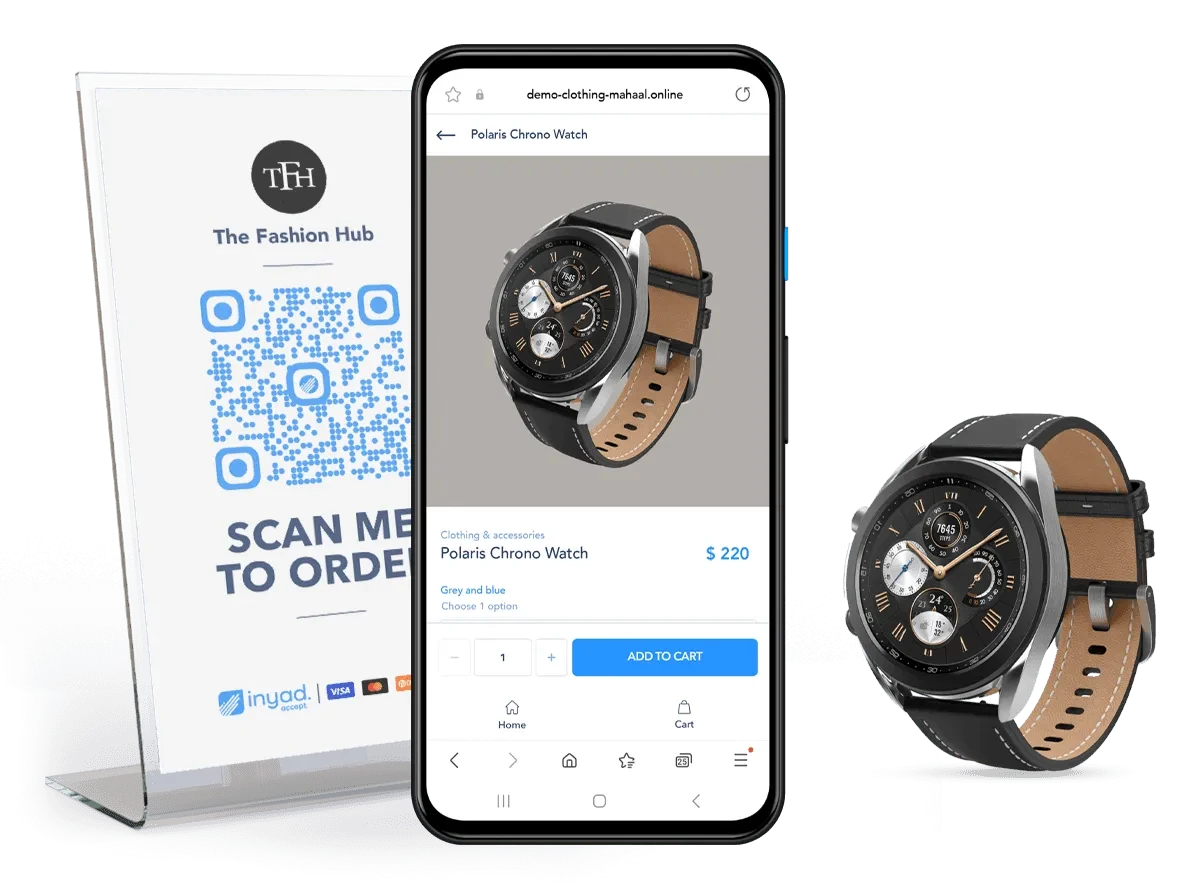
Customers browse, customise, and place their order themselves
Most order errors start as words shouted across a noisy room. The ordering page shows your menu with descriptions, photos, prices, and modifiers, extra toppings, sauce choices, dietary notes. Customers build the order at their own pace and tap to confirm, every request captured in writing.
- Modifiers and extras let customers customise dishes without needing to flag down a server
- Sold-out items are hidden automatically so customers can only order what's available
- The menu reflects your latest prices and specials in real time, no reprinting needed
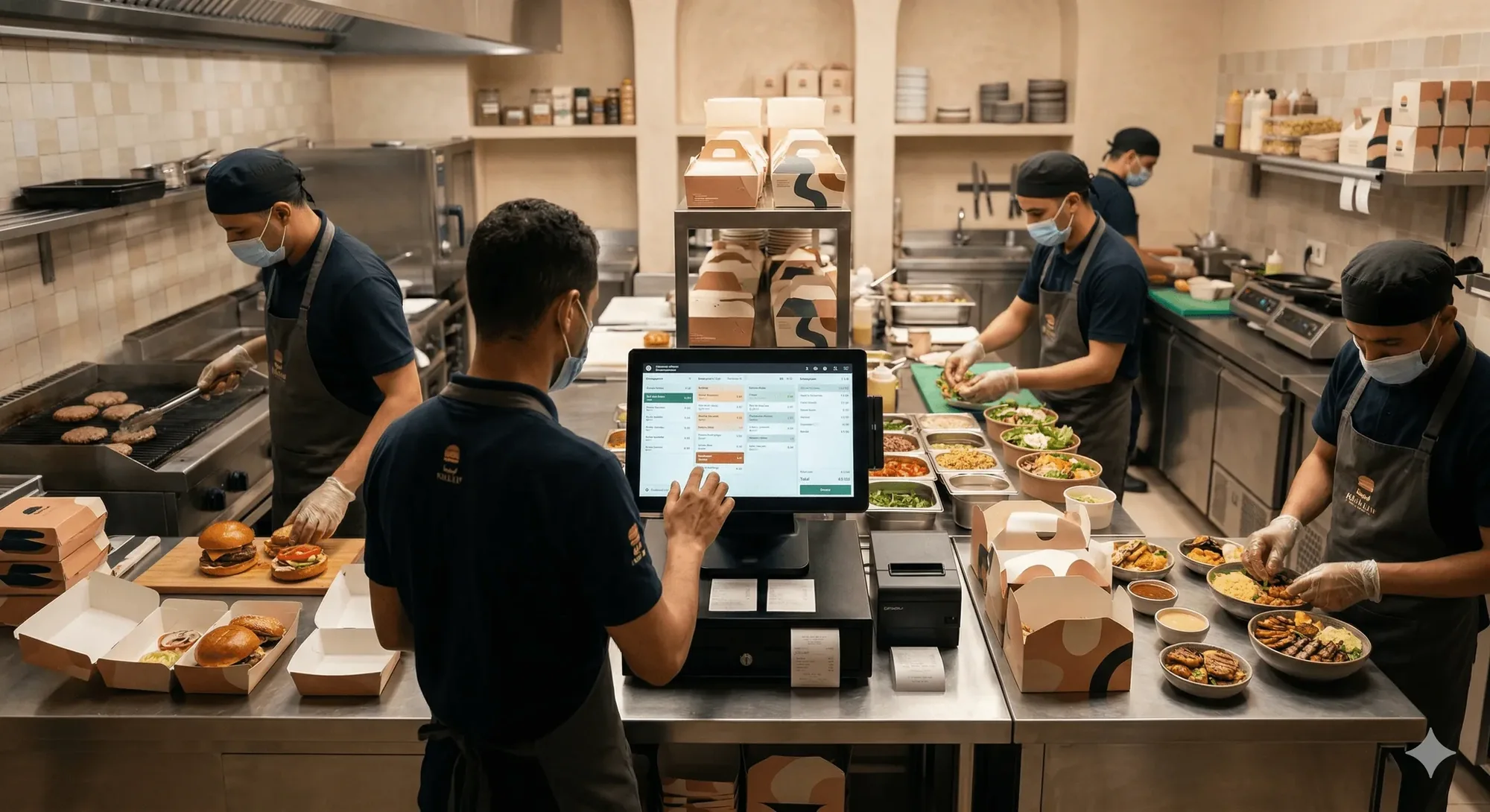
The order fires to the kitchen, no re-entry, no delay
Relaying orders by hand is where time and accuracy leak away. The moment a customer confirms, the order appears on your kitchen display or printer like a counter order, and because QR orders land in the same system that runs your sales, inventory, and reporting, every sale reconciles itself.
- Orders appear on the kitchen display and POS in real time, routed to the right station
- Table number is automatically attached to every order so food lands at the right place
- Multiple rounds from the same table stack on one ticket, keeping kitchen workflow clean
Everything QR ordering needs is included.
A guest scans, customises and reorders from their seat, while the ticket fires to the kitchen and the check finds the table.
QR code ordering for every sit-down venue
Dining rooms, counters, bars and poolside zones all gain the same thing: guests order when ready, staff keep serving.
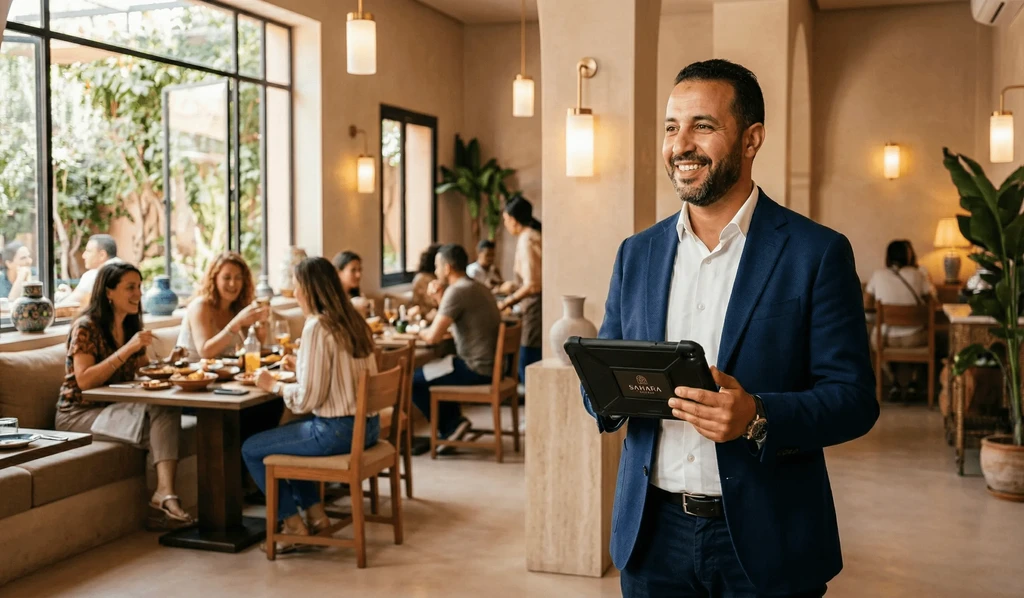
Table-service restaurants
Handle peak-hour rushes without adding staff, tables order as soon as they sit, and the kitchen keeps up in real time.
Learn more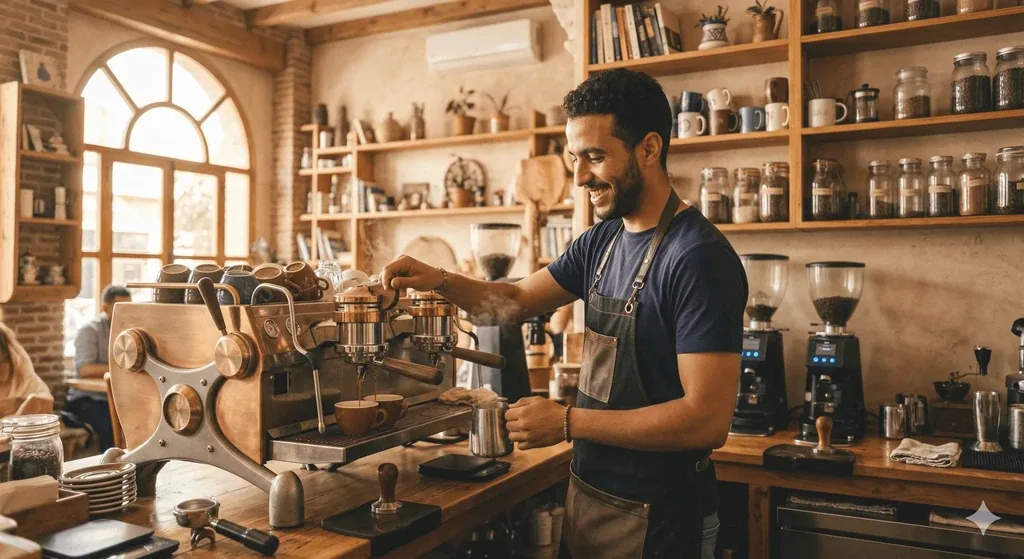
Café / coffee shop
Let regulars order their usual without queuing. QR codes at each seat mean staff focus on making drinks, not taking orders.
Learn more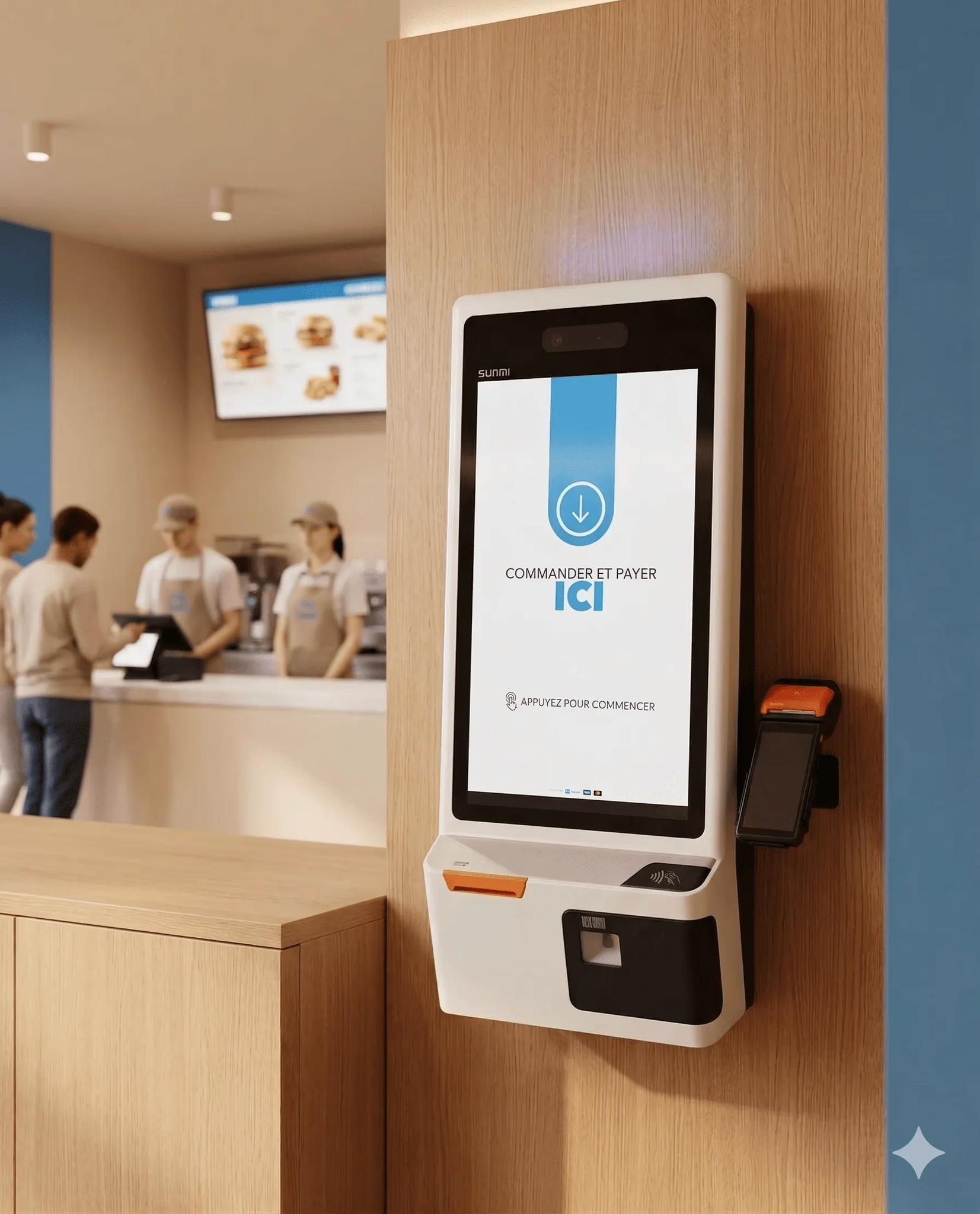
Hospitality & food
Give guests a way to order another round from their seat, no need to flag down busy bar staff during a packed evening.
Learn more
Catering
Serve poolside, in-room, or in the lobby restaurant from one QR system, with each zone linked to the right outlet.
Learn moreQR ordering works better alongside these features
QR ordering runs on the same inyad platform as your POS, payments, inventory, and staff, one system, data entered once.
QR menu
Give display-only tables a browsable digital menu before they're ready to order.
Learn moreQR payment
After the meal, customers scan to pay from their phone, no terminal.
Learn moreRestaurant POS
QR orders arrive in the same POS as counter orders, one unified system.
Learn moreTable management
Link QR orders to your floor plan and keep service organised across the room.
Learn moreDining rooms that run faster with inyad
We run the lunch rush with two fewer staff than before. Customers order the moment they sit, my team just delivers and checks in.
Order mistakes dropped immediately. Customers type exactly what they want and the kitchen gets it that way.
Common QR code ordering questions
Do my customers need to download a specific mobile application to scan our QR codes and view menus?
How do orders placed through table QR codes reach our kitchen, and can customers customize items?
Can customers settle their final bills directly through the QR ordering interface using cards or wallets?
What happens to our active table QR codes if we change our product prices or modify our menu mid-service?
Let customers order from the table, starting tonight
Print a QR code, place it on your tables, and your staff gets their time back from the very first service.
Get a free demo Start free