Retail POS software in the UAE: a practical buying guide
Barcodes and variants, live stock across branches, returns from the receipt, staff PINs and offline selling: how to choose retail POS software in the UAE.
Good retail POS software in the UAE scans every barcode at the right price, updates stock with each sale across all your shops and starts every return from the original receipt. It should also record what each cashier does and keep selling offline.
Key takeaways
- Retail POS software in the UAE should do four jobs well: ring up items fast, keep stock exact, handle returns cleanly and show you the day's real numbers.
- Barcode scanning with size and colour variants removes most pricing mistakes at the till, and it is what keeps the queue short on a busy evening.
- Every sale should update stock on the spot, across every till and every branch, with alerts before a best seller runs out.
- Returns should start from the original receipt and end with the stock back on the shelf and a refund to card or store credit.
- Before you sign anything, test it on your own products, with your own team, and pull the internet cable to see what happens.
What retail POS software in the UAE needs to handle
A shop in the UAE is rarely quiet in the same way twice. Weekday afternoons can be slow, then the evening crowd arrives after work, and weekends in Dubai, Abu Dhabi or Sharjah bring families who buy several items at once. Your retail POS software has to keep up with that rhythm without slowing your team down.
The till is also where most of your business data is born. Each sale tells you what sold, at what price, who sold it and how the customer paid. If that information stays on paper receipts or in a cash drawer, you only find out what happened when you count the stock or close the month. Good POS software turns every sale into a record you can use the same day.
Your customers come from everywhere, and so does your team. Cashiers who joined last month need screens they can learn in an afternoon. Customers expect to pay by card, by contactless phone or in cash, and many expect a digital receipt rather than a slip of paper. A retail POS system for the UAE has to make all of this ordinary.
In practice, look for five things:
- Checkout speed: scanning, variants, discounts and split payments without leaving the sale screen.
- Live inventory: stock that drops with each sale and is visible across every location.
- Returns and receipts: refunds traced to the original sale, receipts sent the way the customer prefers.
- Staff controls: a personal PIN for each person and a record of who did what.
- Reliability: a till that keeps selling when the connection drops.
The most expensive stock problem is the one you discover when a customer asks for the last size.
Fast checkout: barcodes, variants and every way customers pay
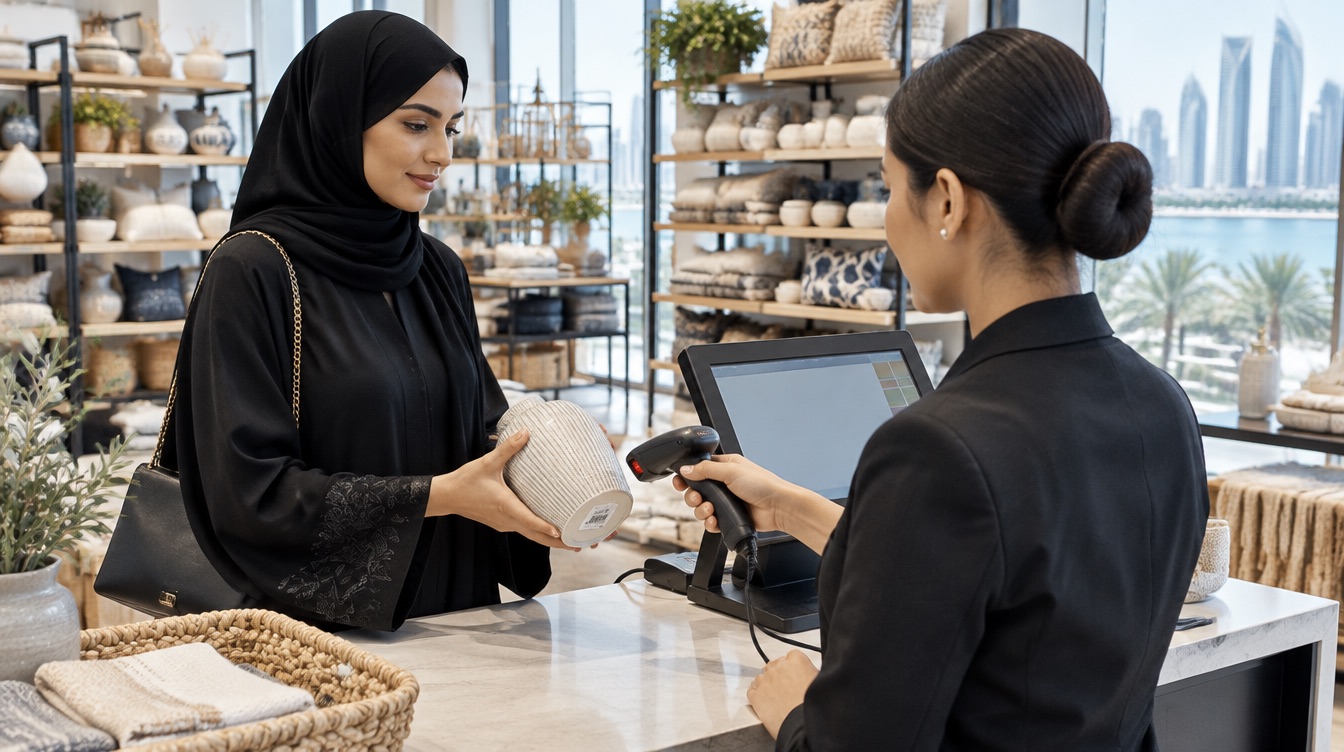
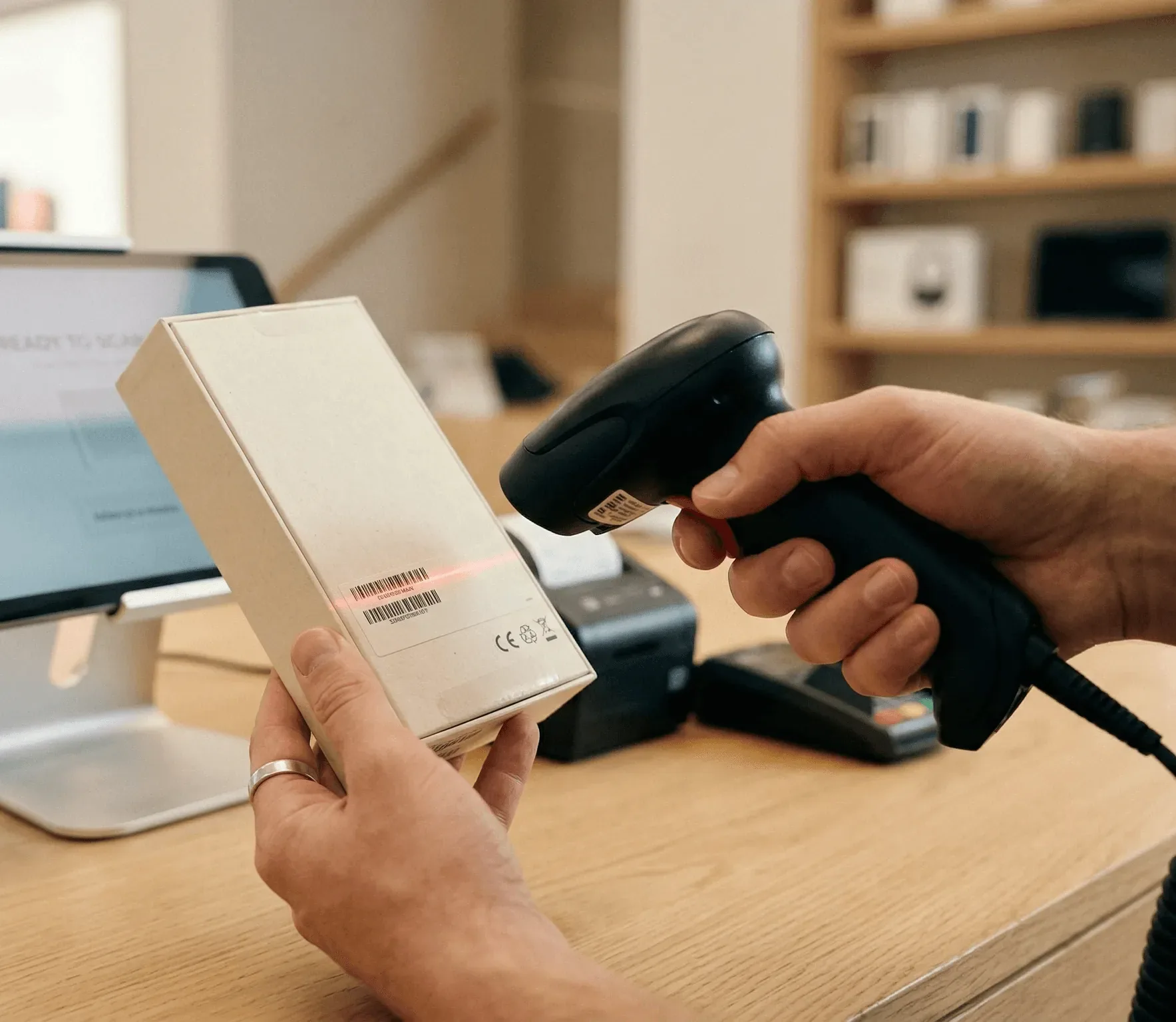
Typing prices by hand is how queues grow and errors creep in. With barcode scanning, the item appears in the cart with its name, variant and price already filled in. A scanner can be USB or Bluetooth, and for a small shop the phone camera can do the job at the start.
Variants matter more than most owners expect. A clothing boutique sells the same shirt in four sizes and three colours. A phone accessories shop sells the same case for a dozen models. If each combination is a separate product, your catalogue becomes impossible to manage. Retail POS software should let you keep one product with all its sizes and colours inside it, and let the cashier switch variant without leaving the sale.
Then comes payment. Customers in the UAE pay with cards, contactless and digital wallets, and some still prefer cash. Some want to split a bill between two cards, or pay part in cash. Your POS should handle all of this on one screen, and the amount should travel from the POS to the payment terminal on its own, so nobody retypes a total and gets it wrong.
Discounts belong in the same flow. A weekend promotion, a discount on one item, a code for a loyal customer: the cashier should apply it in a tap, and you should see later which discounts were given and by whom.
Live stock across tills and branches
The most expensive stock problem is the one you discover when a customer asks for the last size 42 and nobody can find it. The second most expensive is the weekend spent recounting shelves because nobody trusts the numbers.
Retail POS software fixes both when every sale writes straight back to inventory. The count drops the moment the sale is completed, with no end-of-day reconciliation. If you run two or three shops, say one in a mall in Dubai and one on a busy street in Sharjah, you should see the stock of each location from one dashboard and spot gaps before they cost you a sale.
Low-stock alerts are the next step. You choose a threshold for each product or variant, and the system tells you when it is reached. That gives you time to reorder from your supplier, or to move stock from one branch to another, before the shelf is empty.
If your shop carries many references, such as a grocery or an electronics store, look for quick stocktakes and purchase orders built on the same data. In inyad POS, purchase orders and reorder points come from the inventory management tool on the same account, so what you order is based on what you actually sold.
In inyad POS, the cashier finds the original sale, refunds to card or store credit, and the item goes back into stock on its own.
Discover inyad POS
Returns, exchanges and store credit without arguments
A return that you cannot trace turns into a discussion at the counter, and whichever way it ends, someone leaves unhappy. The fix is simple: every return should start from the original sale.
With good retail POS software, the cashier looks up the sale by receipt number, customer name or card, selects the items coming back and chooses how to refund. That can be the original payment method or store credit on the customer's profile, which keeps cash in your drawer and gives the customer a reason to come back. The returned item goes back into stock automatically, in the right size and colour.
Receipts follow the same logic. A digital receipt sent by WhatsApp, SMS or email is easy to find when the customer returns a week later, and it saves paper. Customers who prefer paper can still get a printed receipt at the counter. With inyad POS, the customer chooses, and there is no extra step for the cashier.
Exchanges are a return and a new sale together. Ask any vendor to show you one live: a customer brings back a medium, takes a large in another colour and pays the difference by card. If it takes more than a minute on the demo, it will take longer on a busy evening.
Staff, cash and the end-of-day count
Most cash gaps in a shop are not theft. They are a price changed by hand, a refund nobody wrote down or a drawer opened to give change for a neighbour. The answer is visibility, not suspicion.
Each cashier, clerk or stock manager should open the till with a personal PIN. Every manual price change, drawer opening, refund and deleted sale is then recorded under their name. You decide who can do what: a new cashier can sell, a supervisor can refund, only you can change prices.
At the end of the day, the POS should give you a summary: total sales, payment methods, top products and the cash that should be in the drawer. When the count matches, the shift closes in minutes. When it does not, you can see exactly which transactions to look at.
If you run several registers at once, they should stay in sync. Two cashiers selling the same item at the same time should never create a stock count that is wrong by one.
Example: a Saturday in a Sharjah fashion boutique
This example is illustrative. Mariam runs a women's fashion boutique in Sharjah with two cashiers and a small stockroom.
- 10:00: the shop opens. Mariam checks yesterday's sales on her phone and sees that a linen dress in size M is down to two pieces. The low-stock alert had already flagged it.
- 13:30: a customer buys three items. The cashier scans each barcode, the size and colour appear on screen, a weekend discount is applied in one tap, and the customer pays by contactless card.
- 16:00: a customer returns a blouse bought last week. The cashier finds the sale from the digital receipt on the customer's phone, refunds it as store credit, and the blouse goes back into stock in the right size.
- 18:45: the evening rush. A second cashier opens another register. Both tills share the same stock, so nobody sells a piece that is already gone.
- 22:00: closing. The end-of-day report shows sales by payment method and the expected cash. The drawer matches, and Mariam sees the top five products of the day before she leaves.
Nothing in this day is unusual. What changes is that Mariam never has to guess.
Choosing retail POS software in the UAE: mistakes to avoid
Most owners choose a POS once every few years, so it is worth avoiding the common traps.
- Choosing on the demo alone: ask to load a sample of your own products, with real variants, and run a few sales and a return yourself.
- Forgetting the offline test: ask what happens when the internet drops. The till should keep scanning, taking cash and printing receipts, then sync once the connection returns.
- Ignoring setup and training: a POS that nobody configures properly becomes a calculator with a screen. Ask who loads your catalogue, who trains the cashiers and who answers when something goes wrong on a Friday evening.
- Not asking about languages: if your team reads different languages, ask which languages the screens and the support team use.
- Buying hardware you do not need: some POS software runs on standard Android or Windows devices you may already own. Start with what you need, and add a scanner, printer or cash drawer when it makes sense.
- Leaving tax questions to the vendor: what your receipts and invoices must show depends on your situation. Check it with your accountant, then ask the vendor to show you how the POS handles it.
inyad POS is set up with you: products loaded, till configured and cashiers trained on the real machine, then support by phone and chat seven days a week.
Frequently asked questions
What is the difference between retail POS software and a cash register?
A cash register records an amount and opens a drawer. Retail POS software knows what was sold: the product, the variant, the price, the cashier and the payment method. That is what lets it update stock, trace returns, apply discounts and give you reports, which a basic cash register cannot do.
Can I use retail POS software on a phone or tablet?
Yes, many systems run on standard Android devices and Windows computers. A phone is enough to start a small shop, with the camera as a barcode scanner. As the shop grows, you can add a countertop register, a dedicated scanner, a receipt printer and a cash drawer on the same account.
How does POS software help a shop with several branches in the UAE?
With one account for all locations, you see each branch's stock and sales from one dashboard, keep the same prices everywhere and spot which shop needs a transfer before a product runs out. Reports can be read from your phone, so you do not have to visit each branch to know how the day went.
What should I prepare before switching POS?
Prepare a list of your products with prices, barcodes and variants, your current stock levels, the list of staff who will use the till and the payment methods you accept. A spreadsheet is fine. With that in hand, setup is mostly about checking the details with whoever installs the system.
Was this article helpful? Share on WhatsApp Send by email
A till that also keeps your stock right
inyad POS scans every barcode with its size and colour, updates stock across your shops with each sale, refunds from the original receipt and keeps selling offline.
Fast modifiers at the counter, orders taken at the table, stock down to beans and milk, and a till that matches every shift: choosing a café POS in Dubai.
9 min Free POS system in the UAE: what to know firstFree plans, trials, downloads and cracked copies: what a free POS really costs a UAE business, and how to start free without regretting it.
10 min POS machine in the UAE: which type fits your counter?Classic cash register, all-in-one touchscreen, tablet or phone, handheld card terminal: what each POS machine does well, and how to pick yours.
7 min