Simplified tax invoice vs tax invoice in Saudi Arabia
Who each invoice is for, what it shows, clearance vs 24-hour reporting, input VAT, and worked examples in SAR at 15 % VAT.
In Saudi Arabia, a tax invoice is for business and government buyers: it carries their VAT number and lets them deduct input VAT. A simplified tax invoice is for consumers: it carries a QR code and allows no deduction.
Key takeaways
- A simplified tax invoice in KSA is for sales to consumers; a tax invoice is for sales to businesses and government entities.
- The tax invoice carries the full buyer details, including the VAT number. The simplified tax invoice needs fewer buyer details and always carries a QR code.
- In ZATCA Phase 2, a tax invoice is cleared by FATOORA before the buyer gets it; a simplified tax invoice is reported within 24 hours.
- Only a tax invoice lets the buyer deduct input VAT. A business buyer who receives a simplified invoice cannot recover the VAT on it.
- Both are electronic, both are kept at least 6 years in the Kingdom, and neither is ever edited: corrections go through credit or debit notes.
The simplified tax invoice in KSA and the full tax invoice look alike at first glance, but they answer different questions: who is buying, how much detail the invoice must carry, how it reaches ZATCA, and whether the buyer can recover the VAT. Choosing the wrong one can cost your business customer their input VAT, or slow down a counter sale for no reason.
This article sets out both types side by side, with worked examples in Saudi riyals at 15 % VAT, and ends with a simple rule you can give your team. It reflects ZATCA’s rules as of October 2026; confirm details with ZATCA, as guidance is updated over time.
Simplified tax invoice vs tax invoice in KSA: the definitions
Under ZATCA e-invoicing, both documents are electronic invoices issued from a compliant solution. Since 4 December 2021 (Phase 1), neither can be produced from a word processor or a spreadsheet.
- Tax invoice: the invoice for business-to-business (B2B) and business-to-government (B2G) sales. It identifies the buyer fully, including their VAT number when they are registered, and supports their input VAT claim.
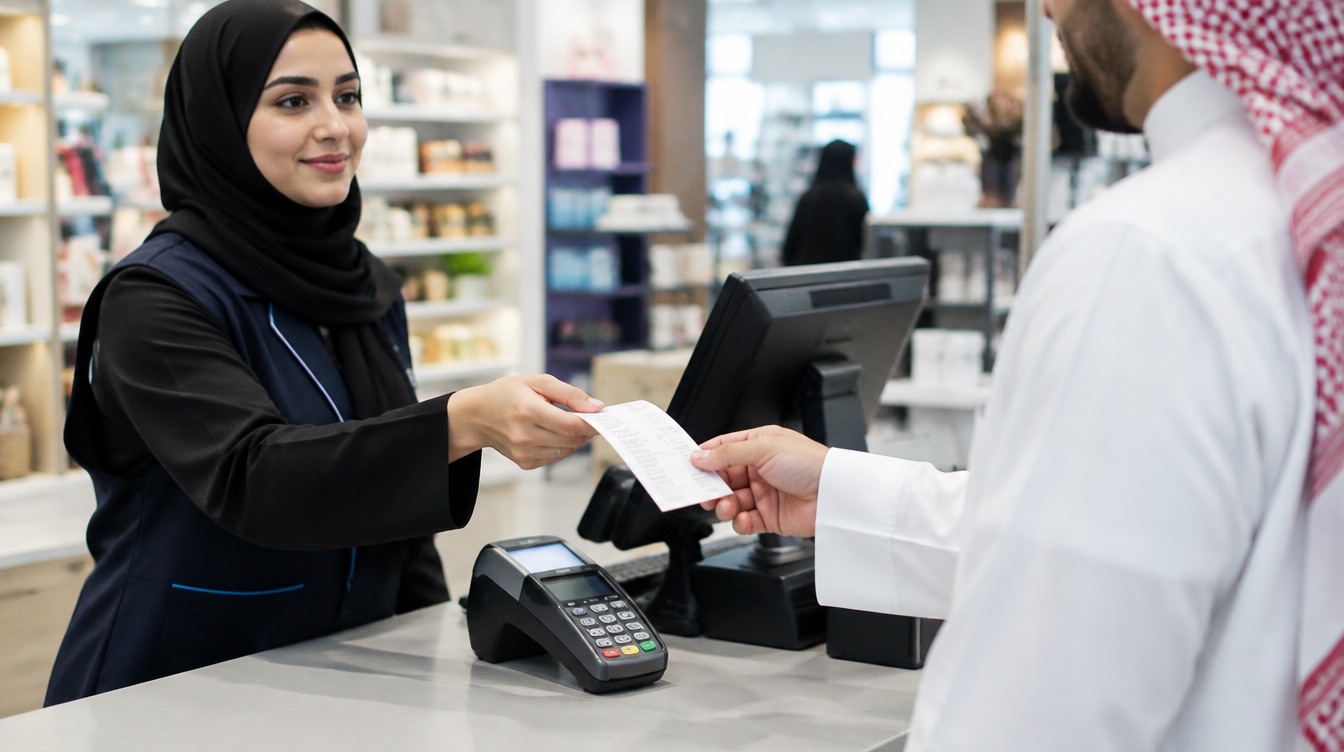
- Simplified tax invoice: the invoice for business-to-consumer (B2C) sales, such as a shop, a café or a salon serving the public. It needs fewer buyer details and carries a QR code.
Both types are VAT documents. They show the VAT you charged, they count toward your VAT return, and they follow the same e-invoicing rules for numbering, storage and corrections. What changes is the level of detail and the path each one takes to ZATCA.
The choice depends on the buyer, not on the size of your business or the amount of the sale. The same shop issues simplified invoices to walk-in customers and tax invoices to the company that orders supplies every month.
What each invoice must show
ZATCA publishes the exact list of required fields for each type, and your invoicing solution should apply it for you. In broad terms, both types show the seller’s name, the seller’s 15-digit VAT number, an invoice number, the issue date, a description of what was sold, the VAT at 15 % and the total including VAT. The differences are on the buyer side and in the detail.
- Buyer details: full name, address and VAT number on a tax invoice; reduced or none on a simplified invoice.
- Line detail: a tax invoice typically breaks down each line with its net amount, VAT rate and VAT amount; a simplified invoice can be more compact.
- QR code: always on a simplified invoice, so anyone can scan the key details.
- Corrections: on both, a credit or debit note that references the original invoice.
Check the current field list with ZATCA for your situation, especially if you sell to government entities or deal with special cases.
QR code, clearance and 24-hour reporting
The biggest practical difference shows up in ZATCA Phase 2, when your solution is integrated with the FATOORA platform. Phase 2 is applied in waves by revenue; as of October 2026, Wave 25 covers businesses above SAR 187,500 of VAT-taxable revenue in any one year from 2022 to 2025, with a deadline of 1 February 2027.
Tax invoice: clearance first
Your solution sends the tax invoice to FATOORA, which clears it. Only then do you share it with the buyer. The buyer receives an invoice that ZATCA already holds, which is what makes it reliable for their VAT return.
Simplified tax invoice: reporting within 24 hours
Your solution issues the simplified invoice and hands it to the customer at once, with its QR code, so the queue at the counter keeps moving. The invoice is then reported to FATOORA within 24 hours.
If you are still under Phase 1 only, you do not exchange invoices with FATOORA yet, but your simplified invoices must already carry a QR code.
In practice, this means a business invoice takes a moment longer to issue, because it waits for clearance, while a counter sale is never held up. It also means that once you are in Phase 2, ZATCA sees both streams of invoices as they happen, so your VAT return and your invoicing have to tell the same story.
Make the buyer the deciding question: business or consumer?
Input VAT: why the buyer cares
Input VAT is the VAT a business pays on its purchases and deducts from the VAT it collects on its sales. In Saudi Arabia, only a tax invoice allows that deduction. A simplified tax invoice does not.
For a consumer, this changes nothing: they cannot recover VAT anyway. For a business buyer, it is real money. If you hand a company a simplified invoice by mistake, they lose the right to deduct the 15 % VAT on it until the document is corrected. That is why your business customers will ask for a tax invoice, and why you should collect their VAT number before you invoice.
Raise an invoice, see who has paid and send a reminder, from your phone or your laptop.
Discover inyad Invoicing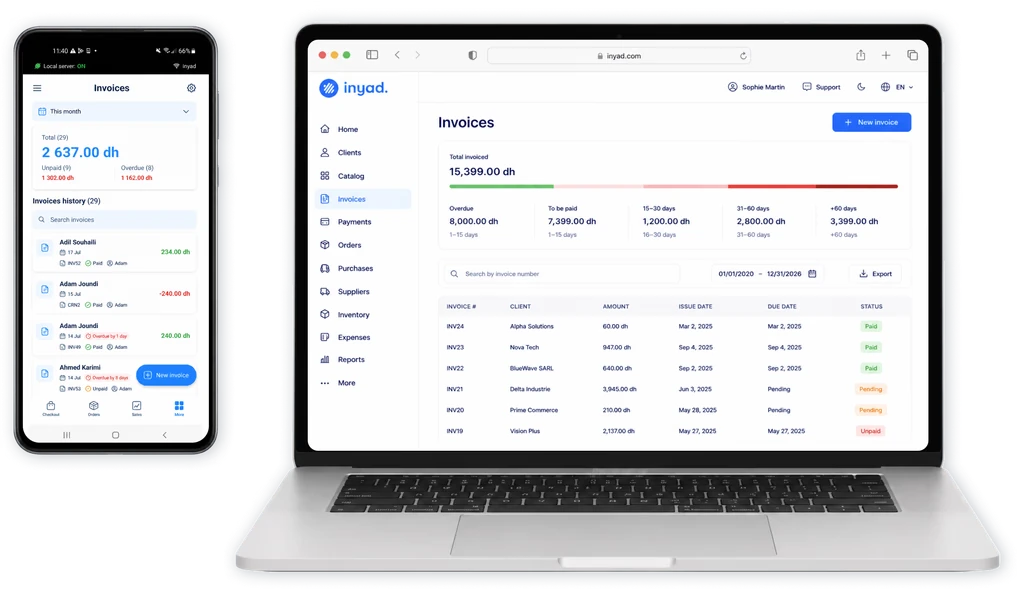
Worked examples in SAR at 15 % VAT
B2B: a tax invoice
A print shop in Riyadh supplies brochures to a trading company that is registered for VAT.
- Net amount: SAR 10,000.
- VAT at 15 %: SAR 10,000 × 0.15 = SAR 1,500.
- Total: SAR 11,500.
- Document: a tax invoice with the buyer’s name, address and VAT number, cleared by FATOORA in Phase 2 before it is sent.
- Effect for the buyer: the trading company can deduct the SAR 1,500 as input VAT on its return.
Two weeks later, the buyer returns brochures worth SAR 2,000 net. The print shop does not edit the invoice. It issues a credit note referencing it: SAR 2,000 net, SAR 300 VAT, SAR 2,300 total. The original stays on record, and the net position is SAR 8,000 plus SAR 1,200 VAT.
B2C: a simplified tax invoice
A café in Jeddah sells a customer two coffees and a pastry, priced at SAR 46 including VAT.
- Price including VAT: SAR 46.
- Net amount: SAR 46 ÷ 1.15 = SAR 40.
- VAT: SAR 46 − SAR 40 = SAR 6.
- Document: a simplified tax invoice with a QR code, handed over at once and reported to FATOORA within 24 hours in Phase 2.
Notice the calculation: to find the VAT in a price that already includes it, divide by 1.15. Taking 15 % of SAR 46 (SAR 6.90) would overstate the tax.
Simplified tax invoice in KSA: when to use which
- Selling to a consumer: simplified tax invoice.
- Selling to a VAT-registered business: tax invoice, with their VAT number.
- Selling to a government entity: tax invoice.
- A business customer at your counter: ask whether they need a tax invoice before you issue anything. If they do, collect their details and issue a tax invoice.
- A mistake on either type: never edit; issue a credit or debit note referencing the original.
Our recommendation is simple. Make the buyer the deciding question: “Is this sale to a business or government entity?” If yes, issue a tax invoice with the buyer’s full details. If no, issue a simplified tax invoice. Set up your invoicing tool so both types are a tap away and so your regular business customers are saved with their VAT numbers, and the right choice becomes automatic.
With inyad Invoicing, your business customers are stored in one client directory, every invoice is numbered automatically, and corrections go out as credit notes against the original. inyad Invoicing integrates with ZATCA’s FATOORA platform for Phase 2 (integration). You can send every document on WhatsApp, by SMS or by email, with a payment link inside.
Frequently asked questions
Can a business deduct VAT from a simplified tax invoice in Saudi Arabia?
No. Only a tax invoice allows the buyer to deduct input VAT. If a business customer needs to recover the VAT, they should receive a tax invoice with their full details, including their VAT number.
Does a tax invoice need a QR code?
The QR code is a defining feature of the simplified tax invoice, which carries one in both phases. For the exact visual requirements on tax invoices in your situation, check ZATCA’s current guidance or ask your invoicing provider.
Can I convert a simplified tax invoice into a tax invoice?
You do not edit an issued invoice. If you issued the wrong type, correct it through a credit note referencing the original, then issue the right document. Ask your adviser how to handle the specific case.
How long must I keep both types of invoices?
At least 6 years, inside the Kingdom, together with any credit and debit notes. Keep them in a searchable digital archive so you can produce any document quickly.
Was this article helpful? Share on WhatsApp Send by email
The right invoice, every time
inyad Invoicing keeps your customers in one directory, numbers every invoice, raises credit notes, sends documents on WhatsApp, SMS or email with a payment link, and integrates with ZATCA’s FATOORA platform for Phase 2.
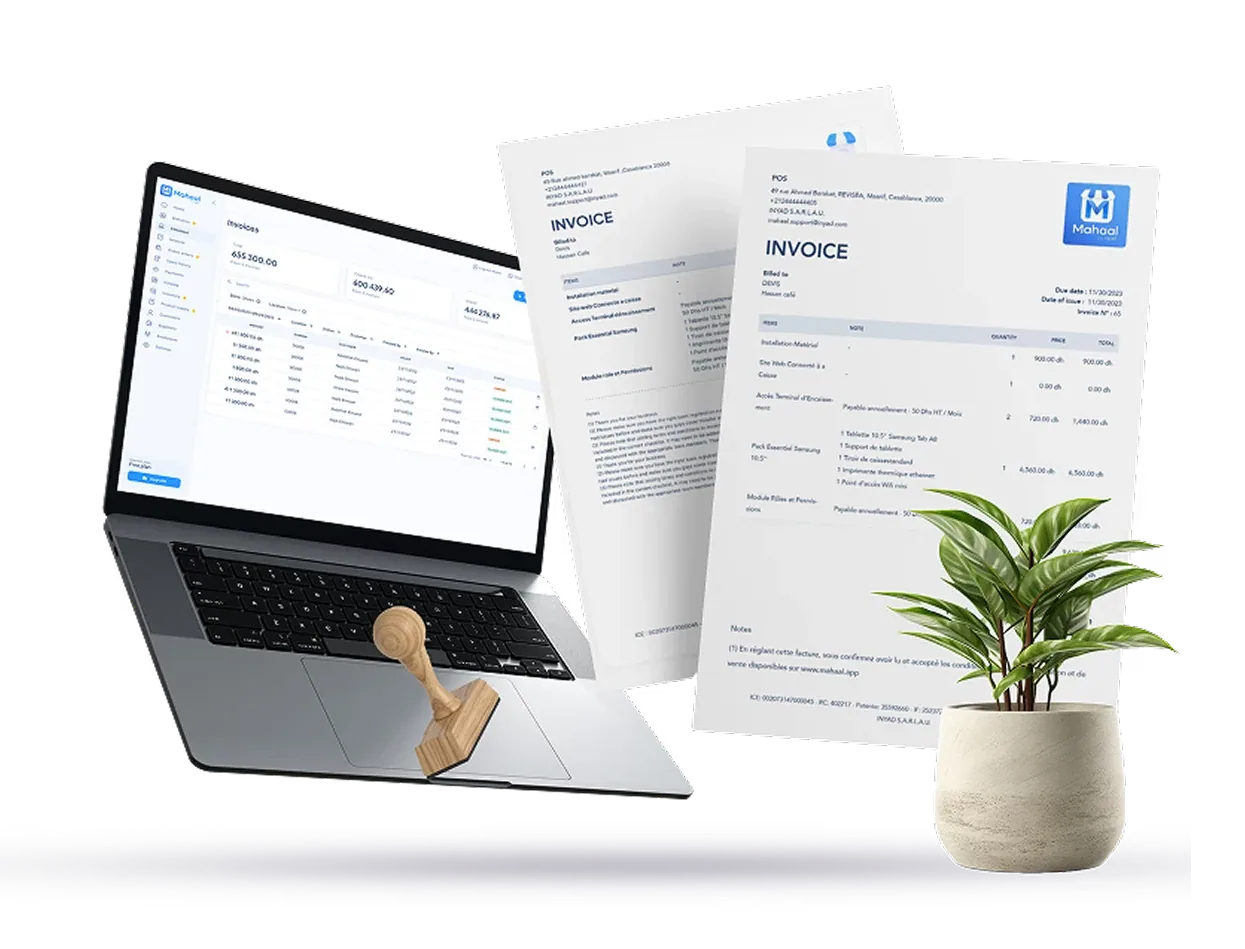
The must-have criteria for FATOORA Phase 2, the features that save time every week, red flags, questions for vendors and a worked scoring.
8 min The FATOORA platform explained for Saudi businessesWhat FATOORA does, how clearance and reporting work in Phase 2, how a solution is onboarded, and the mistakes Saudi businesses make.
9 min VAT on invoices in Saudi Arabia: how to calculate 15%15 % VAT from excluding to including and back, per-line rounding, discounts, credit and debit notes, with worked examples in SAR.
7 min